WebP vs AVIF for Ecommerce Images: File Size, Quality and Compatibility
Compare WebP and AVIF for ecommerce images. Review quality, file size and upload compatibility before converting product photos with Pixoate.
WebP and AVIF can be useful choices for modern web images, but “newer” is not a complete decision rule. A store needs files that preserve important detail and work throughout its upload, editing and delivery workflow.
Pixoate Image Format Converter supports WebP and AVIF outputs. Compare them using the same source and a clearly defined quality target rather than assuming that one setting means the same thing across encoders.
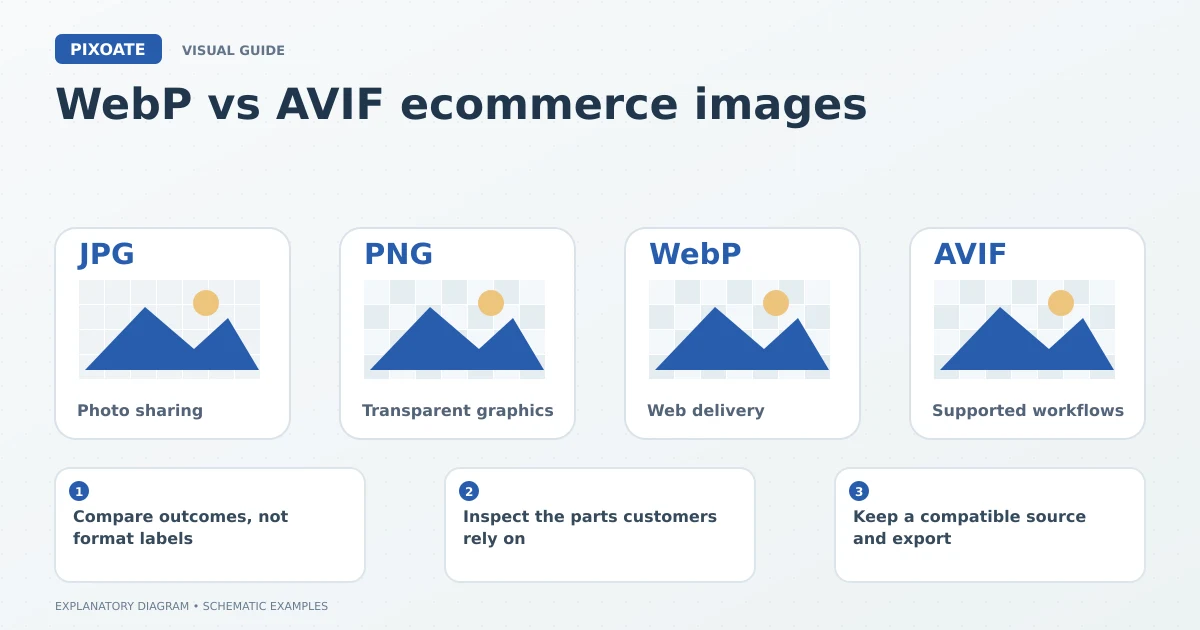
Original explanatory graphic. The scenes and sample records are schematic illustrations, not screenshots or measured tool results.
Compare outcomes, not format labels
Google's AVIF documentation [1] describes the format's AV1-based encoding. Its usefulness for a particular product image still depends on the output and where that file will be used.
Prepare a representative set: a plain product photo, a detailed textile, a transparent graphic and an image containing small text. Use each source to create candidate outputs and compare file size and visible detail.
Inspect the parts customers rely on
A smaller file is only helpful if the image still communicates the product. Look at packaging text, texture, fine edges and smooth colour areas. View the files at their intended display size as well as at a useful close zoom.
Use JPG to WebP for a focused conversion of photographic sources, or PNG to WebP for compatible PNG inputs. Check that required transparency survives in the actual result.
| Decision | Question to answer |
|---|---|
| File size | Which reviewed output is smaller for this image? |
| Detail | Are labels and materials still clear? |
| Transparency | Does the output retain the required transparent areas? |
| Compatibility | Can every relevant receiving system use the file? |
| Delivery | What does the live website actually serve? |
Keep a compatible source and export
The store platform may transform uploaded images, and a third-party marketplace may accept a narrower set of formats. A browser's ability to display a file does not mean every import form will accept it.
Keep the original and any required broadly compatible export. Check the live product page after upload instead of assuming your locally generated file is served unchanged.
Is AVIF always smaller than WebP?
Do not assume that for every image and setting. Compare actual outputs at a useful level of perceived detail.
Should I convert an entire catalogue immediately?
Start with representative images and confirm the workflow, visual results and destination support. Use batch processing only after the chosen approach suits the relevant group.
Use Pixoate Image Format Converter to make the comparison concrete. The best choice is the reviewed file that serves the image's purpose in your actual workflow.
Sources
- AVIF documentation:
https://web.dev/learn/images/avif