The Paperwork Handoff: What Happens After You Photograph a Document
Photographing a document is only the start of a paperwork handoff. Use Pixoate to prepare readable, ordered PDFs that the next person can work with.
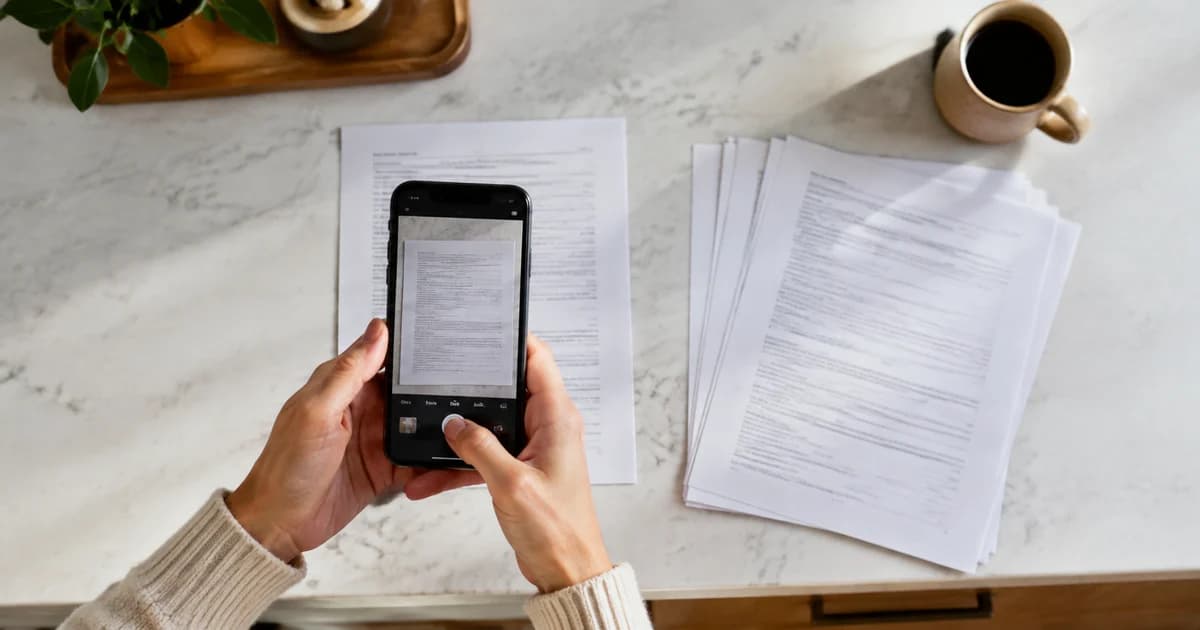
Photographing a document feels like finishing the job. For the next person, the job may only be beginning: rotate the pages, work out their order, find the clearer duplicate and turn the pictures into something that can be filed.
The paperwork handoff improves when the sender prepares a readable document rather than transferring all those small decisions to the recipient.
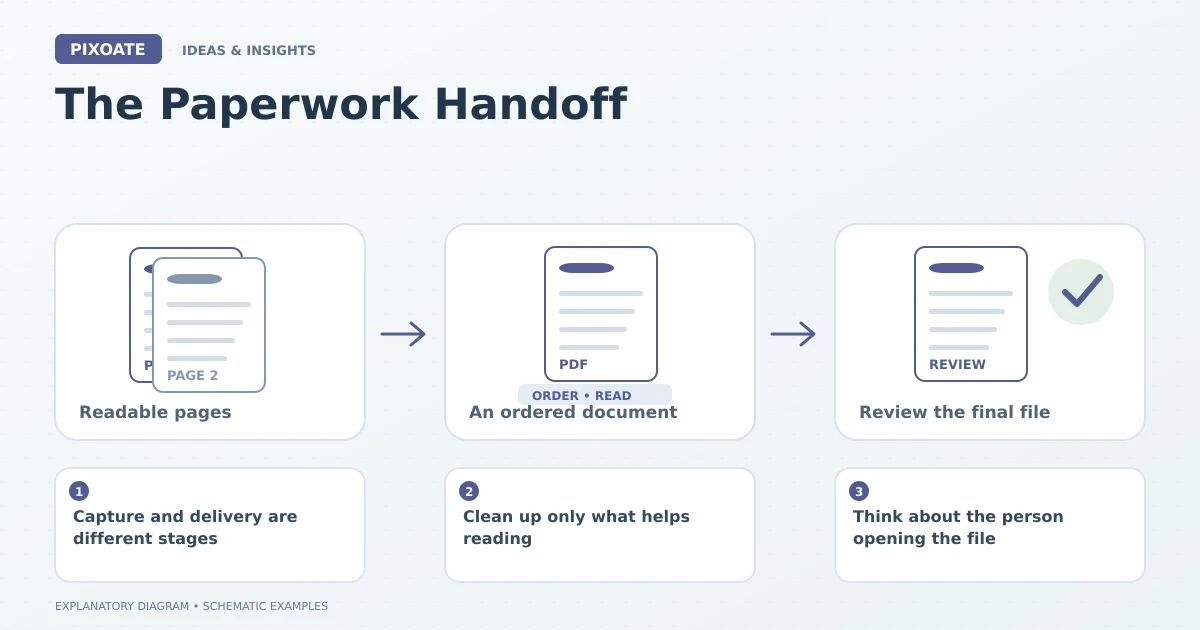
Original explanatory graphic. The scenes and sample records are schematic illustrations, not screenshots or measured tool results.
Capture and delivery are different stages
A camera records the page in front of it. A useful document also needs sequence, orientation, completeness and an appropriate file format.
Before sending, identify the first page, continuation pages and attachments. Check whether the image includes the full signature, page number and any notes near the edge.
Clean up only what helps reading
Pixoate Scan to PDF provides page-oriented cleanup such as cropping, straightening and shadow adjustment. Use restrained settings and inspect faint handwriting or stamps that might disappear under aggressive processing.
If the images are already clear, Image to PDF can assemble them into a readable sequence without unnecessary treatment.
Think about the person opening the file
Will they read it on a phone, print it or upload it to another system? Choose page size and output accordingly. Check the final file rather than assuming the editor preview matches every later use.
| Small preparation step | Work it saves the recipient |
|---|---|
| Correct page order | Reconstructing the document |
| Upright orientation | Rotating each image |
| Clear filenames | Guessing which job the file concerns |
| Complete, readable pages | Requesting another copy |
Keep the source when it matters
A cleaned PDF is a useful delivery copy, but the original photographs may retain context needed for review. Preserve them according to your recordkeeping process.
If searchable text is required, choose a supported OCR route and verify it separately. A neat-looking page does not establish a correct text layer.
Use Pixoate Scan to PDF or Image to PDF to finish the handoff. The useful outcome is a document the next person can begin using immediately, with fewer avoidable questions about its pages.