The Small PDF Edit That Turns into an Afternoon of Retyping
A small PDF change should not require unnecessary retyping. Compare Pixoate editing and conversion workflows for revising a document you already have.
The required change is tiny: a venue, a date or one sentence. The available file is a PDF, and the original document cannot be found. A small revision threatens to become a complete retyping exercise.
The right editing route depends on what the PDF contains and how much needs to change. Identifying that structure can prevent unnecessary reconstruction.
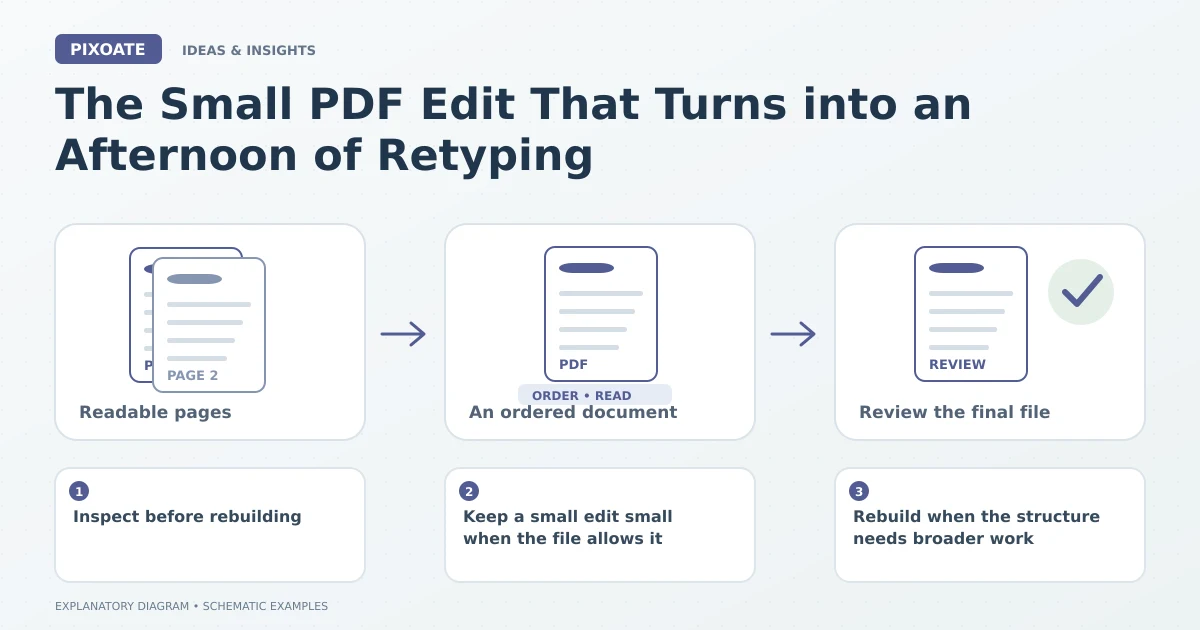
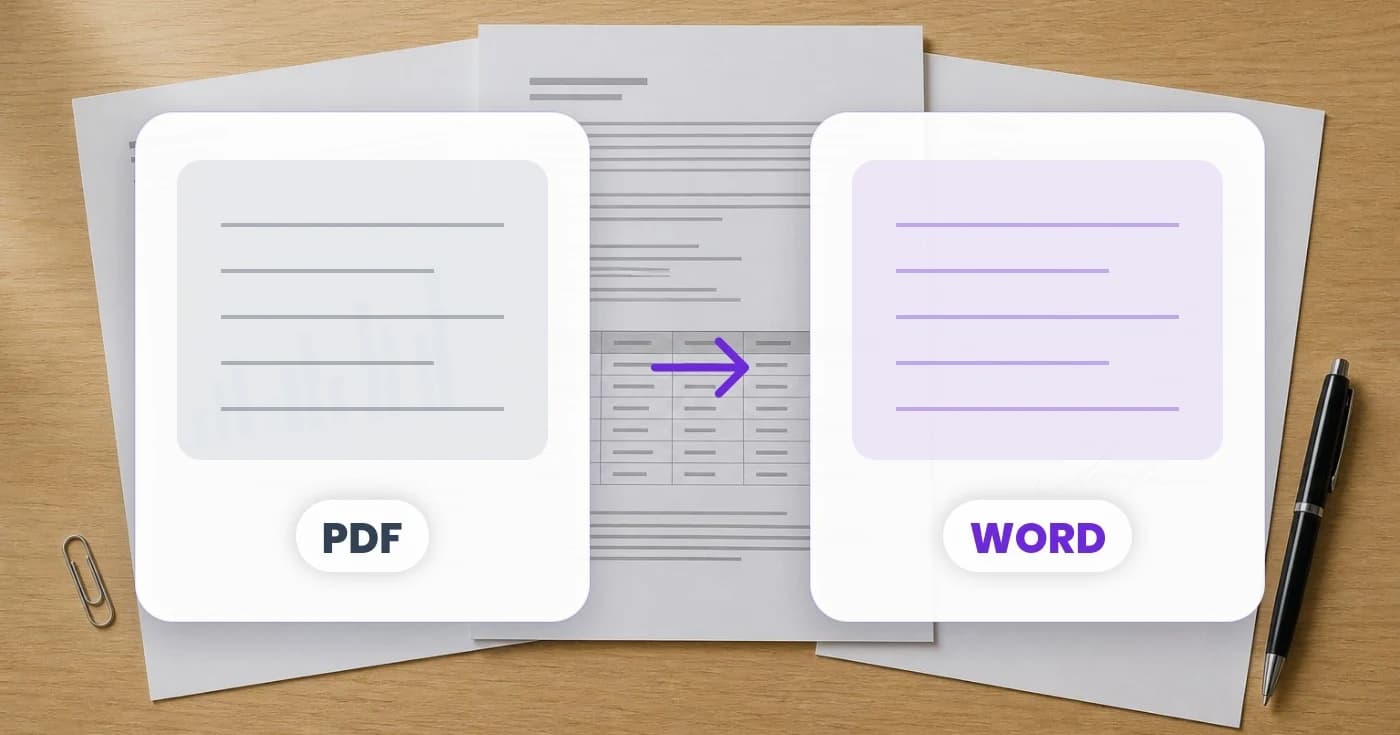
Original explanatory graphic. The scenes and sample records are schematic illustrations, not screenshots or measured tool results.
Inspect before rebuilding
A PDF can contain selectable text, interactive form fields or pictures of scanned pages. Those are different editing situations. Adding a new text box over an old scan does not necessarily remove or replace the wording beneath it.
Pixoate PDF Editor provides supported text and document editing operations, including OCR-related workflows. Use the available operation that matches the actual page and inspect the result carefully.
Keep a small edit small when the file allows it
If the relevant text can be edited appropriately, change only what is needed and review the surrounding layout. A longer replacement may wrap differently, overlap another element or reveal a font mismatch.
Check the final exported PDF, not only the editing view. Dates, punctuation and nearby labels deserve a close reading after the change.
Rebuild when the structure needs broader work
If several paragraphs or the overall layout need revision, PDF to Word may provide a more useful starting point. Choose the supported editable-content route rather than an exact-look page-image mode when you need to rewrite text.
Review the converted document for reading order, tables and missing elements before editing. Conversion can reduce reconstruction work without guaranteeing perfect formatting for every source.
Keep the revised copy identifiable
Save the original and label the new version clearly through your document process. Confirm that the recipient receives the revised file rather than an earlier attachment with a similar name.
If a field or document is part of an official process, preserve the required structure and use the applicable instructions. A visually convenient edit is not automatically appropriate for every form.
The useful question is how much of the document actually needs to be reconstructed. Start with Pixoate PDF Editor, and use PDF to Word when the next job genuinely needs a broader editable document.