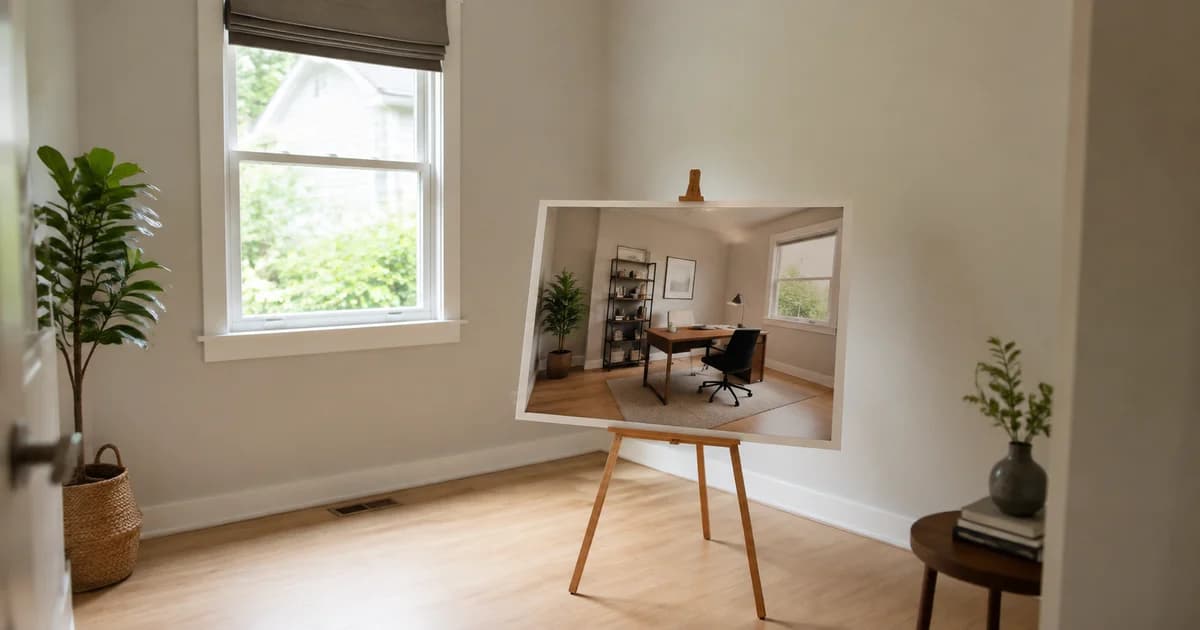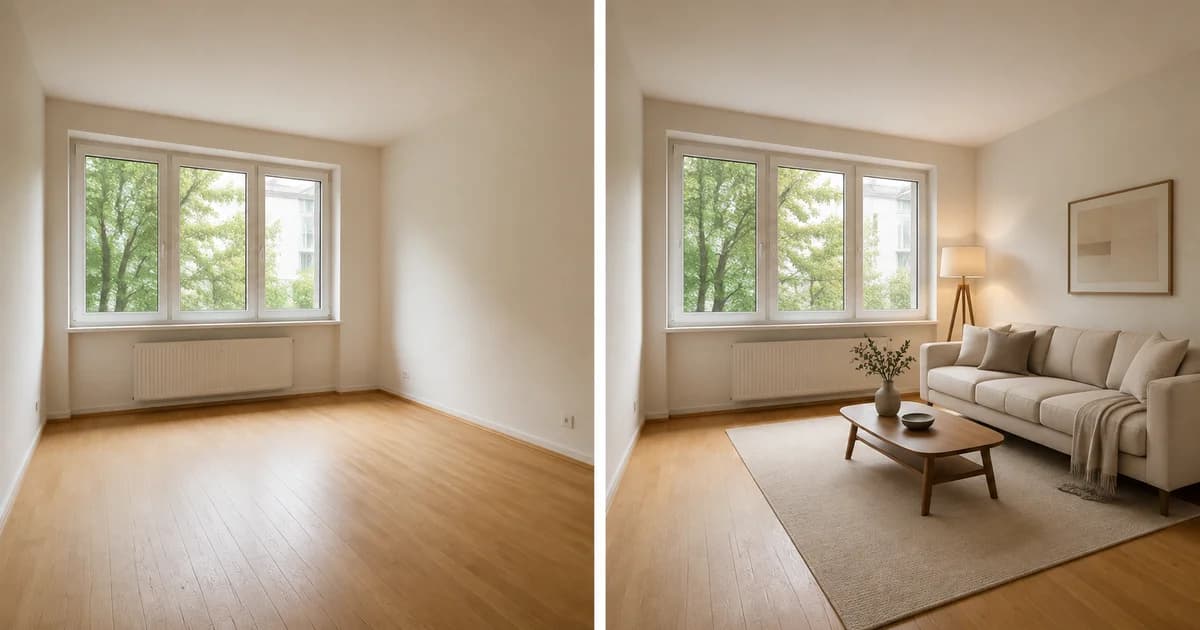
When Listing Photos Promise Too Much: Building Trust with Transparent Virtual Staging
Transparent virtual staging helps viewers distinguish a property from a proposal. Use Pixoate to create labelled concepts that preserve the original context.
A listing image creates a promise before the viewing begins. If the furniture, garden or room layout looks different on arrival, the visitor has to work out which parts of the picture represented the property and which represented an idea.
Transparent virtual staging helps keep that distinction understandable. It gives a furnishing concept a clear role alongside the actual-condition photos.
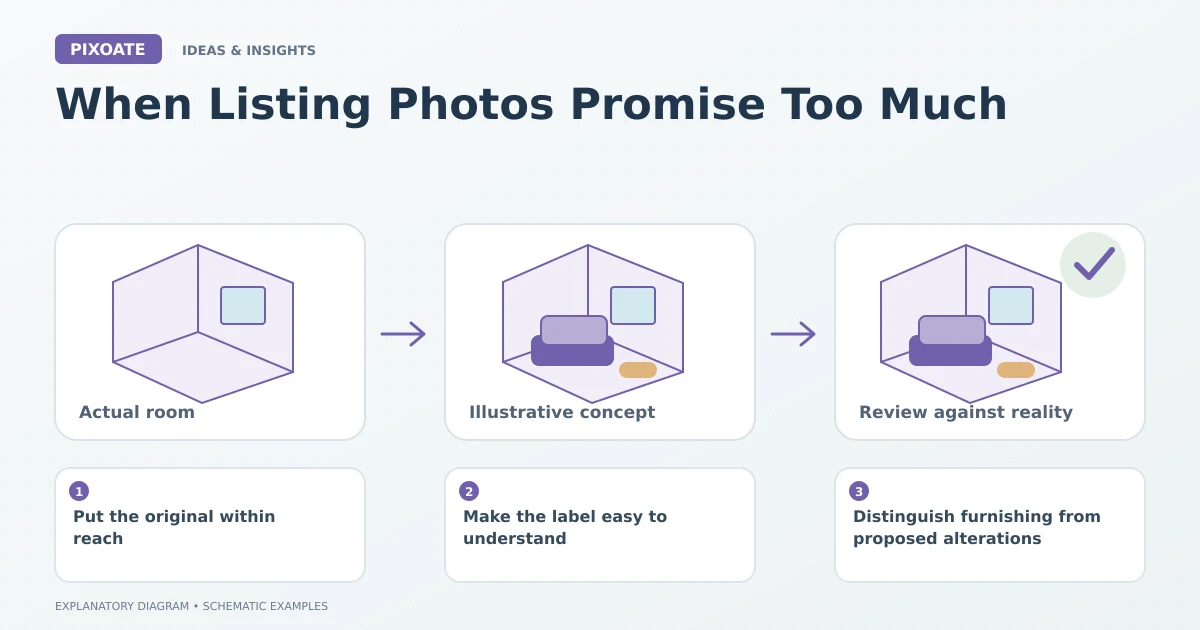
Original explanatory graphic. The scenes and sample records are schematic illustrations, not screenshots or measured tool results.
Put the original within reach
The original image shows the room that exists. A staged image suggests one arrangement. Both can be useful, but they should not be presented as interchangeable evidence.
Use Pixoate Virtual Staging AI to create a plausible concept, then inspect fixed architecture, furniture proportions and the actual offer. Keep the source photo and verified property details available.
Make the label easy to understand
Use Add Text to Image where appropriate to identify the generated furnishing. Keep the label readable at the displayed size, and make the listing wording clear about what is supplied.
Check the requirements of the relevant portal and local publishing process. A small label is not a universal solution to every disclosure or representation question.
Distinguish furnishing from proposed alterations
A sofa concept is different from an image that changes a window, removes a fixture or improves damaged surfaces. If an image illustrates a proposed redesign, identify that purpose explicitly and preserve the existing condition.
Do not let an attractive generated result redefine the room's measurements or contents. The image is an aid to visualization, not proof that a particular product fits or is included.
Review the gallery's combined message
| Gallery element | What a viewer should understand |
|---|---|
| Original photo | The actual room and visible condition |
| Labelled staging concept | An illustrative furnishing possibility |
| Verified dimensions | The basis for assessing physical fit |
| Offer description | What is and is not supplied |
Look for contradictions between different views. Generated rooms may not retain identical furniture across angles, even when they share a style direction.
Trust is easier to preserve when the image tells the viewer how to interpret it. Use Pixoate Virtual Staging AI to create a helpful possibility and keep the real property clearly represented throughout the listing.