Virtual Staging for Unfurnished Rentals: Show Layout Ideas to Prospective Tenants
Use virtual staging to show furniture layout ideas for unfurnished rentals. Create Pixoate concepts that help tenants picture a room's possible use.
An empty rental room may leave a prospective tenant with practical questions. Where could a desk go? Would a sofa block the door? Is there enough room for a dining area? A photograph of bare walls does not always communicate a useful arrangement.
Pixoate Virtual Staging AI for unfurnished rooms can create furnishing concepts from an empty-room image. Present them as possibilities and keep clear photographs of the actual condition and inventory.
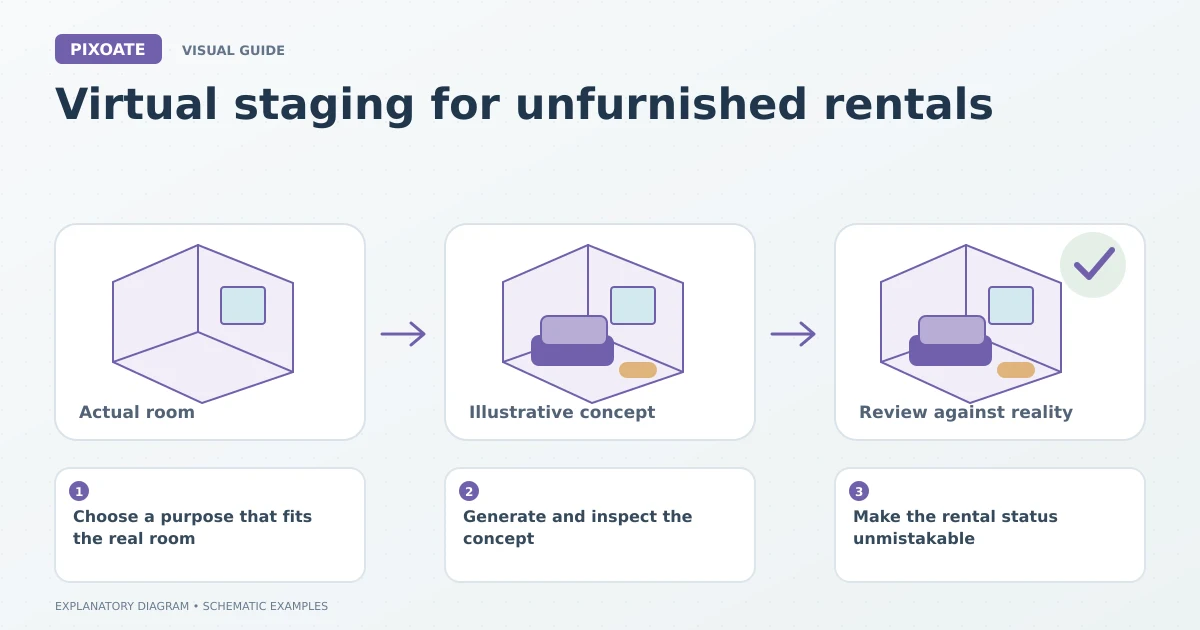
Original explanatory graphic. The scenes and sample records are schematic illustrations, not screenshots or measured tool results.
Choose a purpose that fits the real room
Start with a readable photograph showing the room's boundaries, doors and windows. Choose a room-purpose preset or describe the intended arrangement. Include relevant constraints in the direction, such as keeping circulation routes open.
Use real measurements to assess feasibility. AI staging does not establish whether a particular furniture item will fit, and a convincing perspective can still contain implausible proportions.
Generate and inspect the concept
Review fixed features first: openings, radiators, built-in storage and room shape. Then examine the furniture scale, walking routes and contact with the floor.
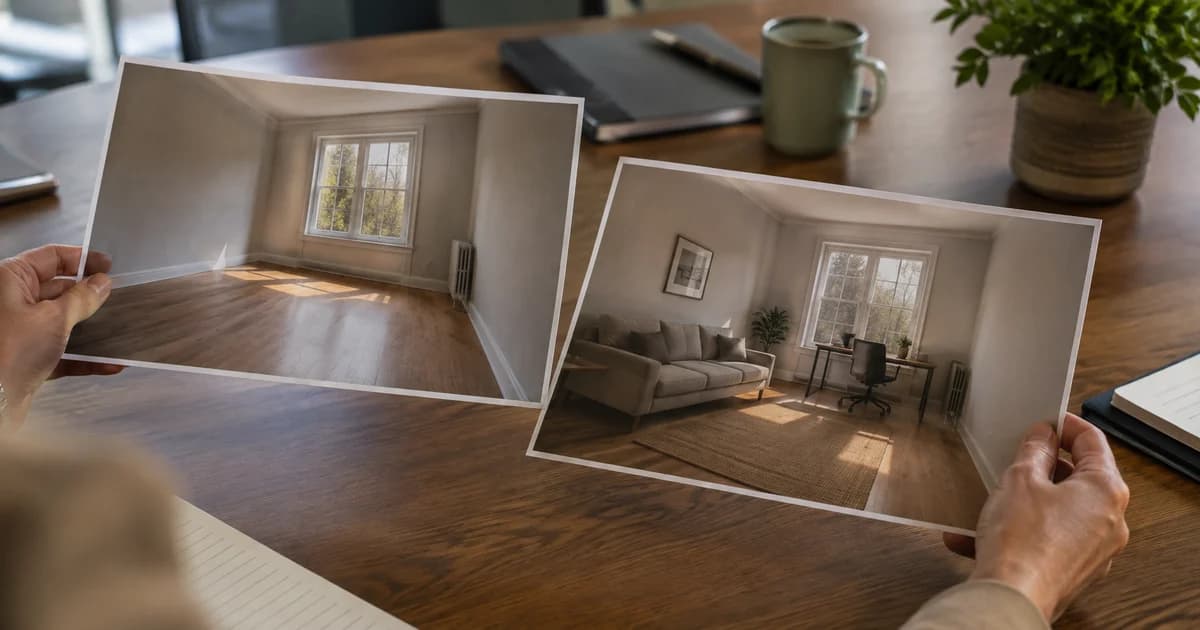
Use Image Compare for original and staged views. Check the full frame, not only the attractive central furniture. A changed window or missing fixture can matter more than the quality of the sofa.
Make the rental status unmistakable
Use Add Text to Image where appropriate to label the image as a virtual furnishing concept. Keep the listing wording clear about what furniture, if any, is supplied.
Check the requirements of the relevant portal and your local publishing process. Do not rely on an image label alone to communicate a material detail about the offer.
| Image | Useful role |
|---|---|
| Original empty-room photo | Shows the existing room and condition. |
| Labelled furnishing concept | Suggests one possible arrangement. |
| Verified dimensions or floor plan | Helps assess real fit and layout constraints. |
Keep the concept modest
A rental aimed at a home worker may benefit from a plausible desk area. Filling a compact room with oversized luxury furniture may make the image dramatic but less useful.
If you show several alternatives, label them as alternatives. Do not present mutually incompatible layouts as if all the furniture occupies the room together.
Does virtual staging prove that the room is large enough?
No. Use actual measurements and appropriate property information to assess fit. The image is a visual aid.
Should the staged image replace every empty-room photo?
Keep the original condition easy to inspect. A tenant should understand the difference between the actual rental and the suggested furnishing arrangement.
Use Pixoate Virtual Staging AI to make a practical layout easier to discuss, with the real property remaining the reference point.