
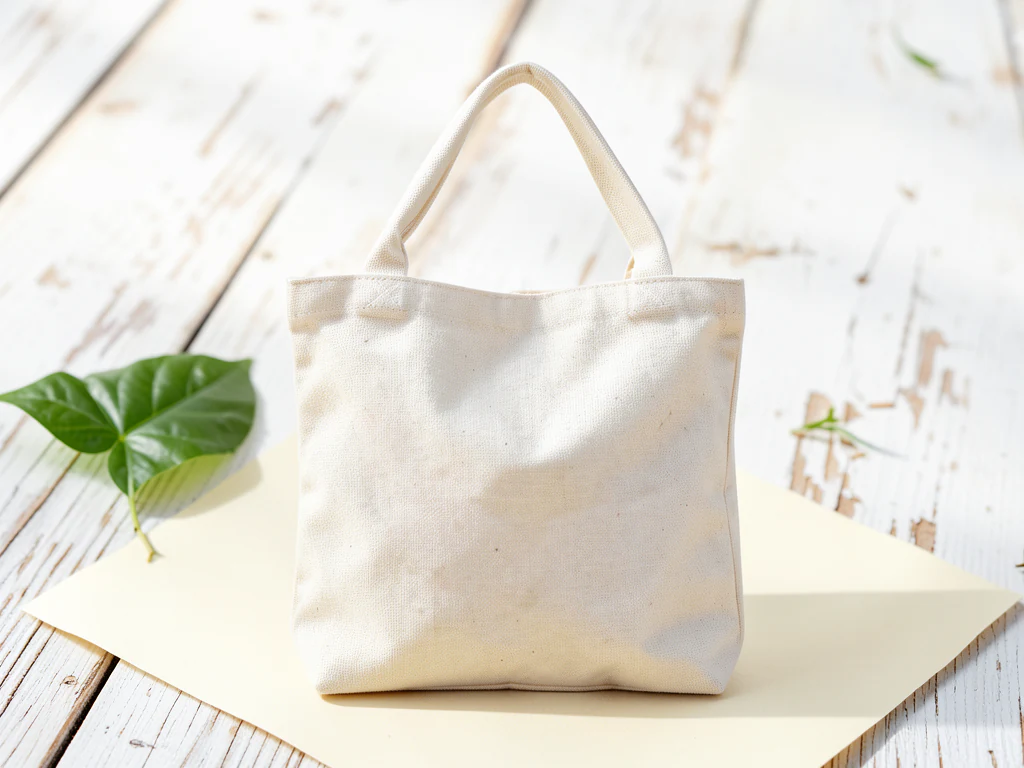
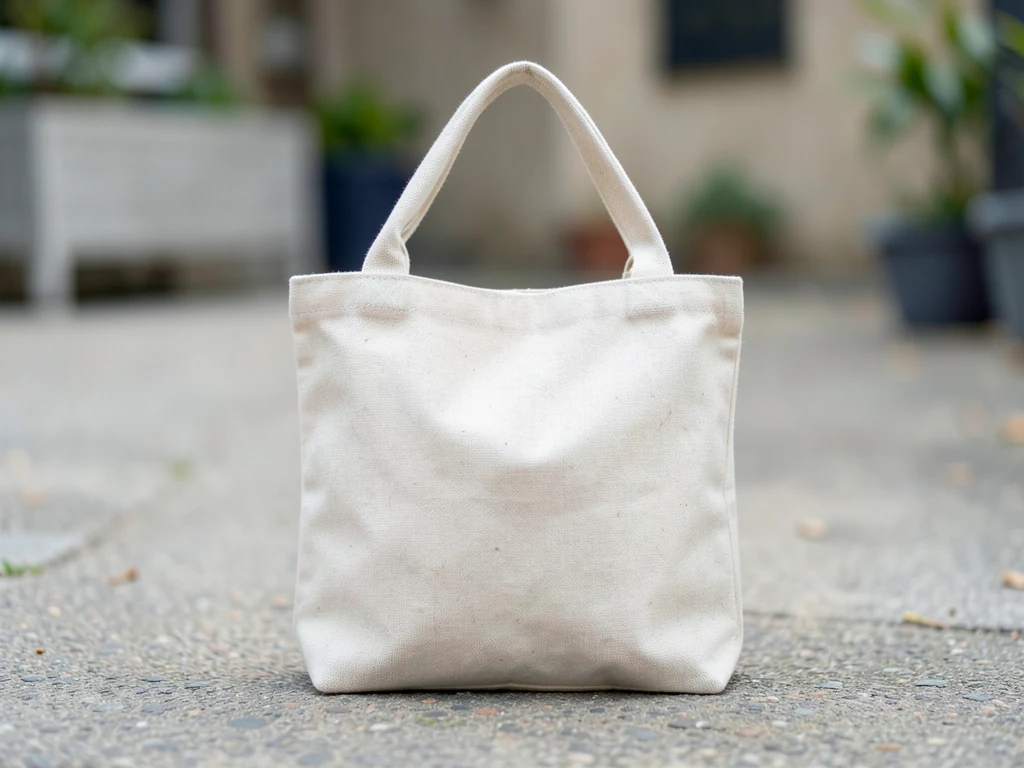
Eco-Friendly Product Scene Generator
Generative output can vary; review the full result before publishing
The eco theme must survive a skeptical audience — earth palettes and raw materials staged honestly, because green theater now reads as confession. This direction places your product in that credibility: recycled-texture surfaces, natural light, sustainability implied by restraint rather than shouted by leaves.
- Prepared Eco-Friendly direction
- Editable prompt
- Source-detail review required
Choose a source image for Eco-Friendly
JPG, PNG, WebP, HEIC, and other supported formats. Free up to 20 MB; Premium and higher up to 50 MB for this tool.
Eco-friendly theme: earth palettes that match a real sustainability story
Audiences are quick to spot green dressing on products that do not back it up, so match the set to something true about yours. Kraft paper and recycled card for recycled packaging, glass jars and a refill station for a refill system, raw linen and clay for natural materials. If there is no real practice behind the look, a quieter theme is the safer choice.
Keep generated certification badges, recycling symbols and leaf icons out of the scene; those read as claims, and an invented seal is worse than none. Real marks belong on your packaging, where they appear because they are in your photo, or in copy you can verify. Check the generated props for anything that looks like a logo and regenerate if one appears. Shooting in soft daylight keeps natural packaging from turning yellow next to earth tones.
For aged wood and linen, see rustic product scenes. For a plain version alongside, put the product on pure white.
Set up for Eco-Friendly Product Scene Generator
Prepared settings
- Starting point
- Upload one source image
- The page opens on the correct edit workflow; upload is the only required setup step.
- Prepared workflow
- Prepared Eco-Friendly scene direction
- Eco-Friendly Product Scene Generator opens with the Eco-Friendly direction preselected, so there is no need to find the operation manually.
- Output shape
- Same as your upload
- The result keeps the shape of the image you upload.
- Review rule
- Preserve the source subject and verify factual details
- Generated imagery can vary; the final result stays under the user's approval before download.
Best-fit uses
- Sustainable-positioning campaigns
- Recycled-material product staging
- Earth-register brand worlds
Frequently asked questions
- What reads as greenwash in staging?
- Leaf confetti and planet props around unsustainable products — audiences audit now. Honest materials, muted palettes, and verified claims in copy are the surviving grammar.
- How does the theme support real eco claims?
- By matching them — kraft textures for recycled packaging, refill contexts for refillables. The scene illustrates the practice; certification language stays in text where it is checkable.
- What should I review in a Eco-Friendly result?
- Check the subject, product geometry, colors, labels, logos, identity-relevant details, shadows, and edges against the source. Reject any output that changes a factual detail.
- What rights checks apply to a Eco-Friendly client project?
- Use only source material and references you have rights to, follow the destination platform rules, and obtain any required person or property permissions. Generated output still needs a human accuracy and rights review.
What you can do with AI Product Scene Generator
Review the main capabilities before you begin.
- Build a scene around your product from a single photo
- Create editorial, ecommerce, and social campaign concepts
- Generate coherent props, surfaces, lighting, and shadows
- Ask the AI to keep the product as photographed
Settings reference
4 settings
Available controls for AI Product Scene Generator.
Workflow
- Single image or Batch imagesPresets
- Process one image, or use Premium Batch images to apply the same automatic recipe to a set and download one ZIP.Options: Single imageBatch images
Scenes
- One-tap presetsPresets
- Pick a ready-made direction with one tap; generation uses the selected preset automatically.Options: Bathroom counterKitchen lifestyleOutdoor lifestyleEditorial podiumSocial ad
- Custom instructions (optional)Text input
- Describe the requested change, relevant materials, lighting, perspective, and details that must remain unchanged.
Selection
- Selection brush sizeSliderRange: 4–160px · Default: 32px
- The subject area is found automatically. This brush appears only if that automatic area could not be found; paint the area to edit, then generate again.
Related tools for Eco-Friendly Product Scene Generator
Tools for common next steps after Eco-Friendly Product Scene Generator.
Background Studio
Remove Background
Remove a photo background and download a transparent PNG. Review hair and edges before use.
Try it now
Background Studio
White Background Maker
Replace a photo background with white for product listings.
Try it now
Product Photography Studio
AI Product Photos
Generate a background scene around your product. Describe the setting and review the result.
Try it nowGuides for this tool
- How to Create Lifestyle Product Photos Without a PhotoshootBuild a believable scene around a real product photo, check scale, shadows and details, and keep lifestyle images honest and secondary to accurate shots.
- How to Improve Restaurant Food Photos for Menus and Delivery AppsLight, plate and shoot dishes for menus and delivery apps, then polish the photo without changing what the customer receives.
Watch each transformation land
Every photo crosses the slash untouched and comes out the other side finished.























