
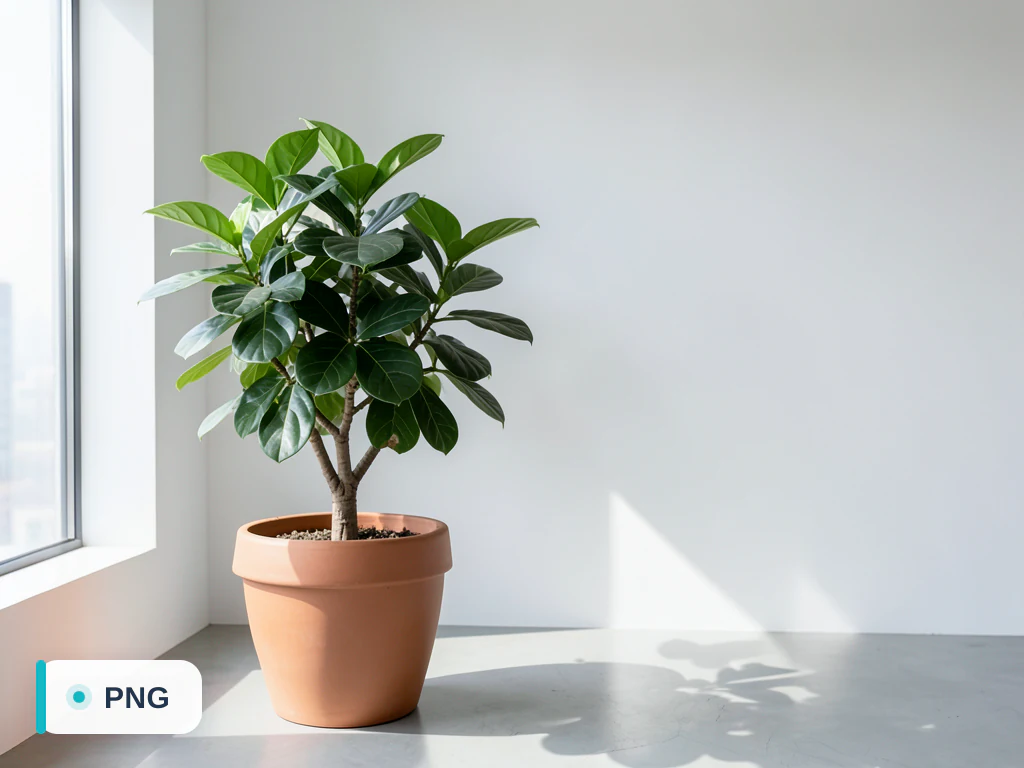
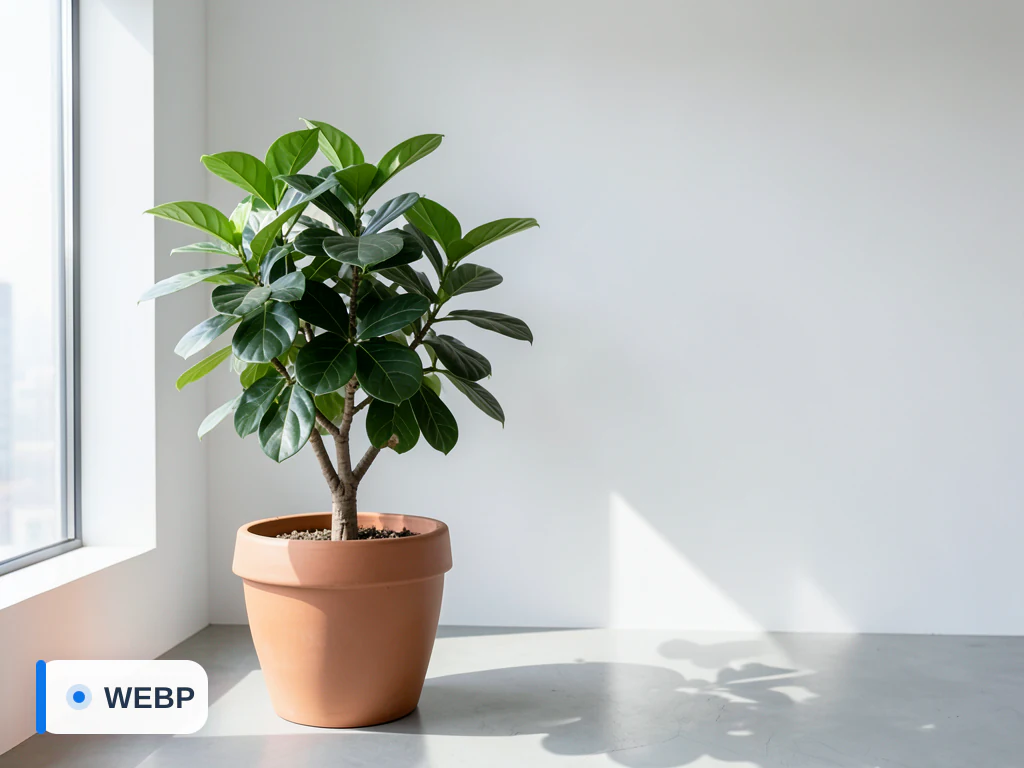
Convert WebP to PNG for Web
Conversion setup loaded automatically
Convert WebP to PNG for the web. PNG is widely supported by browsers and site builders, and you can check the file size of the result before you upload it, so your pages stay quick without visible loss. Files auto-delete after processing.
- Website and CMS uploads
- Faster-loading product and editorial images
- Browser-compatible image delivery
Drop a WebP image or click to browse
WebP to PNG for site builders, editors and plugins that need PNG
A few web jobs still call for PNG: some site builders, email-template editors and older plugins accept PNG but not WebP. Converting keeps what matters for graphics. The PNG is lossless, with no quality setting, and transparent areas remain transparent; switch the transparency preview to the Website view to see how the edges sit on a plain page.
The trade-off is weight. A PNG usually takes noticeably more space than the WebP it came from, especially for photos, because a lossy WebP discards detail to save space while PNG stores every pixel it receives. For a photograph with no transparency, WebP to JPG gives a lighter file; keep PNG for logos, icons, screenshots and cut-outs.
An animated WebP becomes a single PNG of its first frame. If the page needs the animation in a widely supported format, WebP to GIF keeps every frame. And when the PNG was only a step toward a site icon, you can turn the WebP straight into an ICO file with the standard icon sizes.
Set up for Convert WebP to PNG for Web
Prepared settings
- Starting point
- WebP source image
- The upload accepts the source type for the webp-to-png converter directly.
- Prepared workflow
- WebP → PNG for Web
- The destination format and use context are already identified; only the real file is still required.
- Output control
- PNG output
- Use quality or lossless controls when the destination format supports them.
- Review rule
- Open the PNG result before publishing
- Check transparency, color, and visible detail because formats represent those properties differently.
Best-fit uses
- Website and CMS uploads
- Faster-loading product and editorial images
- Browser-compatible image delivery
Frequently asked questions
- Why convert WebP to PNG for a website?
- PNG is broadly supported by browsers and site builders. Whether it is smaller than the WebP depends on the image, so compare the file size shown with the result and lower the quality where the format allows it if page weight matters.
- Will the PNG look the same on my site?
- For most images the difference is invisible at web sizes. Use the quality control to balance sharpness against file size.
- Is this WebP-to-PNG converter free?
- Yes — convert and download without creating an account. Your upload is auto-deleted after conversion.
- Can I adjust the PNG output quality?
- Yes. Review the converted PNG result and adjust quality when that format supports it. Keep a higher setting for detail, or lower it when file size matters more.
What you can do with WebP to PNG
Review the main capabilities before you begin.
- Convert WebP images to widely-supported PNG
- Keep every transparent pixel intact
- Preserve full detail with lossless conversion
- Get PNGs ready for editing and layering
- Batch-convert multiple WebP files at once
Settings reference
5 settings
Available controls for WebP to PNG.
Settings
- Output formatDropdown
- Chooses the file type you download. The page opens on its own output format; switch to any other format before converting.Options: JPGPNGWebPAVIFGIFTIFFBMPICOPDF
- QualitySliderRange: 20–100 · Default: 90
- For JPG, WebP, AVIF and image-to-PDF output: higher keeps more detail but makes a bigger file; 60–80 suits most photos. Documents (Publisher, XPS, EPS…) become PDFs with every page and sharp text, with no quality setting.
- Lossless modeOn / Off
- For WebP and AVIF output: keeps every pixel exactly (best for logos, graphics and transparency) at the cost of a larger file.
- Background fillColor picker
- For JPG, BMP and image-to-PDF output, which can't store transparency: the color that fills transparent areas (white by default).
Mode
- Single file / BatchDropdown
- Process one file or a batch with shared settings. Batch results download as one ZIP.Options: Single fileBatch
Popular use cases
Related tools for Convert WebP to PNG for Web
Tools for common next steps after Convert WebP to PNG for Web.

Photo Editing & Utilities
Compress Image to KB
Compress JPG, PNG or WebP files toward a chosen size such as 20KB, 50KB or 100KB, then review the result.
Try it now
Photo Editing & Utilities
Resize Image
Resize an image to exact dimensions or by percentage. Preview and download the result.
Try it now
Photo Editing & Utilities
Image Compare Slider
Compare two images with a reveal slider and export a before-and-after PNG.
Try it nowHow WebP to PNG helps you get it done
Real problems it solves every day — for businesses, creators, and everyday tasks. Find the use case that fits you and start.
Design-Tool-Ready Transparent Assets
Convert WebP logos, icons and cutouts to PNG so Figma, Photoshop and Canva open them natively with transparency fully intact, instead of relying on partial WebP support.
Sharp Text & Graphics for Flyers
Choose PNG over JPG when a WebP graphic has hard edges or text — the lossless conversion avoids the blur and ringing JPEG compression introduces around fine detail.
Transparent Product Cutouts for Storefronts
Many Shopify and WooCommerce themes expect PNG for transparent product images — convert a WebP product cutout to PNG so it drops straight into your theme's uploader, background still see-through.
App Icon & UI Asset Pipelines
Prep WebP UI assets and icons for iOS/Android app-icon generators and favicon tools that require PNG input by converting them here first, pixel-for-pixel.
Batch-Convert a Design Asset Library
Switch to Batch mode to convert a whole folder of WebP assets to PNG in one pass, downloading a single ZIP ready to hand off to a designer or developer.
Editable WhatsApp & Telegram Sticker Source Files
WhatsApp and Telegram sticker packs are distributed as WebP, a format Photoshop and most classic editors can't open natively — convert an existing sticker to PNG here to edit or remix it, then re-export as WebP when the updated pack is ready to publish.
Watch each transformation land
Every photo crosses the slash untouched and comes out the other side finished.























