
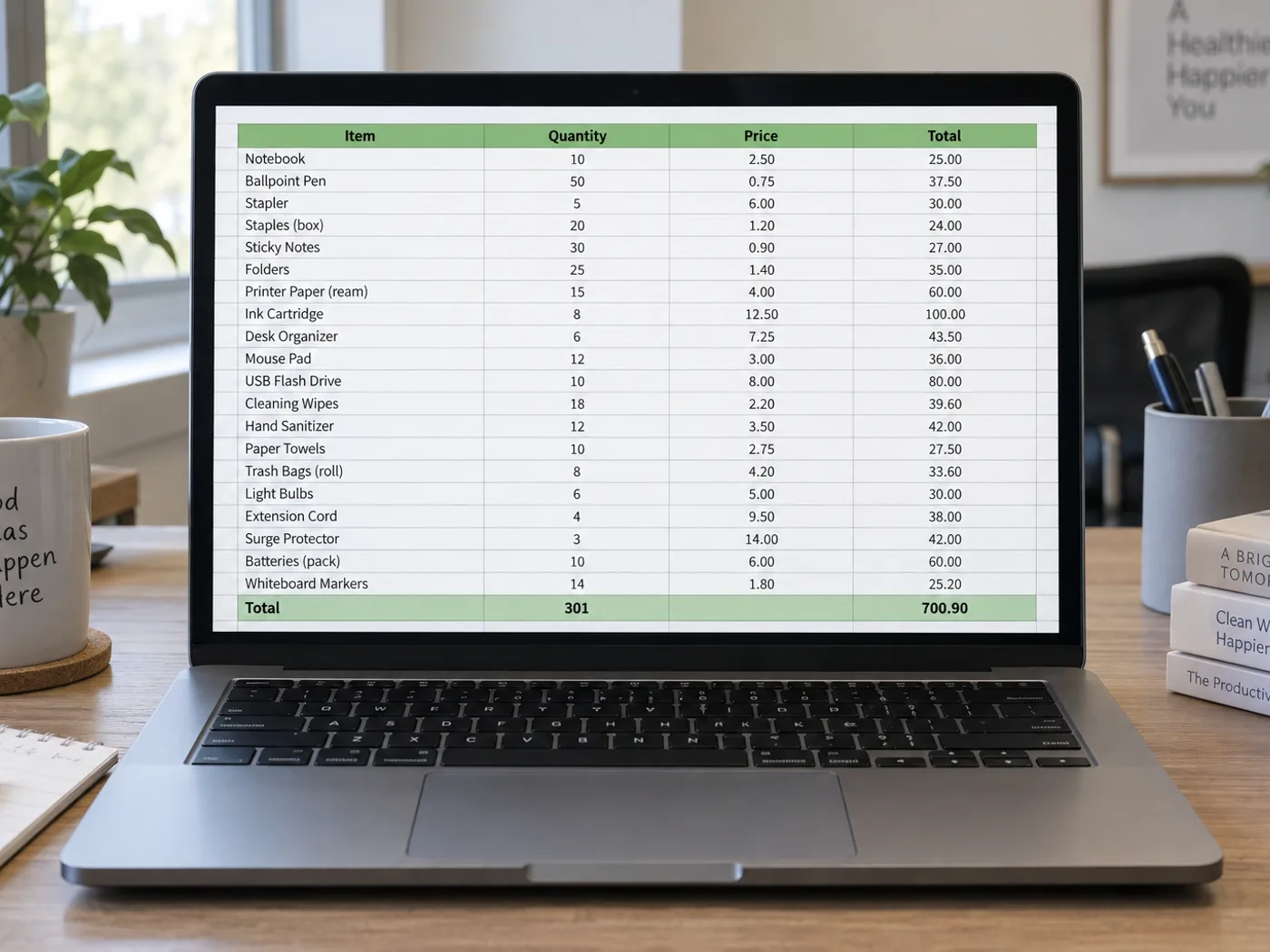
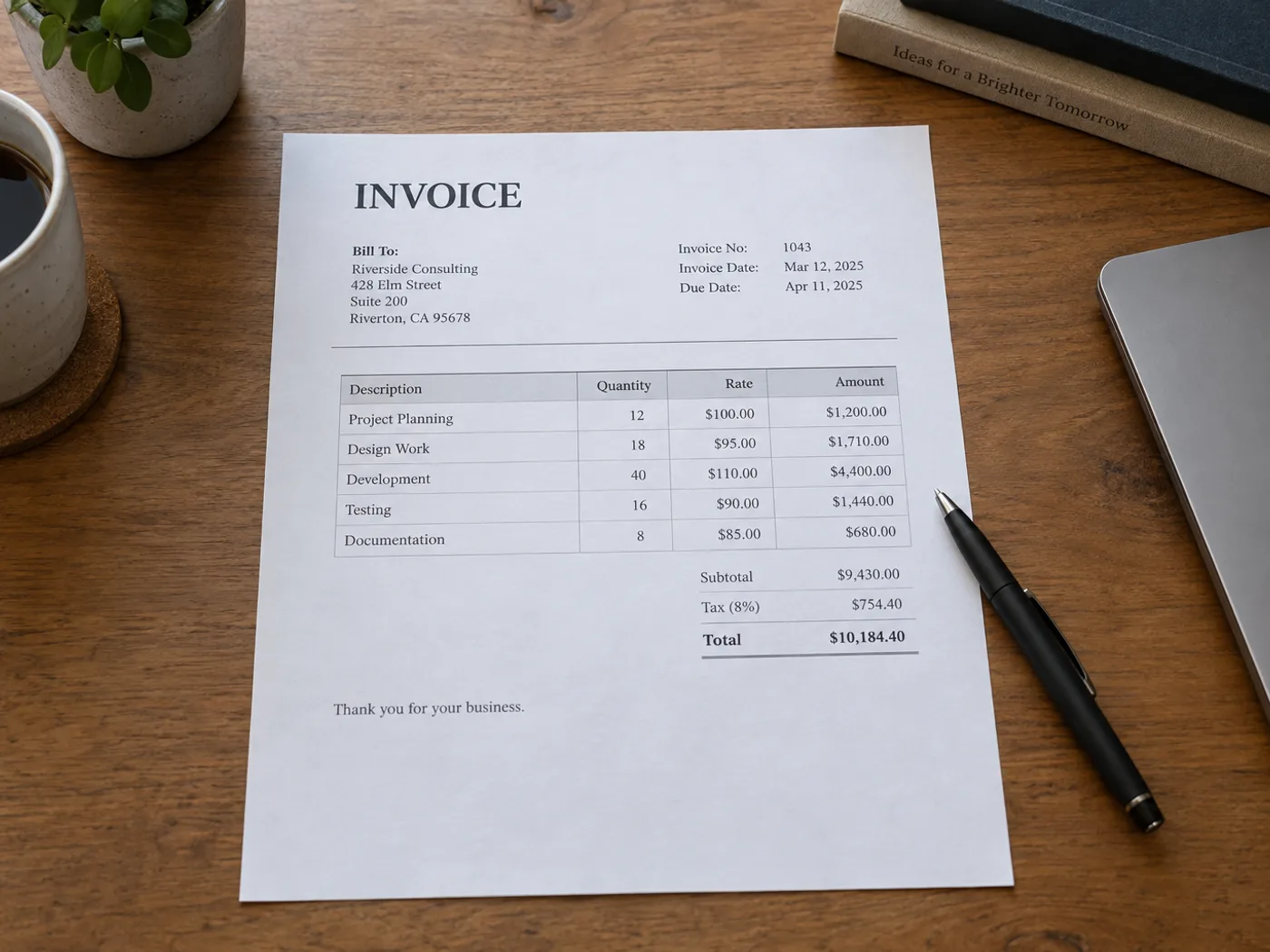
Compare billed items without retyping the invoice table
Extract an invoice's line-item table from a photograph or scanned image for checking against an order. Review quantity, unit price and amount columns separately; surrounding address blocks and payment instructions are not invoice rows.
Purchase-order comparison
Move supplier quantities and prices into a worksheet and compare them with your own order records after confirming the transcription.
Project cost allocation
Prepare a reviewed list of billed items before adding project codes or splitting costs across your existing budget workbook.
Prepare invoice rows for your own reconciliation
- Select a readable invoice image and keep all item-column headings visible.
- Review extracted item codes, quantities, unit prices and line totals against the source.
- Remove non-item text from the grid and export XLSX for your own reconciliation.
Invoice PDFs, tax formulas and purchase-order matching
- Does invoice to Excel accept an existing PDF invoice?
- This page accepts images. Use PDF to Excel for a PDF file, or upload a screenshot of the specific invoice table you need.
- Are invoice tax calculations recreated as formulas?
- The converter reads displayed values. Check the invoice's calculation method and add any required Excel formulas yourself.
- Can I match the extracted invoice to a purchase order here?
- The result provides table data for review. Matching against purchase orders or an accounting system takes place in your own workflow.
- How should invoices with several item tables be handled?
- Extract and review one clearly bounded table at a time. Do not assume separate tax summaries or continuation sections will be combined correctly.
- How do I check that quantity times price equals each line amount?
- Convert the three columns to numbers in Excel, then add a column that multiplies quantity by unit price and subtracts the printed amount. Rows where the result is not zero are misreads or billing differences. The workbook keeps no formulas of its own, so this check is yours to add.
- Can I keep invoices from one supplier together?
- Yes, for signed-in accounts. Create a collection in History named for the supplier, keep one currency in it, and save each checked invoice there. The panel then lists the saved invoices by date and can build a combined workbook for any period.
- Why is the History chart counting my invoice total twice?
- The chart adds up the amount column you chose, so a total row left in the table doubles the invoice. Total, Subtotal and Amount due rows are suggested for leaving out by default, but tax summary rows are only listed. Delete or untick them, and read the Counted rows line.
- Are item codes with leading zeros kept in the workbook?
- Yes. Every cell is written as text, so 000812 stays 000812 and a code made of digits is not turned into a number. Compare a few codes with the invoice, because similar characters such as 5 and S are the usual misreads.
- What does an invoice with a handwritten amendment give me?
- Handwriting is less reliable than print, so a corrected quantity or a handwritten price may be skipped or misread. Treat any amended line as unverified and type the right value into the grid yourself before you save the invoice as checked.
- Can I process a stack of invoice photos at once?
- Batch mode, a Premium option, converts many images with the same settings and returns a ZIP of workbooks, one per image, without a review step. For invoices you want to check, use single-file mode so the grid appears before the workbook is made.


























