
Live Object Counter — Count Objects with Your Camera
Point your phone at distinct, separated stock and watch the count refresh as you move. Every detected item is marked for a fast visual check.
- Continuous counts refresh every few seconds as you pan
- Best for separated, fully visible items; use the photo counter for dense or mixed piles
- Live AI counting with temporary processing data
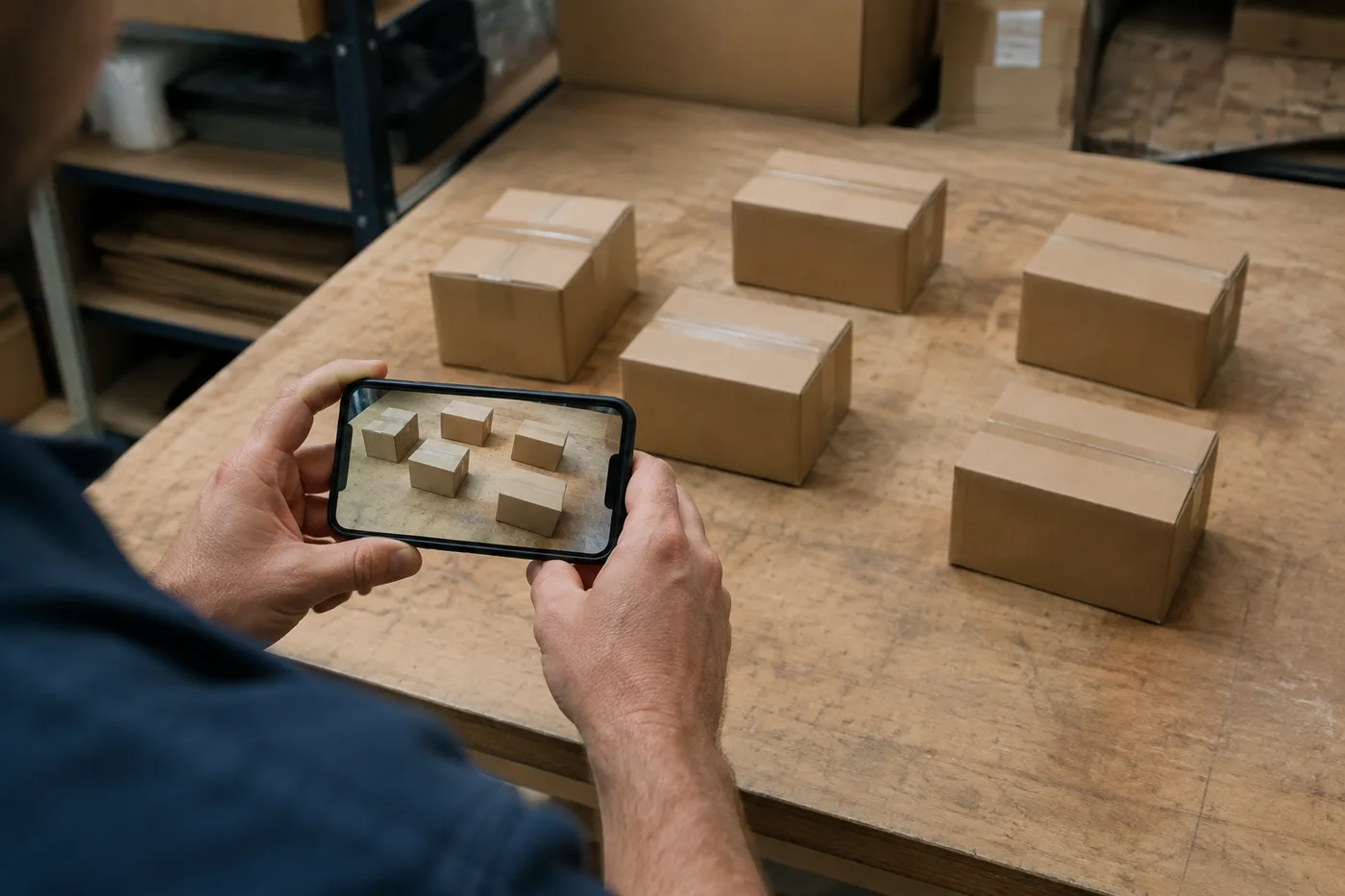
Live Object Counter — Camera Counting App for Stock
Open the camera when you are ready to scan a shelf, tray, or production run.
Turn your camera into a live stock counter
Live Object Counter is a Premium workspace. Scan stock continuously, review every detector marker, and move through checks with confidence.
- Real-time counts through your camera — no photos to manage
- Detector markers refresh every few seconds so you can review what was counted
- Premium live frames are analyzed in memory and discarded instantly
Already Premium? Sign in and continuous refresh unlocks automatically.
How live counting works
Open this page on your phone and allow camera access — no app install needed.
Point the rear camera at the items and hold steady; the AI counts a frame every few seconds.
Read the live total and the dot on each counted item. Change the item name any time to count something else.
Why teams count with the live camera
Faster than tally counting
A shelf that takes minutes to count by hand reads out — and recounts are one glance away.
Dot-marked review
Every detection gets a dot on screen. Check the markers before using the total, especially near overlaps or background clutter.
Automatic privacy cleanup
Premium live frames are analyzed in memory and discarded instantly after the count is returned.
Built for real stock work
• Shop stock-takes: packets, boxes and bottles on shelves
• Warehouse spot checks and goods-in verification
• Theft and shrinkage checks — recount, any time
• Events and production lines: trays of parts, kits or samples
How to count objects live with your phone camera
This live object counter works as an object counter by camera: every few seconds it counts the items in a still frame from your phone's rear camera and draws a dot on each one. Point it at separated, fully visible items, hold steady and read the total on screen. It needs Premium and shows the number on screen only. It is not meant for dense or mixed piles.
Start a live count on your phone
Open the page in your phone's browser with Premium access. Selecting Start camera asks for camera permission, the viewfinder opens with a LIVE badge, and the total appears at the top right once the first frame has been counted.
- Select Start camera and allow camera access when the browser asks.
- Point the rear camera at the items and keep it still for a moment.
- Check that every item has a dot and the total at the top right looks right.
- Adjust Detection sensitivity if items are missed or split.
- Write down the total, then select Stop.
Set up the shot so the number holds steady
Live counting suits separated, fully visible items against a clear background, such as parts laid out on a tray or boxes spaced along a shelf. Keep a gap between items and keep all of them inside the frame. Each number comes from one still frame, so a quick sweep across the shelf can change it. Hold the phone still until the dots stop moving.
Name the item you want counted
Type what to count above the viewfinder, such as bottles, pills or boxes, before you start the camera. Every frame is counted for that item. Be specific when the shelf holds several kinds of product, and change the name at any time to count something else. The count restarts on the next frame, so give it a few seconds to settle before you judge it.
Keep the number you counted
The live view has no download and no tally sheet, and the total leaves the screen when you select Stop, so write it down once you have checked the dots. For a marked image you can keep, count from a single photo instead, and for a running list across shelves, build a stock-take from photos.
Before you start a live session
- Use a phone with a rear camera and allow camera access for this site when the browser asks.
- Clear the background so each item stands apart from the surface behind it.
- Keep the tab open and in front, because counting pauses while the tab is hidden.
- Expect the session to pause after 10 minutes, then select Start camera to begin again.
- Review the dots before you use the total, especially near overlaps or background clutter.
When a live camera count is not the right fit
The live view has no download, so for a marked image you can keep, count from a single photo instead, and for a shelf-by-shelf record, build a stock-take with an exportable tally. Since the live view expects separated, fully visible items, count a stack of cartons from a photo of one pallet face instead, and for people rather than stock, get a headcount from one crowd photo.
What you can do with Live Object Counter
Review the main capabilities before you begin.
- Count stock live through your phone camera
- Point at a shelf and watch the count update
- Run fast stock-takes and inventory audits
- Tally items on a tray or pile in real time
- Name the item you want counted, such as bottles or pills
- Skip manual clicking for on-the-spot counts
Settings reference
11 settings
Available controls for Live Object Counter.
Options
- What to countText input
- Name the item the live camera should count, such as bottles, pills or boxes. Every frame is counted for that item, and you can change the name at any time to count something else.
Tally
- Add to tallyOne-click
- Add this count to the tally sheet under the name of the object that was counted. Signed-in accounts add finished counts automatically unless that is turned off under Account settings; in bulk mode every photo also has its own Add to tally button.
- LabelText input
- Rename a tally row. Edits and removals wait until you choose Save changes, so you can fix several rows at once.
- CountNumber input
- Correct a row's count; totals, the chart and exports follow once the change is saved.
- Save changesOne-click
- Apply every edited or removed tally row in one step, or choose Discard changes to leave the sheet as it was.
Chart
- By objectPresets
- The chart is the same in every counting tool and covers the tallies of all of them. By object draws a separate line chart for each tally name, such as pipes and people. By tool draws a chart for each counting tool.Options: By objectBy tool
- PeriodPresets
- Choose how far back the chart looks. Days without a count appear as zero.Options: 7 days30 days90 days12 months
History
- Counting setupGallery
- Keep comparable counts together. A first setup is created for you, so the first count can be saved straight away.
- Observed atText input
- The date and time of the count, shown as a date and a time field.
- NotesText input
- Starts with every detected object and its count, one per line, such as Pipes - 11. Edit it before saving.
- Save countOne-click
- Save the count to your account history. Open a saved count later to correct it or download its source photo.
Related tools for Live Object Counter
Tools for common next steps after Live Object Counter.
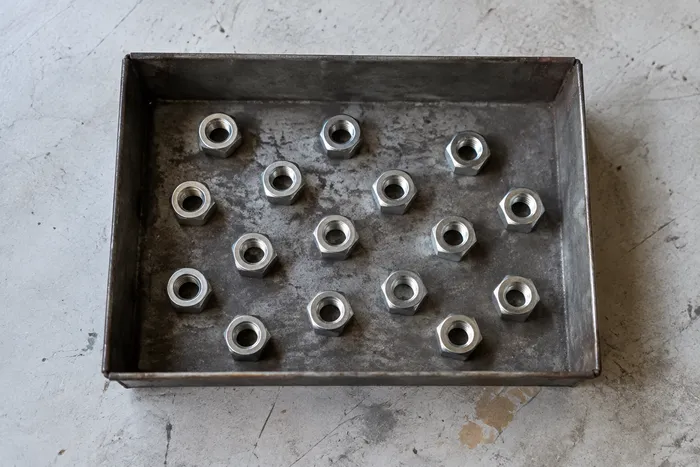
Counting & Inventory
Object Counter
Estimate an object count from a photo. Review and correct the numbered markers before using the count.
Try it now
Counting & Inventory
People Counter
Estimate how many people appear in a photo. Review the markers and verify the count before official use.
Try it now
OCR & Data Extraction
Image to Text (OCR)
Extract editable text from a screenshot, photo or scan in 30+ supported languages.
Try it nowFrequently Asked Questions
How Live Object Counter helps you get it done
Real problems it solves every day — for businesses, creators, and everyday tasks. Find the use case that fits you and start.
Real-Time Retail Shelf Audits
Point the rear camera down a shelf for a preliminary live estimate, then compare it with the physical stock and use the approved review process before updating inventory.
Warehouse Pallet & Carton Review
Use the live estimate as a goods-in draft, then physically check the stack, correct the tally, and follow the normal receiving procedure before signing for a delivery.
Production-Line Small-Parts Review
Hold the camera over a tray of components for a draft estimate, then physically review and correct the tally before a box is sealed.
High-Value Inventory Secondary Checks
Use the live estimate only as a secondary check for regulated or high-value stock. Qualified staff must complete the required manual procedure; the AI result is not a compliance or financial record by itself.
Watch each transformation land
Every photo crosses the slash untouched and comes out the other side finished.























