How it works
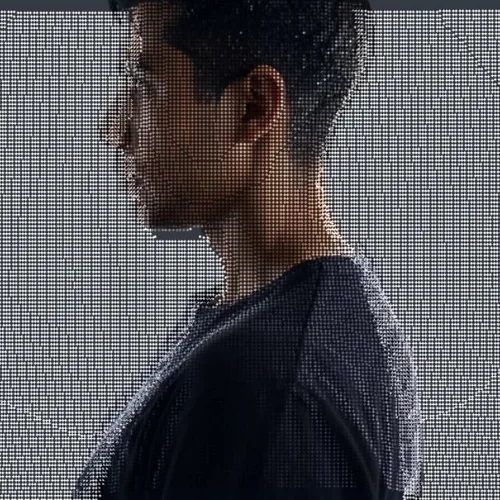
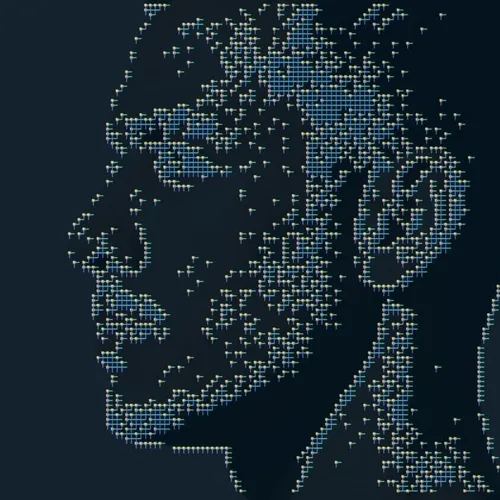
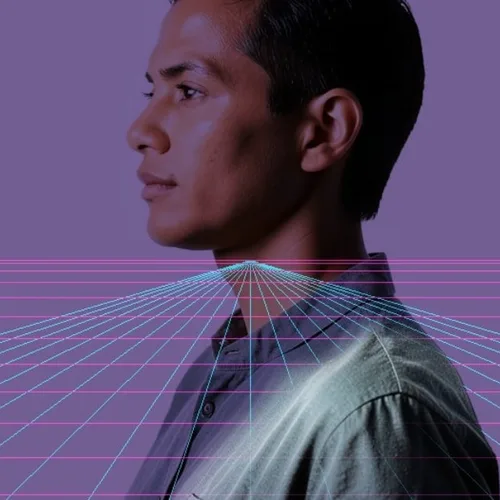
A mesh grid is projected across the estimated surface of the subject, deforming to follow its contours, with brighter lines where the surface faces the viewer.
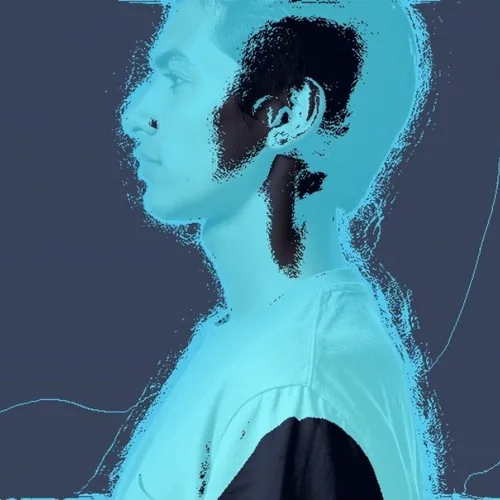
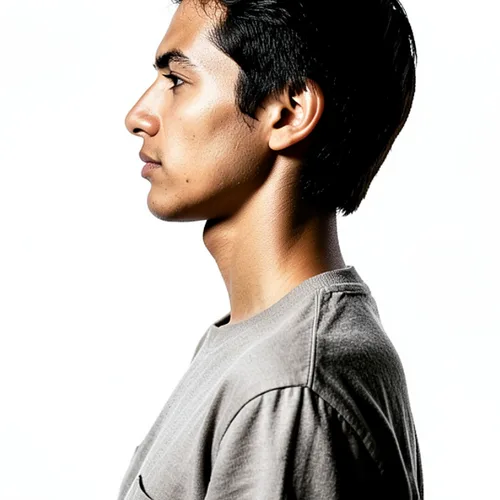
Trace scene depth as a futuristic hidden-line wireframe. Control the strength, compare the result, and download a finished image from your browser.
Review the available effect capabilities before you begin.
A mesh grid is projected across the estimated surface of the subject, deforming to follow its contours, with brighter lines where the surface faces the viewer.
Upload a photo, adjust the Depth Wireframe Scan intensity, compare its processed preview with the source, and download the finished result.
Use the intensity control to balance the Depth Wireframe Scan treatment with the detail and character of your original photo.
A reduced Depth Wireframe Scan preview keeps adjustments responsive. Free downloads are clean and web-size; Premium or a credit unlocks the original resolution.
Depth Wireframe Scan uploads are processed on secure servers and automatically removed under the normal Pixoate retention policy.
A mesh grid is projected across the estimated surface of the subject, deforming to follow its contours, with brighter lines where the surface faces the viewer.
Depth Wireframe Scan uses an AI action. Any separate allowance is shown before this effect starts processing.
technology and engineering graphics, science-fiction design, product development visuals, and futuristic branding.
Less suited to: organic detailed subjects, where the mesh oversimplifies complex surfaces.
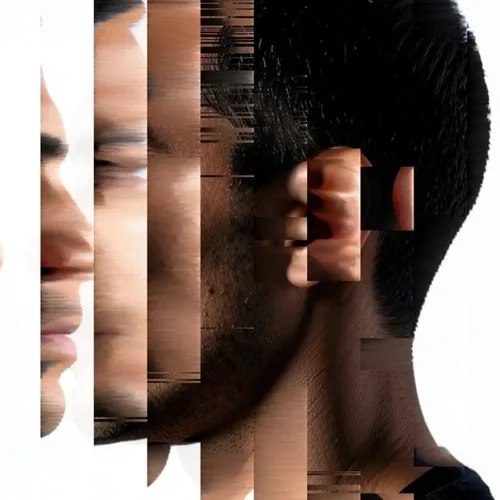
Sort controlled pixel runs into sleek directional color streams
Melt blocks into vivid compression-inspired digital artifacts
Render the photograph with block glyphs selected by local tone
Rebuild the picture from color-matched emoji-face tiles
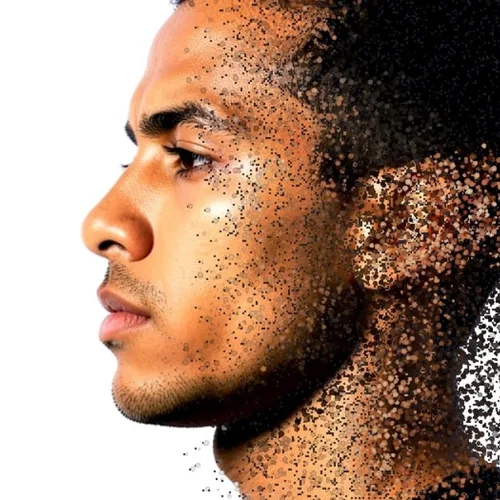
Dissolve the subject edge into directional colored particles
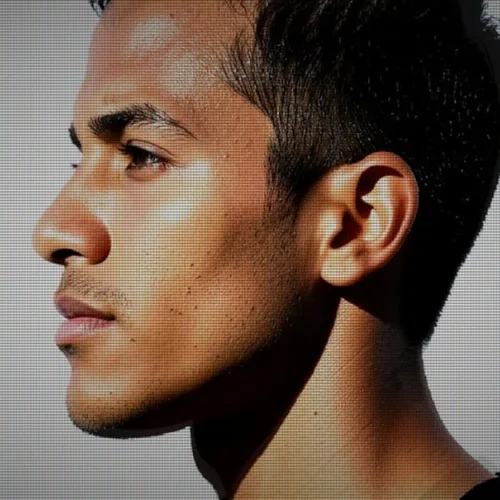
Display the image through glowing phosphor triads and scanlines
Transmit the subject as a translucent flickering spectral hologram
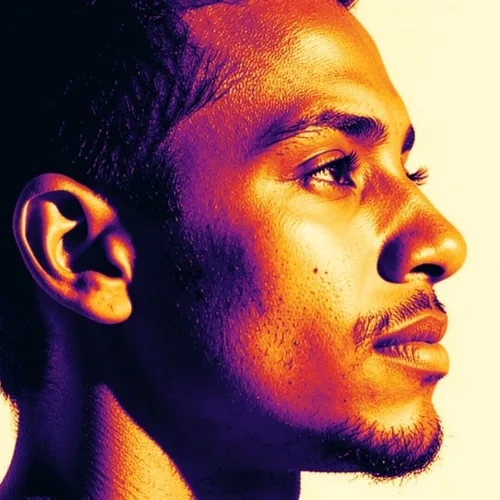
Map image luminance into a dramatic artistic heat-camera palette
Reconstruct the photograph as a navigable colored depth point cloud
Route facial and object contours into luminous circuit-board paths
Place the subject over a horizon-aware neon perspective grid
Tools for common next steps after Photo Effects.
Creative & Design
Turn a photo into classic, storybook, sticker, watercolor, or custom cartoon artwork with editable AI directions.
Try it nowCreative & Design
Convert a photo into a pencil-sketch style image and adjust the shadow depth before download.
Try it nowPhoto Editing & Utilities
Convert an image to black and white. Adjust the intensity and preview the result.
Try it nowThe strongest effect picks lead this belt before the rest of the catalog.