How it works
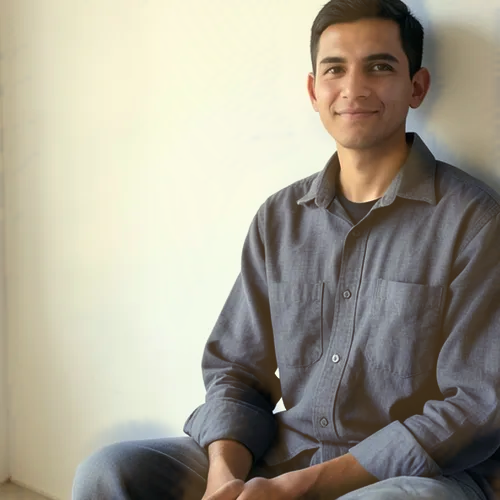
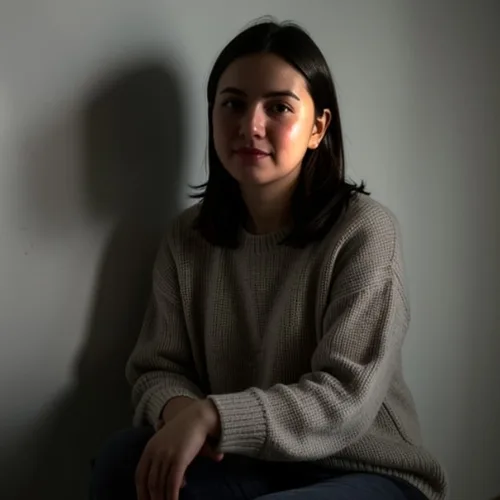
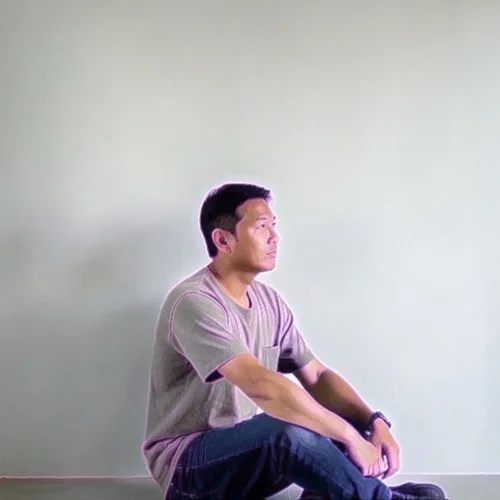
Two colored lights of opposing hue are placed on either side of the subject, typically magenta and cyan, each rimming its own edge with the centre falling between them.


Illuminate the subject from opposite sides with two neon colors. Control the strength, compare the result, and download a finished image from your browser.
Review the available effect capabilities before you begin.
Two colored lights of opposing hue are placed on either side of the subject, typically magenta and cyan, each rimming its own edge with the centre falling between them.
Upload a photo, adjust the Dual-Neon Relight intensity, compare its processed preview with the source, and download the finished result.
Use the intensity control to balance the Dual-Neon Relight treatment with the detail and character of your original photo.
A reduced Dual-Neon Relight preview keeps adjustments responsive. Free downloads are clean and web-size; Premium or a credit unlocks the original resolution.
Dual-Neon Relight uploads are processed on secure servers and automatically removed under the normal Pixoate retention policy.
Two colored lights of opposing hue are placed on either side of the subject, typically magenta and cyan, each rimming its own edge with the centre falling between them.
Dual-Neon Relight uses an AI action. Any separate allowance is shown before this effect starts processing.
music and gaming portraits, nightlife photography, streamer and creator avatars, and bold social artwork.
Less suited to: corporate headshots and product photography, where the heavy color cast misrepresents the subject.
Simulate warm golden-hour light from the estimated depth of your photo without repainting it
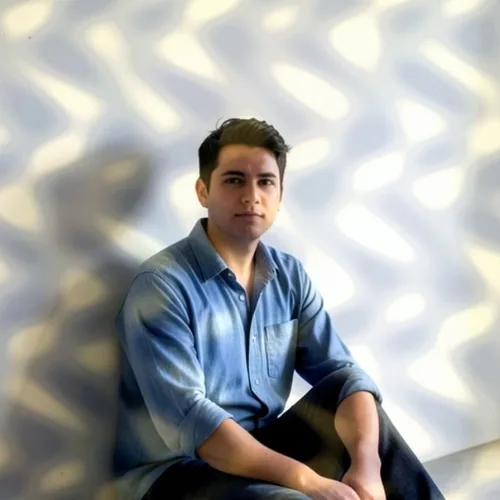
Cast broken leaf-filtered sunlight naturally across the photograph
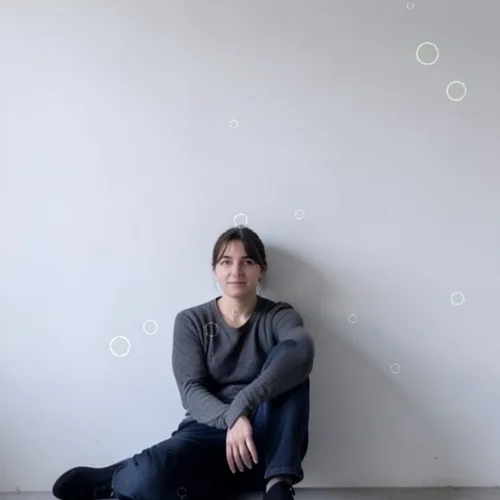
Place refractive droplets and streaking rain between camera and subject
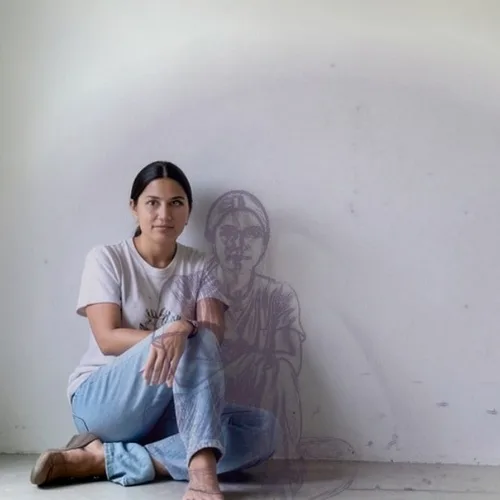
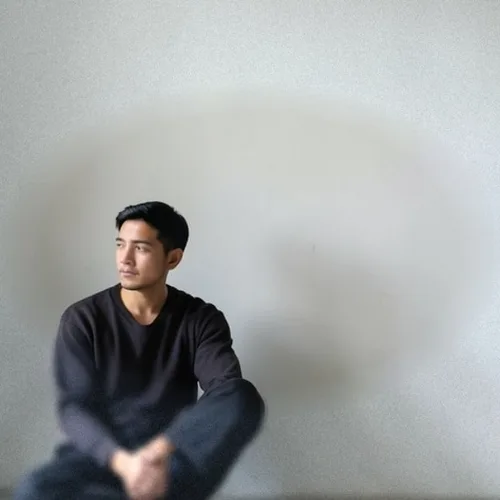
Project a bold editorial shadow from the photographed subject
Shape a portrait with the classic cheek triangle of studio lighting
Add broad flattering studio light while preserving natural skin texture
Project believable window or blind shadows across people and rooms
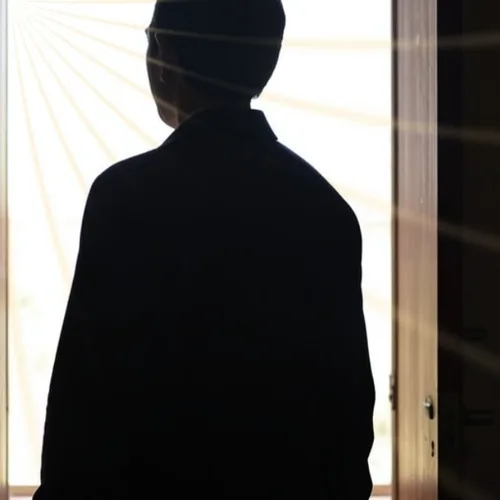
Send volumetric rays through the scene while preserving real occlusion
Trace the subject with dimensional colored edge illumination
Frame the subject behind frosted, condensed, partially cleared glass
Add branching lightning that illuminates the entire scene consistently
Tools for common next steps after Photo Effects.
Creative & Design
Turn a photo into classic, storybook, sticker, watercolor, or custom cartoon artwork with editable AI directions.
Try it nowCreative & Design
Convert a photo into a pencil-sketch style image and adjust the shadow depth before download.
Try it nowPhoto Editing & Utilities
Convert an image to black and white. Adjust the intensity and preview the result.
Try it nowThe strongest effect picks lead this belt before the rest of the catalog.