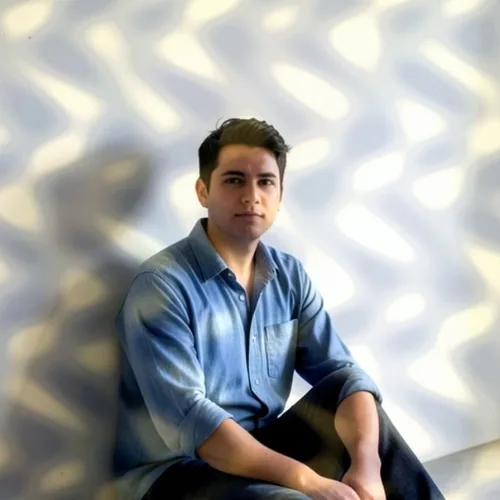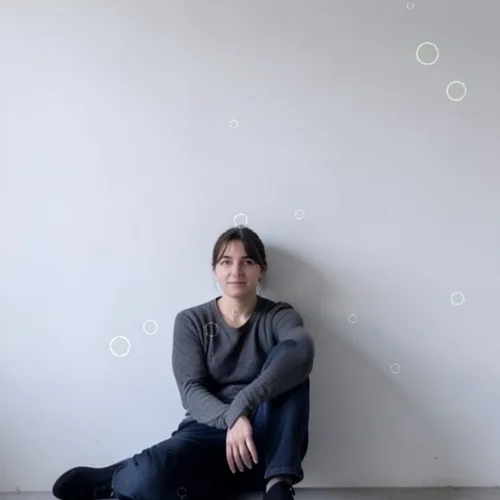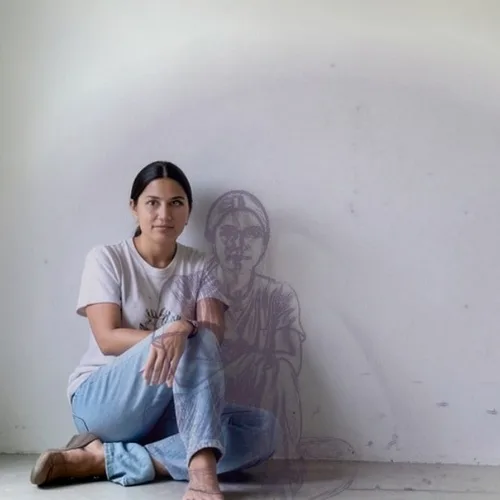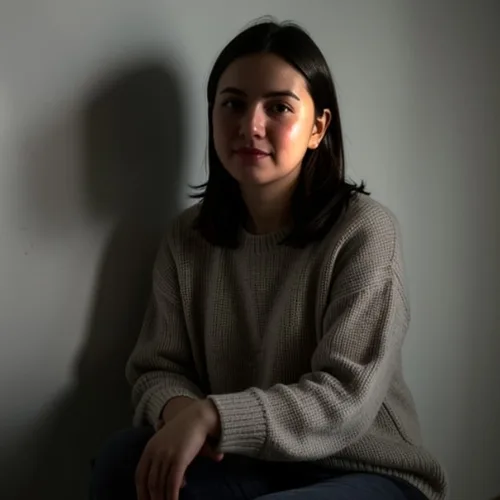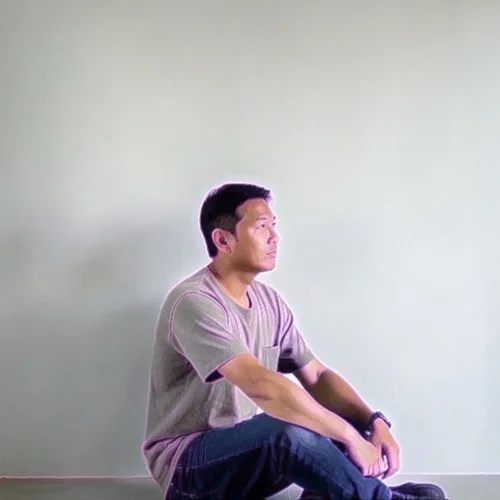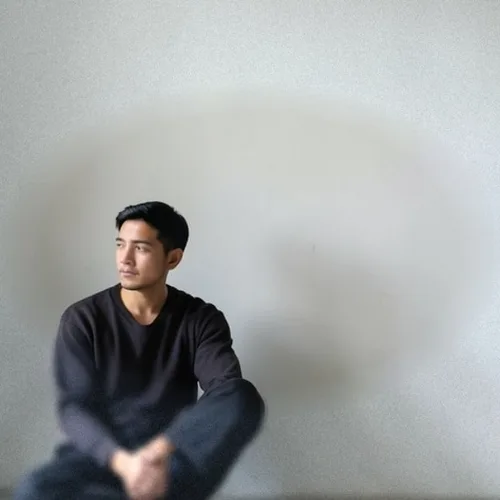

The same source image before and after applying True Golden-Hour Relight.
True Golden-Hour Relight applied to the same source image
Original source image before True Golden-Hour Relight

True Golden-Hour Relight Photo Filter Online

Simulate source-aligned warm golden-hour light from estimated depth without generative repainting. Control the strength, compare the result, and download a finished image from your browser.

Upload a photo for the True Golden-Hour Relight effect

What you can do with the True Golden-Hour Relight effect

Review the available effect capabilities before you begin.

  • Apply the True Golden-Hour Relight effect to any photo
  • Fine-tune the effect strength to taste
  • Preview your photo live as you edit
  • Download your edited photo in high quality
  • Apply True Golden-Hour Relight to many photos at once

How it works

The tool estimates relative—not measured—depth, removes isolated depth speckles with a 5 × 5 median filter, reduces only the lighting-analysis field to at most 256 pixels on its long side, and heavily smooths that field before deriving broad surface direction. A fixed low-left simulated key applies restrained warm light to key-facing regions and a cooler tone to key-away regions in linear-light RGB; intensity scales that numerical lighting change. At its working size, every output pixel changes source RGB only at that same coordinate: no face, eye, arm, body, text, object, or background pixel moves, copies elsewhere, spatially resamples, inpaints, or generatively repaints. Framing stays fixed, working-frame alpha stays byte-exact, and the result is a lossless PNG. It does not recover real scene geometry, replace existing illumination, or synthesize cast shadows, rim light, reflections, or hidden surfaces. Larger uploads can be proportionally resized first: the standard free limit is 800 pixels on the long side, and the depth service defaults to 2048 pixels for remaining larger inputs. Flat or mistaken depth, glass, mirrors, reflections, smoke, fine hair or foliage, and strong existing directional light can put the tone on the wrong surface or make the simulated direction conflict with the photograph; lower intensity helps but cannot correct the source lighting.

Processing

True Golden-Hour Relight uses an AI action. Any separate allowance is shown before this effect starts processing.

Best for

softly or evenly lit outdoor portraits, landscapes, travel photos, property exteriors, and interiors with broad surfaces and clear near-to-far depth.

Less suited to: photos with strong existing directional light or hard cast shadows, flat or ambiguous depth, glass, mirrors, reflections, smoke, fine hair or foliage, and color-critical documentary work; the fixed simulated direction can conflict with light already in the source.

Ways to use True Golden-Hour Relight

    True Golden-Hour Relight questions

    Does this create real sunlight or new cast shadows?
    No. It applies a restrained, fixed-direction warm-and-cool lighting simulation at each source coordinate. It does not rebuild the scene, move or generate pixels, trace real lamps or sunlight, or invent cast-shadow shapes. Existing illumination and shadows remain visible, so a strongly lit source can still contradict the simulated direction.
    Why can the warm or cool tone land on the wrong surface?
    One photograph provides only model-estimated relative depth, not measured geometry, materials, or light positions. Flat scenes, glass, mirrors, reflections, smoke, fine hair or foliage, and difficult overlaps can mislead that estimate. Start with a softly or evenly lit source and lower the intensity when the broad directional shading looks misplaced.

    See the featured effects in motion

    The strongest effect picks lead this belt before the rest of the catalog.