
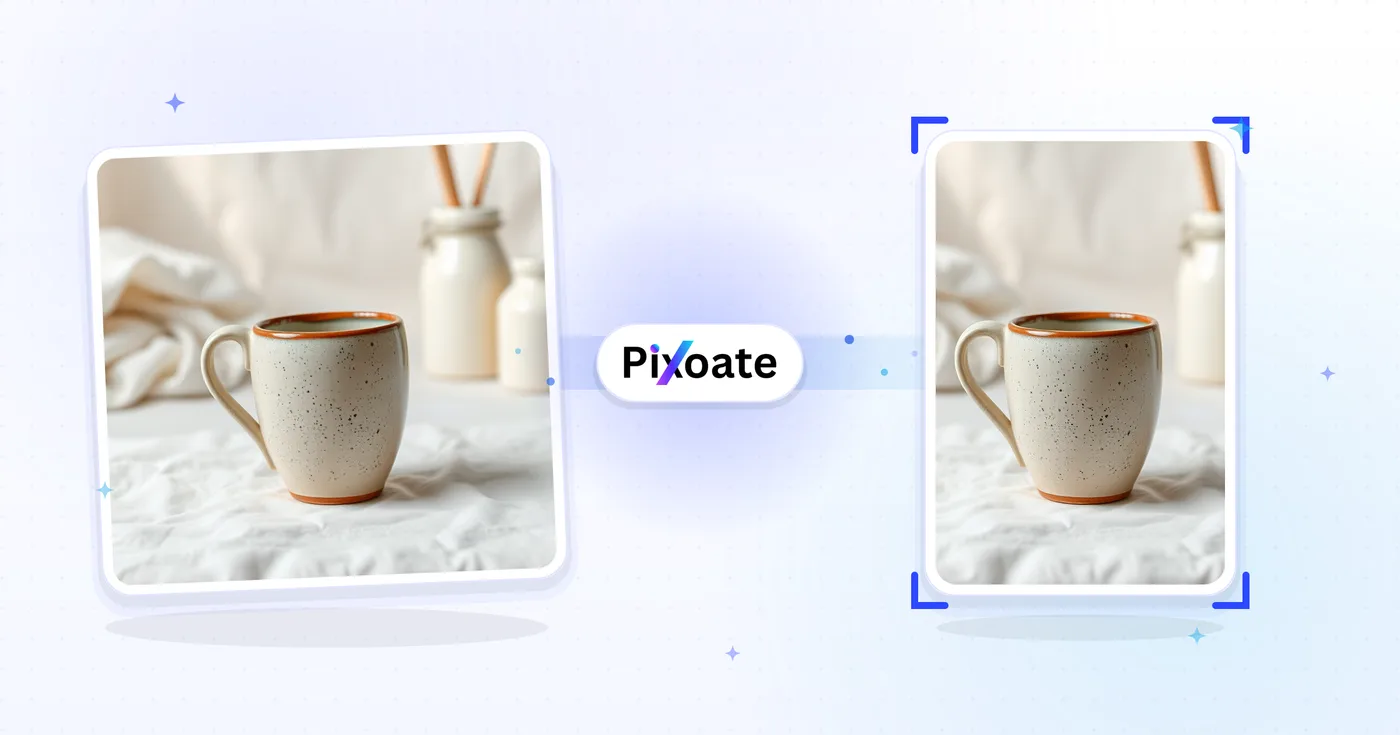
Resize Image for Pinterest — Free Pinterest Pin Resizer
Standard 2:3 pins, long pins, squares, story pins, profile images, and board covers — the exact sizes Pinterest favors,.
Drop an image — pick your pin format
Pinterest Pin Sizes
Pinterest favours portrait-orientation pins. The recommended aspect ratio is 2:3 (1000×1500) — taller pins get truncated in the feed and shorter ones get less screen real-estate. Long pins (up to 2.1:1) often see the best engagement when the design supports vertical reading. Story pins use 9:16 vertical video / image. This tool resizes any image to the exact pixel size each placement needs.
Resize an image to a Pinterest pin size, from 2:3 to story pins
This Pinterest pin resizer fits an image to a listed pin size: the 1000×1500 standard pin at 2:3, a 1000×2100 long pin, a 1000×1000 square pin, a 1080×1920 story pin, a 1080×1080 square video pin, a 165×165 profile picture, an 800×450 profile cover or a 600×600 board cover. Pick the size, choose how the image fills it and open the result to save the file.
Resize an image to a 2:3 Pinterest pin
Standard pin is the first size in the list at 1000×1500, a 2:3 vertical frame. The default Cover fit fills it by trimming whatever does not fit, which suits an image that is already close to portrait.
- Upload the image for the pin.
- Select Standard pin under Pinterest sizes.
- In Output, keep Cover to fill the frame or choose Contain to keep the whole image.
- Pick a Format and select See result.
- Save the file from the result page.
Turn a landscape photo into a vertical pin without cropping
A landscape photo is the opposite shape to a 2:3 pin, so Cover would keep only a narrow slice. Choose Contain, then fill the space above and below with a Background color, a blur, a gradient or a design from the Background tab. To make the scenery continue instead, convert the photo to portrait with a fill or AI scenery first. Extend background with AI is offered here for the square, story and 16:9 sizes, not for the 2:3 standard pin, and its generated areas should be checked before you publish.
Pick between standard, long, square and story pins
Long pin is 1000×2100, which the tool describes as up to 2.1:1, so it suits a tall infographic or a step-by-step layout. Square pin is 1000×1000, and Story pin is 1080×1920, the 9:16 frame labeled as an idea pin. Video pin (square) is 1080×1080, listed for square video. Profile picture is 165×165, Profile cover is 800×450 and Board cover is 600×600.
Add a headline or build a how-to pin
Resize first, then place a large headline on the image, so the letters sit on the finished 1000×1500 frame. For a step-by-step pin, stack several photos in a vertical strip and bring the strip here for the exact pin size.
Before you save a pin
- Check the preview: the corner label names the pin size and the pixel size sits beside it.
- Keep headline text large and away from the edges. The tool has no text-safe overlay for pins, only a circular guide on the profile picture size.
- Pick PNG for graphics with sharp lettering and JPG for photographs. The Quality slider is hidden for PNG.
- The main button on this page reads See result, because the file is saved from the next page.
Making a vertical pin from any photo
When a landscape photo would lose too much in the 2:3 frame, convert it to portrait with a fill or AI scenery first. Add a title by placing a large headline on the image, or stack step-by-step photos in a vertical strip for a how-to pin.
What you can do with Pinterest Pin Resizer
Review the main capabilities before you begin.
- Resize images to the 2:3 standard Pinterest pin
- Create long pins, square pins and story pins
- Size graphics for profile and board covers
- Check the safe zone so nothing important gets cropped
- Add a background to pad off-ratio images
- Download in JPG, PNG or WebP
Settings reference
8 settings
Available controls for Pinterest Pin Resizer.
- Processing modePresets
- Process one input, or switch to Premium batch mode to process multiple inputs with shared settings. Available input types depend on the tool.Options: Single imageBatch
Size
- Pinterest sizesPresets
- Picks the Pinterest placement to resize for; each preset applies exact pixel dimensions, e.g. Standard pin 1000×1500 (2:3), Story pin 1080×1920, Board cover 600×600.Options: Standard pinSquare pinLong pinStory pinVideo pin (square)Profile pictureProfile coverBoard cover
Output
- FitPresets
- Controls how your image fills the pin size: Cover crops the edges and Contain fits the whole image with padding. Untick Maintain aspect ratio to fill the size exactly, which can distort proportions.Options: CoverContain
- BackgroundColor picker
- Sets the fill color for padding added around your image in Contain mode; defaults to Pinterest red and is hidden for PNG output, which keeps padding transparent.
- FormatDropdown
- Chooses the output file type: JPG for photographic pins, PNG for sharp text or transparency, WEBP or AVIF for smaller files at similar quality.Options: JPGPNGWEBPAVIF
- QualitySliderRange: 40–100% · Default: 92%
- Sets compression quality for JPG, WEBP or AVIF output — higher values look sharper but make bigger files; hidden when PNG is selected.
Preview
- Show safe zoneOn / Off
- Shows or hides a circular crop guide over the preview on the Profile picture preset so you can keep faces and logos inside the circle Pinterest actually displays.
AI extension
- Extend background with AIOne-click
- Continue the scene into the selected size with AI while keeping the prepared source photo. Free downloads are web size. Premium or credits unlock full resolution. Supported ratios require maintaining aspect ratio. In Batch, every queued image is extended and delivered at the size and format you chose.
Related tools for Pinterest Pin Resizer
Tools for common next steps after Pinterest Pin Resizer.

Social Publishing
Instagram Resize
Fit a full photo to Instagram dimensions using blurred or solid-color padding when needed.
Try it now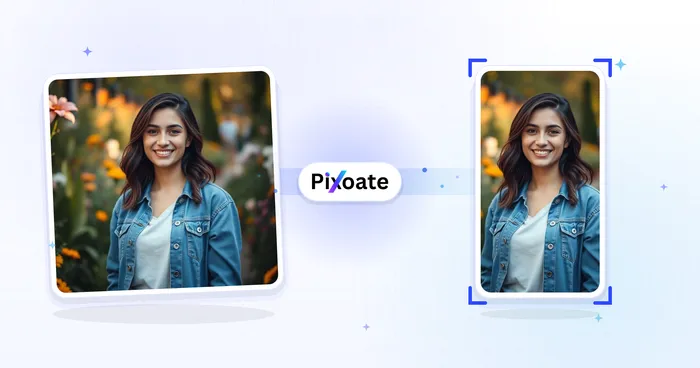
Social Publishing
TikTok Cover Resizer
Resize images for listed TikTok cover, carousel, profile and thumbnail dimensions, including 1080×1920.
Try it now
Photo Editing & Utilities
Compress Image to KB
Compress JPG, PNG or WebP files toward a chosen size such as 20KB, 50KB or 100KB, then review the result.
Try it nowFrequently Asked Questions
How Pinterest Pin Resizer helps you get it done
Real problems it solves every day — for businesses, creators, and everyday tasks. Find the use case that fits you and start.
Blog Post & Article Promotion Pins
Bloggers, content marketers and SEO teams resize hero images and quote graphics into 1000 × 1500 vertical pins to drive Pinterest traffic to long-form articles and listicles
Recipe & Food Blogger Pins
Food bloggers and recipe creators design tall vertical pins (1000 × 1500) of finished dishes with text overlay to win Pinterest saves and drive recipe-website traffic
Wedding & Event Inspiration Boards
Wedding planners, brides and event designers create resized pins for Pinterest mood boards covering venues, dresses, decor and color palettes from real client weddings
Etsy & Handmade Product Pins
Etsy sellers and handmade-product creators resize lifestyle product shots to Pinterest pin dimensions to drive shop traffic from Pinterest search and category browsing
Home Renovation & Interior Design Pins
Interior designers, DIY bloggers and renovation accounts publish tall before/after pins for kitchen, bathroom and full-home transformations that win repins
Fashion Outfit & Style Inspiration Pins
Resize full-outfit photos to selected Pinterest pin dimensions for style and portfolio content
Branded Profile & Board Cover Sets
Use the Board cover (600×600) and Profile cover (800×450) presets with Contain fit and a matching brand hex background color to give a whole Pinterest business profile a consistent, polished look.
Long-Form How-To & Infographic Pins
The Long pin preset (up to 2.1:1, 1000×2100) gives step-by-step tutorials, recipe cards and multi-step infographics the extra vertical space standard pins can't fit, which Pinterest rewards with stronger engagement.
Idea Pin & Square Video Thumbnails
Resize video covers to the Story pin (1080×1920) or Video pin square (1080×1080) preset so idea pins and video content display without cropping or letterboxing in the Pinterest app.
Circle-Safe Profile Photos for Business Pages
Pick the Profile picture preset and keep the safe-zone overlay on to confirm your logo or headshot stays centered inside the circular crop Pinterest applies to every profile photo.
Ecommerce Product Pins for Shopify & Etsy Sellers
Resize product photos to the Standard pin (1000×1500) or Square pin (1000×1000) preset with Contain fit and a white or brand-color background so every product pin looks consistent and catalog-ready when linked back to a Shopify or Etsy listing.
Watch each transformation land
Every photo crosses the slash untouched and comes out the other side finished.























