
Fitness Equipment Product Photo Generator
Generative output can vary; review the full result before publishing
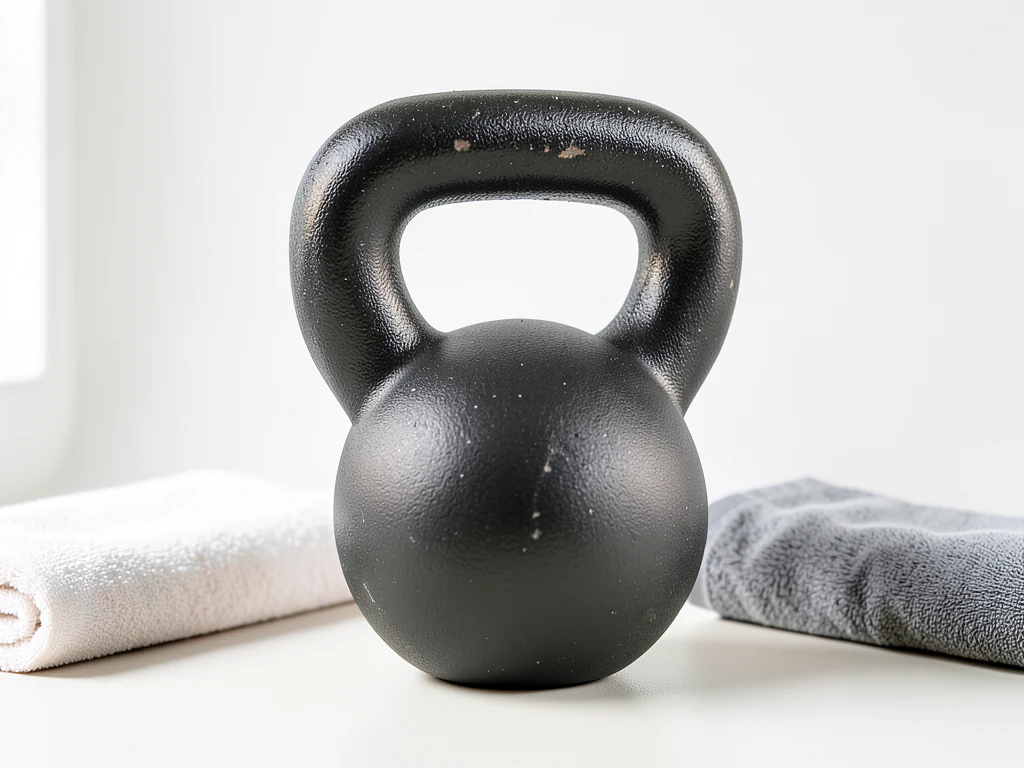
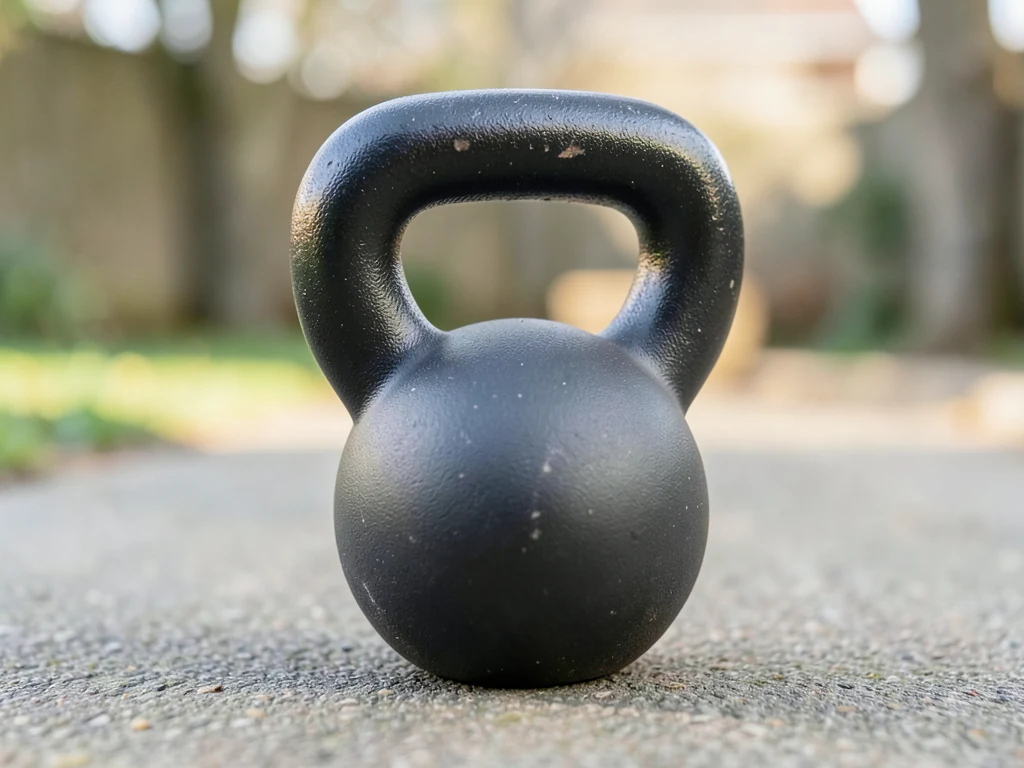
Home fitness buyers are really buying a room plan — will it fit, will it motivate, will it survive. This direction stages your equipment in honest home-gym contexts: floors and walls that hint at footprint, materials that read durable, light with workout energy rather than showroom gloss.
- Prepared Fitness Equipment direction
- Editable prompt
- Source-detail review required
Choose a source image for Fitness Equipment
JPG, PNG, WebP, HEIC, and other supported formats. Free up to 20 MB; Premium and higher up to 50 MB for this tool.
Home gym equipment: open frames and floor footprint
Racks, benches and bikes are mostly open structure, so a large share of the background shows through the frame. Each of those openings is regenerated, and the room seen through the frame has to line up with the room around it. Zoom along uprights and crossbars for a mismatched wall line or a leftover slice of your warehouse.
Large equipment is usually shot where it is stored, among boxes and other machines. Clear what you can, and shoot from about waist height so the feet meet the floor at a believable angle. The AI is asked to keep the equipment at its size in the frame, so the generated doors, windows and mats decide how big it looks; reject a room that shrinks a treadmill or a rack, and state the real footprint in the listing.
If clutter touches the equipment and cannot be moved, remove it from the original photo first. For a home setting with a lived-in feel, see the lifestyle product page.
Set up for Fitness Equipment Product Photo Generator
Prepared settings
- Starting point
- Upload one source image
- The page opens on the correct edit workflow; upload is the only required setup step.
- Prepared workflow
- Prepared Fitness Equipment scene direction
- Fitness Equipment Product Photo Generator opens with the Fitness Equipment direction preselected, so there is no need to find the operation manually.
- Output shape
- Same as your upload
- The result keeps the shape of the image you upload.
- Review rule
- Preserve the source subject and verify factual details
- Generated imagery can vary; the final result stays under the user's approval before download.
Best-fit uses
- Home-gym context shots with footprint cues
- Marketplace heroes for fitness brands
- Space-planning imagery for larger equipment
Frequently asked questions
- How does staging answer the space question?
- By placing the equipment against readable references — doorways, mats, ceiling height. The AI does not know real dimensions, so check the scale and state measurements in the listing; "will it fit the spare room" is the purchase blocker.
- What styling motivates without misleading?
- Clean energetic light and a used-but-ordered room — a space someone trains in, not a showroom fantasy. Sweat-equity styling feels real; sterile perfection reads as furniture.
- What should I review in a Fitness Equipment result?
- Check the subject, product geometry, colors, labels, logos, identity-relevant details, shadows, and edges against the source. Reject any output that changes a factual detail.
- What rights checks apply to a Fitness Equipment client project?
- Use only source material and references you have rights to, follow the destination platform rules, and obtain any required person or property permissions. Generated output still needs a human accuracy and rights review.
What you can do with AI Product Background Generator
Review the main capabilities before you begin.
- Build a backdrop around your product from a single photo
- Generate studio sweeps, podiums, gradients, and natural scenes
- Ask the AI to keep the product and label as photographed
- Prepare product concepts for listings and campaigns
Settings reference
4 settings
Available controls for AI Product Background Generator.
Workflow
- Single image or Batch imagesPresets
- Process one image, or use Premium Batch images to apply the same automatic recipe to a set and download one ZIP.Options: Single imageBatch images
Backdrops
- One-tap presetsPresets
- Pick a ready-made direction with one tap; generation uses the selected preset automatically.Options: White studioWarm beigeColor gradientStone podiumBotanical
- Custom instructions (optional)Text input
- Describe the requested change, relevant materials, lighting, perspective, and details that must remain unchanged.
Selection
- Selection brush sizeSliderRange: 4–160px · Default: 32px
- The subject area is found automatically. This brush appears only if that automatic area could not be found; paint the area to edit, then generate again.
Related tools for Fitness Equipment Product Photo Generator
Tools for common next steps after Fitness Equipment Product Photo Generator.

Background Studio
Remove Background
Remove a photo background and download a transparent PNG. Review hair and edges before use.
Try it now
Background Studio
White Background Maker
Replace a photo background with white for product listings.
Try it now
Product Photography Studio
AI Product Photos
Generate a background scene around your product. Describe the setting and review the result.
Try it nowGuides for this tool
- The Seasonal Campaign That Never Launched: When Product Photography Slows MarketingSeasonal campaigns can stall when every image needs a new photoshoot. Explore how Pixoate helps adapt existing product photos into useful campaign assets.
- How to Create AI Lifestyle Product Photos Without a Studio PhotoshootCreate AI lifestyle product photos with Pixoate. Explore settings for small business campaigns and review product shape, colour and scale before use.
Watch each transformation land
Every photo crosses the slash untouched and comes out the other side finished.























