How to Organize Business Equipment Receipts, Serial Numbers and Warranty Dates
Organize business equipment receipts, serial numbers and warranty dates with Pixoate. Keep purchase evidence connected to the asset it describes.
When equipment needs attention, the purchase evidence is often harder to find than the machine. The receipt is in an email, the serial number is on a label and the warranty terms were saved somewhere else.
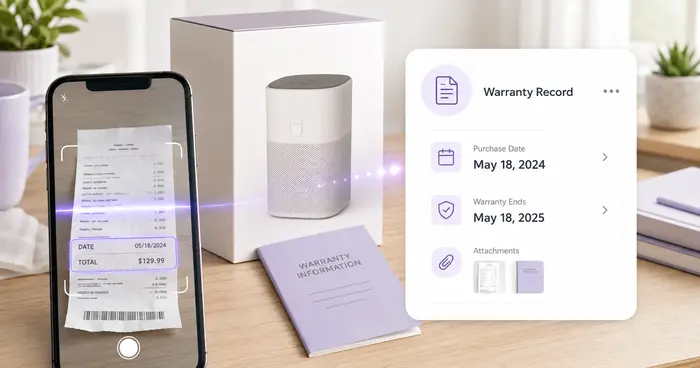
Pixoate Warranty Receipt Tracker helps index receipts, products, serial numbers and verified dates from supported images or PDFs. Use it to connect the records you already have, while retaining the original evidence and terms.
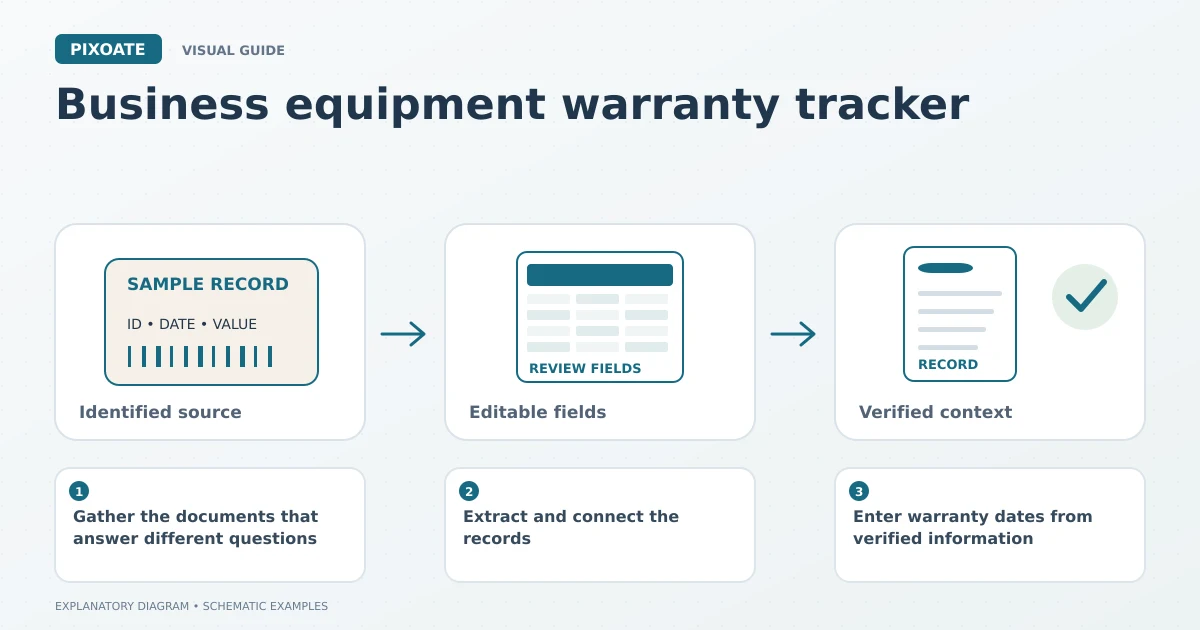
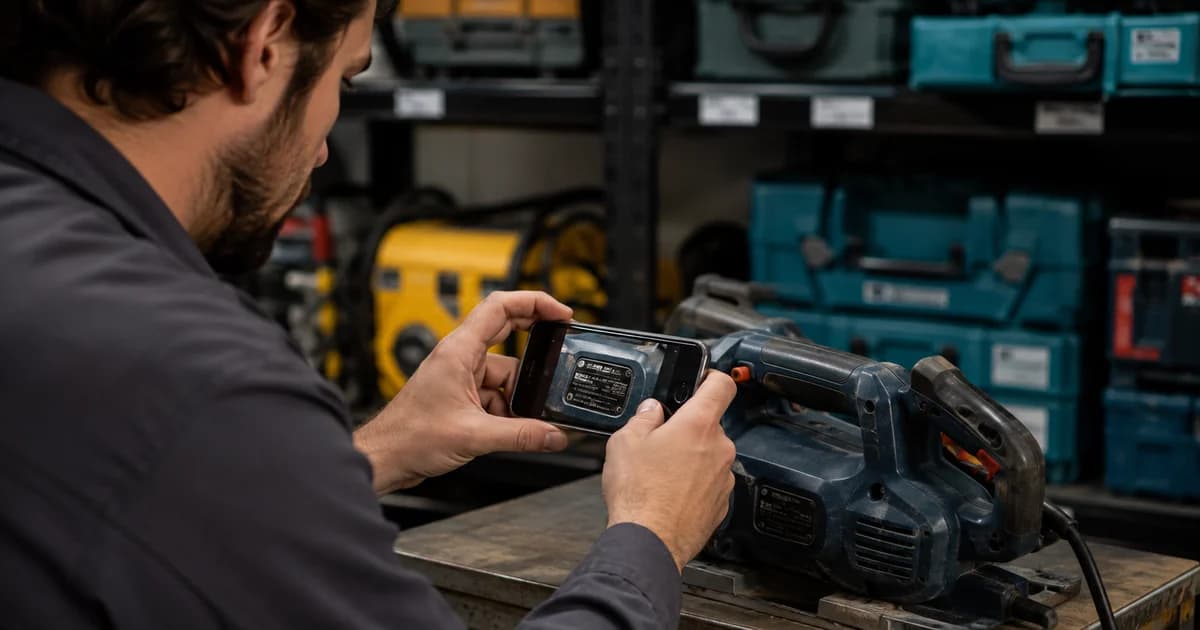
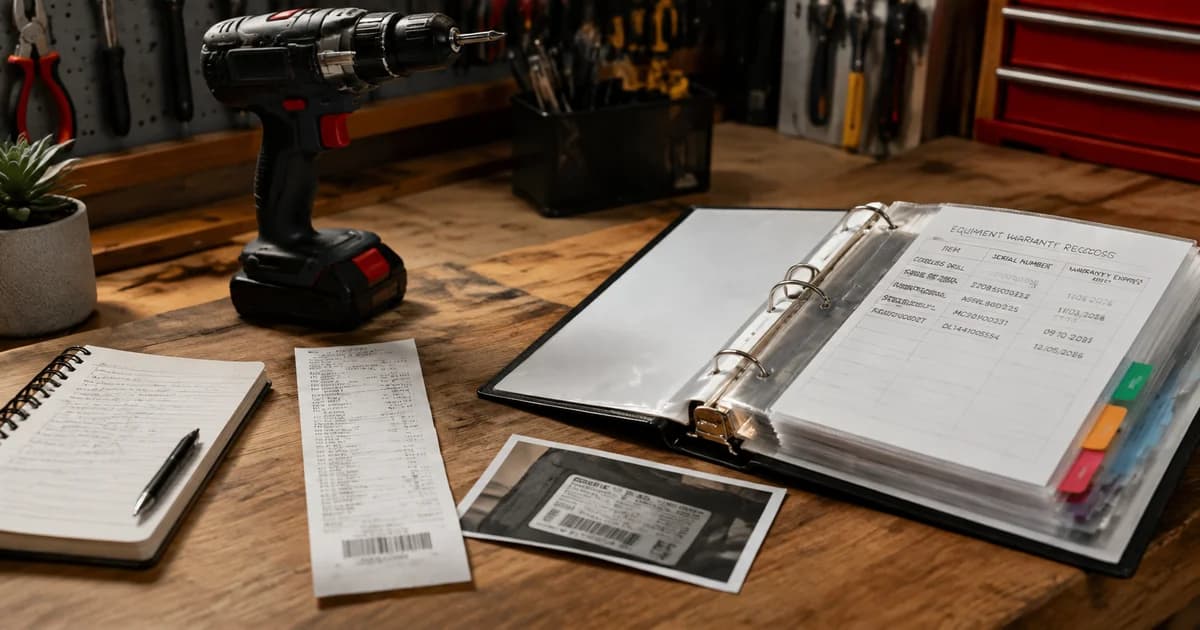
Original explanatory graphic. The scenes and sample records are schematic illustrations, not screenshots or measured tool results.
Gather the documents that answer different questions
A receipt records a purchase. A serial label identifies the unit. Warranty terms explain the applicable conditions. None should silently substitute for the others.
Collect the relevant files and identify which equipment each concerns. If several identical units were bought together, one receipt may relate to several individual serial numbers.
Extract and connect the records
Upload the supported purchase document to Warranty Receipt Tracker and review product, purchase and reference details. Add the actual serial information where available.
Use Receipt Extractor for a focused extraction of receipt fields, or Serial Number Scanner for equipment labels. Verify the links between the resulting records rather than relying only on similar product names.
Enter warranty dates from verified information
Confirm any expiration date using the actual terms and the relevant purchase or registration information. Do not assume every warranty begins on the same event or lasts a standard period.
Where supported, save the record and choose reminders for the verified date. Reminder delivery depends on account and notification conditions. A saved date does not confirm coverage or claim eligibility.
| Record | Question it helps answer |
|---|---|
| Receipt or invoice | When and where was it purchased? |
| Serial label | Which individual unit is involved? |
| Warranty terms | What conditions apply? |
| Verified date and source | Why was this reminder scheduled? |
Keep the original files accessible
An extracted index is convenient for finding information, but the service provider may need the original document or other evidence. Store sources according to your business process and keep a reference in the reviewed record.
Can the tool tell me whether a repair is covered?
It organises supplied information. Coverage decisions depend on the actual terms and the relevant provider's assessment.
What if the receipt does not show a serial number?
Use a separate verified equipment-label record and connect it carefully. Do not invent a serial value from a model code.
Start with Pixoate Warranty Receipt Tracker for one equipment purchase. A connected, reviewed record makes the next service enquiry easier to prepare.