How to Scan Equipment Serial Numbers into a Business Asset Register
Scan equipment serial numbers into reviewed asset records with Pixoate. Connect label photos, model details and purchase evidence without losing context.
The equipment is easy to recognise until two identical units need servicing. Then the serial number, model and location matter more than the general description “office printer.”
Pixoate Serial Number Scanner reads equipment-label photos into an editable asset list with CSV export. Use the extraction to prepare records, then verify the characters that identify each physical unit.
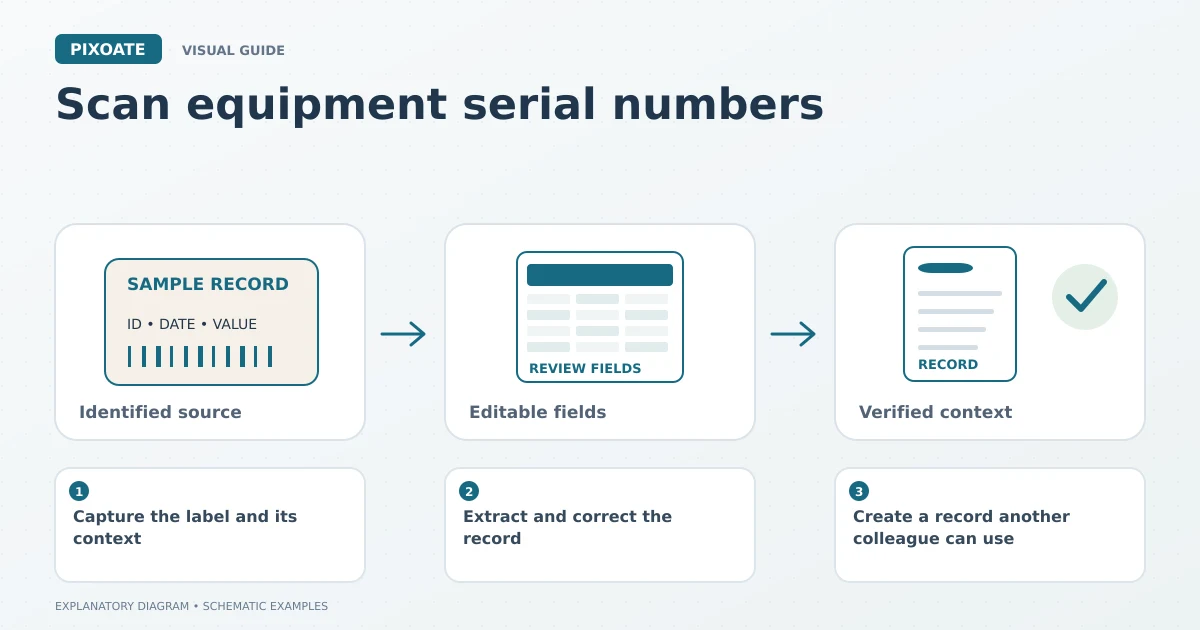
Original explanatory graphic. The scenes and sample records are schematic illustrations, not screenshots or measured tool results.
Capture the label and its context
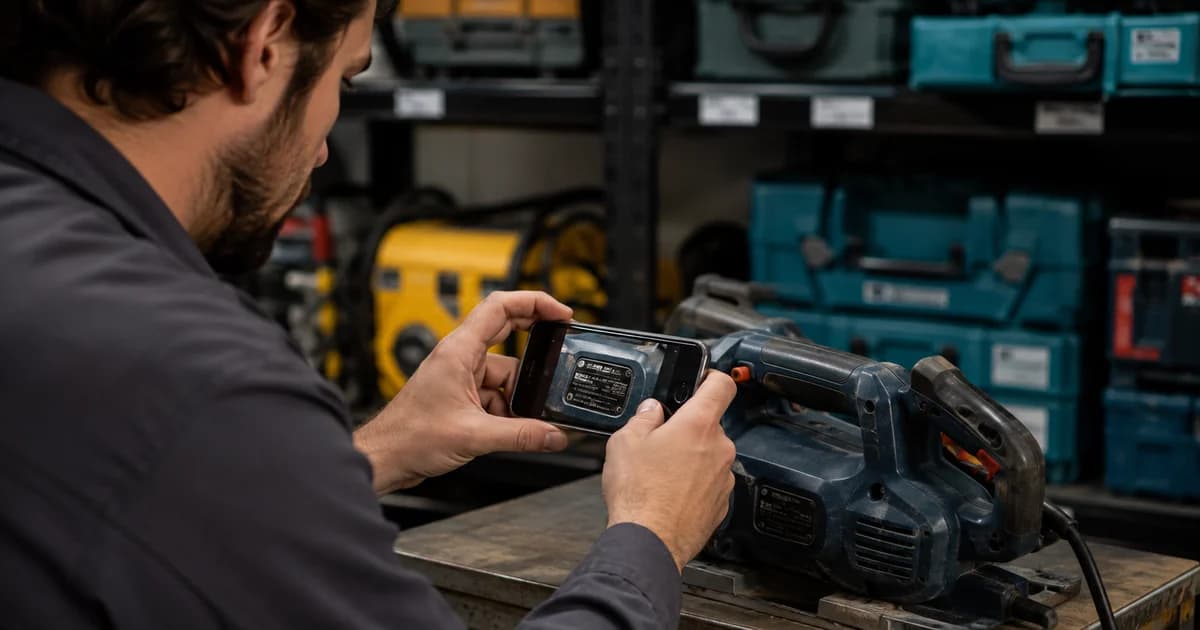
Photograph the serial label closely enough to read it, avoiding glare and curved-angle distortion. Keep a wider photograph or a location reference in your own records so the label can be connected to the equipment.
Distinguish serial number, model number and internal asset tag. They answer different questions. Several units may share a model number while each has its own serial number.
Extract and correct the record
Upload the label image to Serial Number Scanner. Review the editable fields, including manufacturer, model, serial number and any asset identifier you use. Check uncertain characters against the source before exporting or saving.
Look closely at zeros and letters, separators and leading characters. Do not standardise away punctuation unless your asset system's rules require it and you retain the original value.
Use custom field extraction for additional document information when the record needs fields outside the focused serial-label workflow.
Create a record another colleague can use
| Field | Practical purpose |
|---|---|
| Serial number | Identifies the individual unit. |
| Model | Identifies the equipment type. |
| Internal asset tag | Connects it to your own register. |
| Location or custodian | Helps find the unit operationally. |
| Source reference | Makes the reading reviewable. |
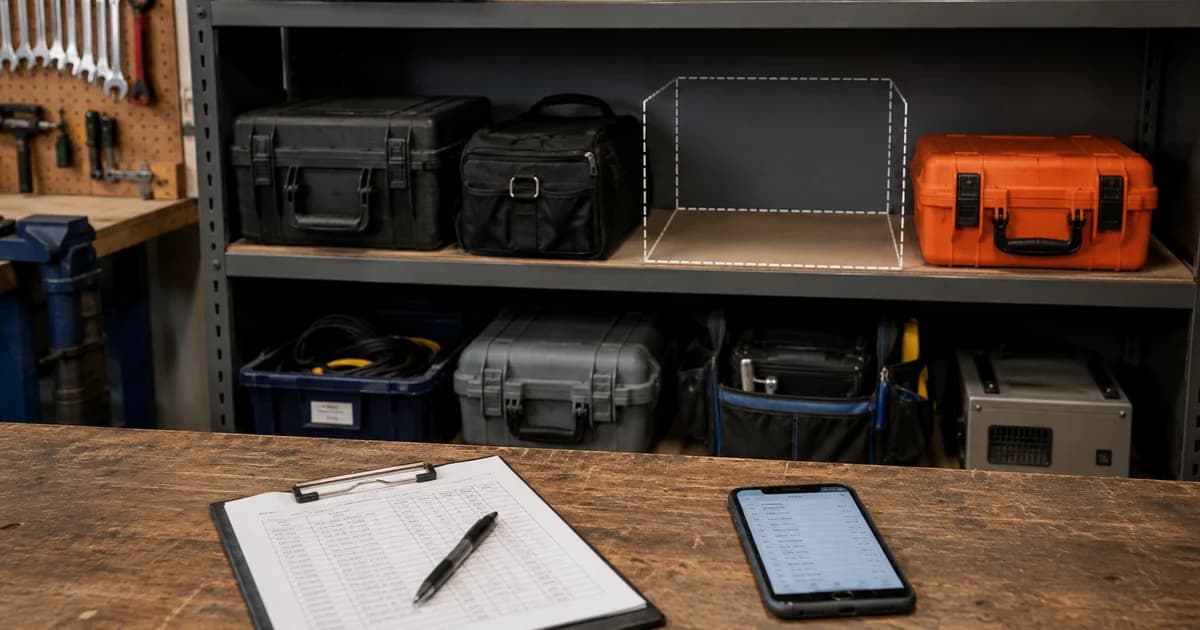
Export the reviewed CSV and match it to your register's required columns. Inspect the import preview so numeric-looking identifiers do not lose leading zeros.
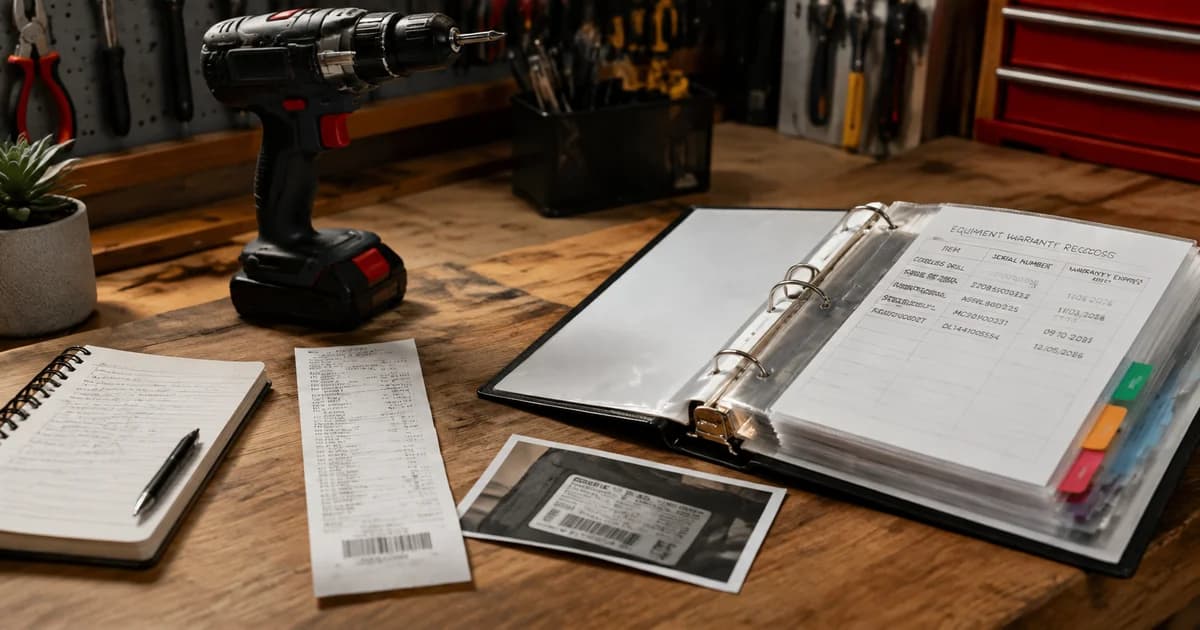
For purchase evidence, organise equipment receipts and warranty records. A label identifies a unit, while the purchase record supplies different information about how it entered the business.
Can the scanner locate missing equipment?
It helps create identification records from supplied images. It is not a tracking device and does not determine an asset's current physical location.
What if the label is damaged?
Record uncertainty and use another verified source, such as the original equipment documentation, where appropriate. Do not invent missing serial characters.
Start with a small group of equipment labels in Pixoate. A reviewed asset list is most useful when each row clearly corresponds to one real unit.