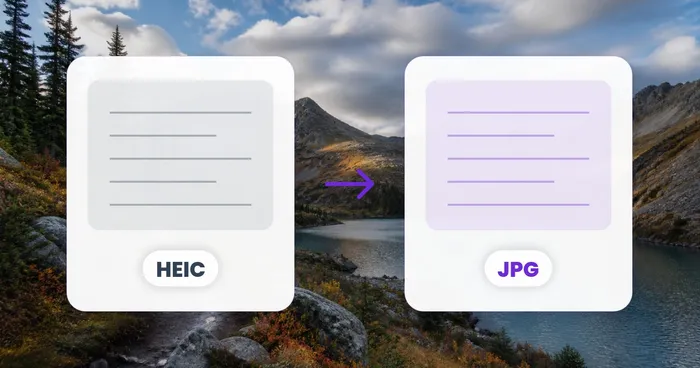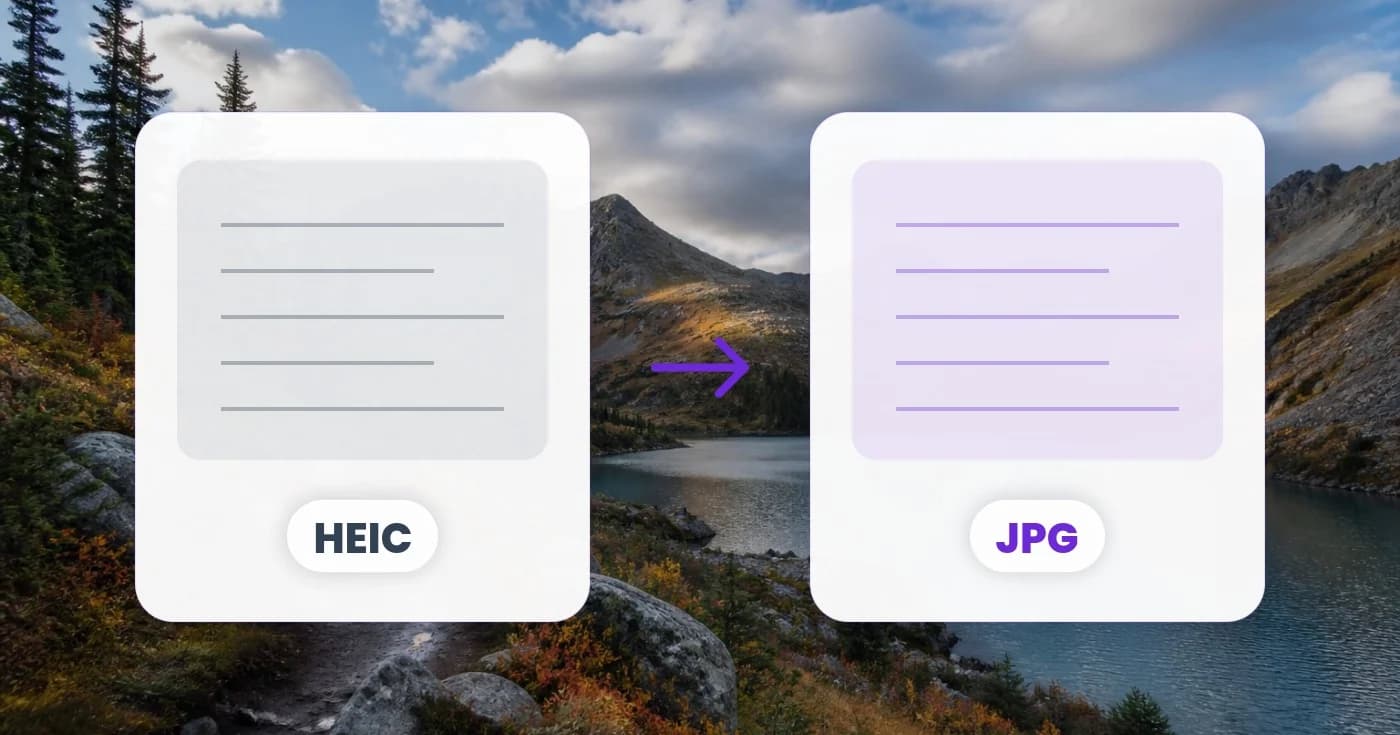
The iPhone Photo That Holds Up a Product Listing: Understanding HEIC Compatibility
An iPhone product photo may hit an upload barrier because it is HEIC. Explore Pixoate conversion and the checks that keep marketplace preparation moving.
The product is photographed, the description is ready and the listing pauses at the upload form. The image opens on the phone, but the next system expects a format the file does not use.
HEIC compatibility is a handoff problem. The right solution is to create a genuine accepted output while preserving the product information and the original capture.
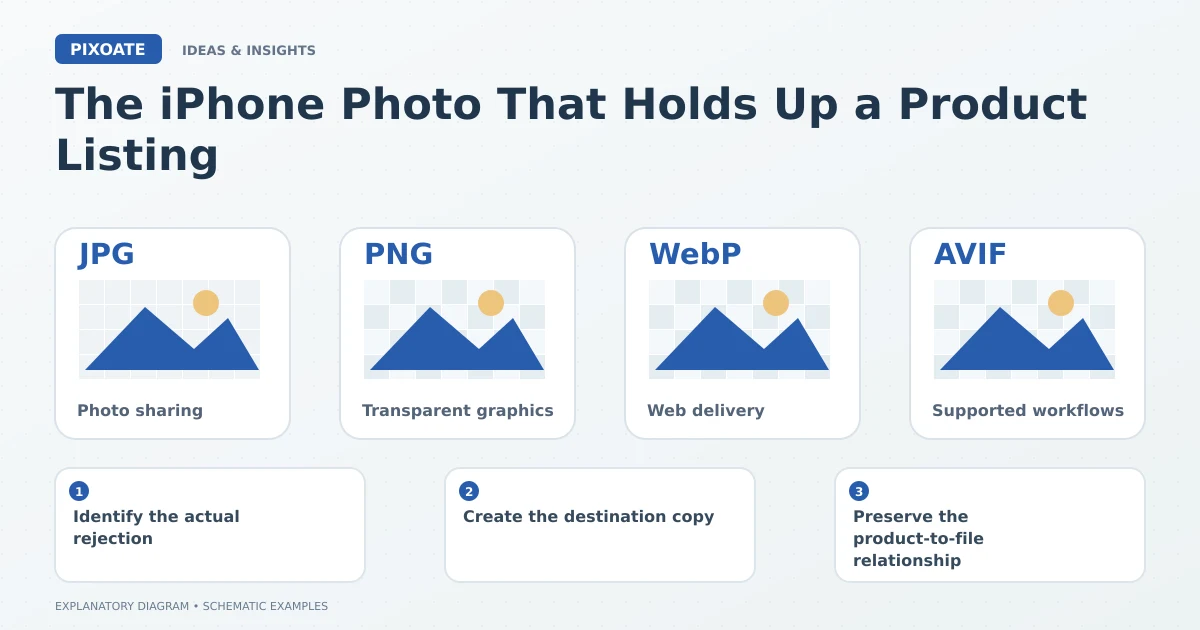
Original explanatory graphic. The scenes and sample records are schematic illustrations, not screenshots or measured tool results.
Identify the actual rejection
Check whether the receiving system rejects the format, file size or dimensions. Those are different issues, even when they appear during the same upload step.
Renaming a HEIC file with a JPG extension does not change its encoded content. A system that inspects the file can still reject it.
Create the destination copy
Pixoate HEIC to JPG converts supported images into JPEG files. Review the actual download for orientation, colour and visible product detail.
Use Image Format Converter when the workflow involves a broader set of supported sources and outputs. Keep the destination requirements explicit rather than trying several formats at random.
Preserve the product-to-file relationship
A batch from an iPhone shoot may contain several similar variants. Keep product identifiers or another reliable working record with the source and output files.
A compatible JPEG assigned to the wrong variant is still the wrong listing image. Inspect the upload preview and gallery after the conversion succeeds.
Keep the useful original
The JPEG is a delivery copy. It may not retain every feature or metadata characteristic of the source asset, and it should not automatically replace the original in your archive.
For recurring shoots, agree on a simple preparation routine: organise the source, convert a representative sample, inspect the output and then process the compatible group. Review exceptions individually.
The format obstacle should be a small, understandable step in the listing workflow. Use Pixoate HEIC to JPG to prepare the accepted file, then confirm that the final listing still shows the right product clearly.