Why Your Small Business Looks Different on Every Social Platform
Your business should feel recognisable across social platforms. Explore Pixoate photo editing, layout choices and reusable styles for consistent graphics.
The café's weekend post uses one font, the event announcement another and the menu graphic a third. Each piece may be readable on its own, yet together they give the impression that the business keeps changing its visual identity.
Consistency does not require every post to look identical. It requires a few decisions that remain recognisable while the message changes.
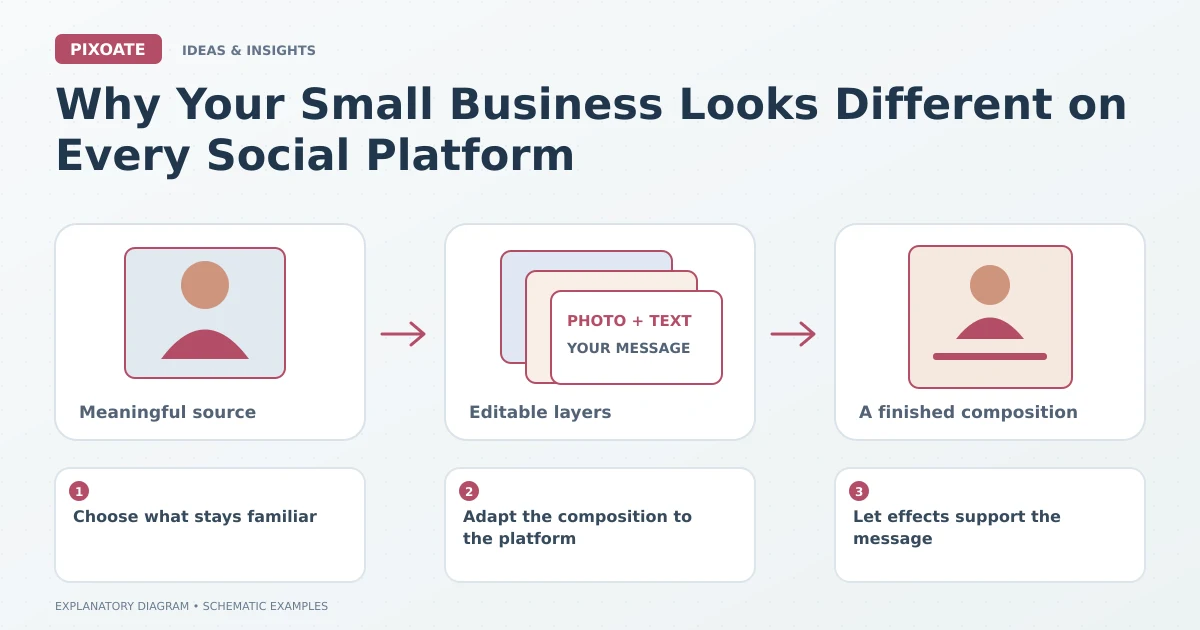
Original explanatory graphic. The scenes and sample records are schematic illustrations, not screenshots or measured tool results.
Choose what stays familiar
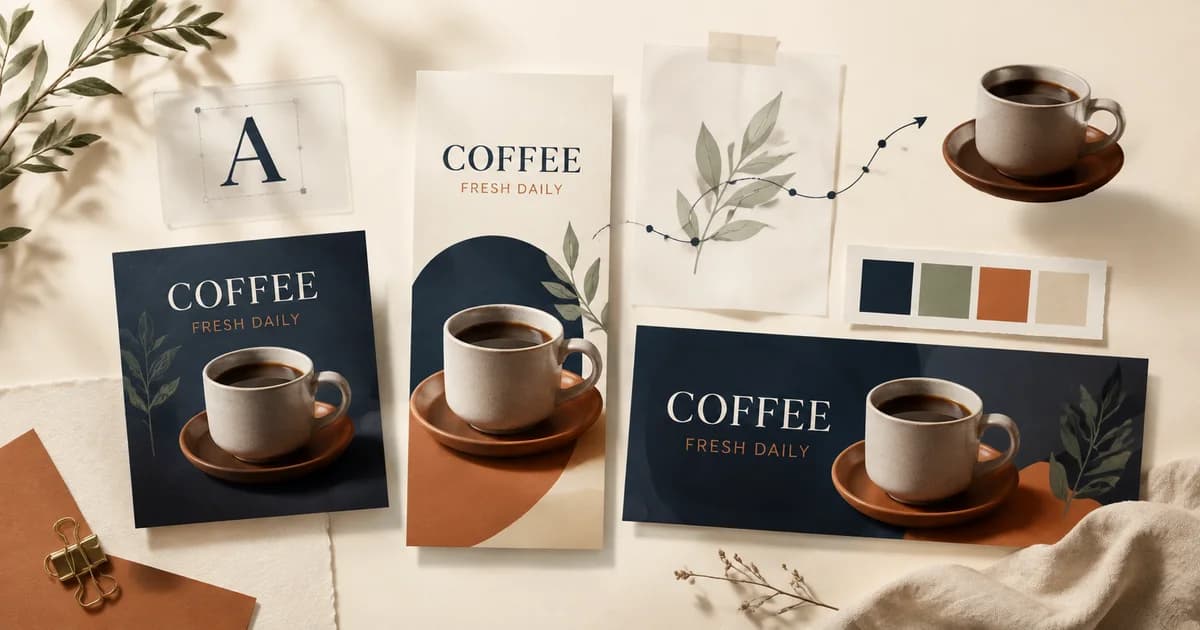
Start with a small type hierarchy, a useful colour palette and a general approach to photographs. Decide where the business name and essential information usually appear.
Use Pixoate Photo Editor to keep text, images and backgrounds editable. Saved designs and available reusable style features can help you return to an approved direction rather than rebuilding it from memory.
Adapt the composition to the platform
A square announcement, portrait story and wide banner have different space to use. Change the canvas deliberately, then review the layout and text size for each shape.
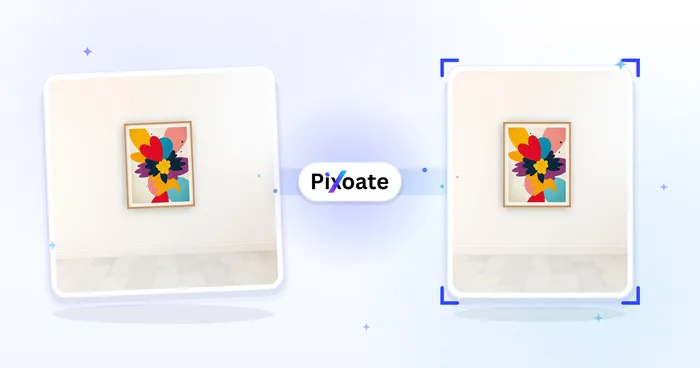
Use Resize Image for individual image dimensions when that is the actual task. A full design with separate layers may need repositioning as well as resizing.
Let effects support the message
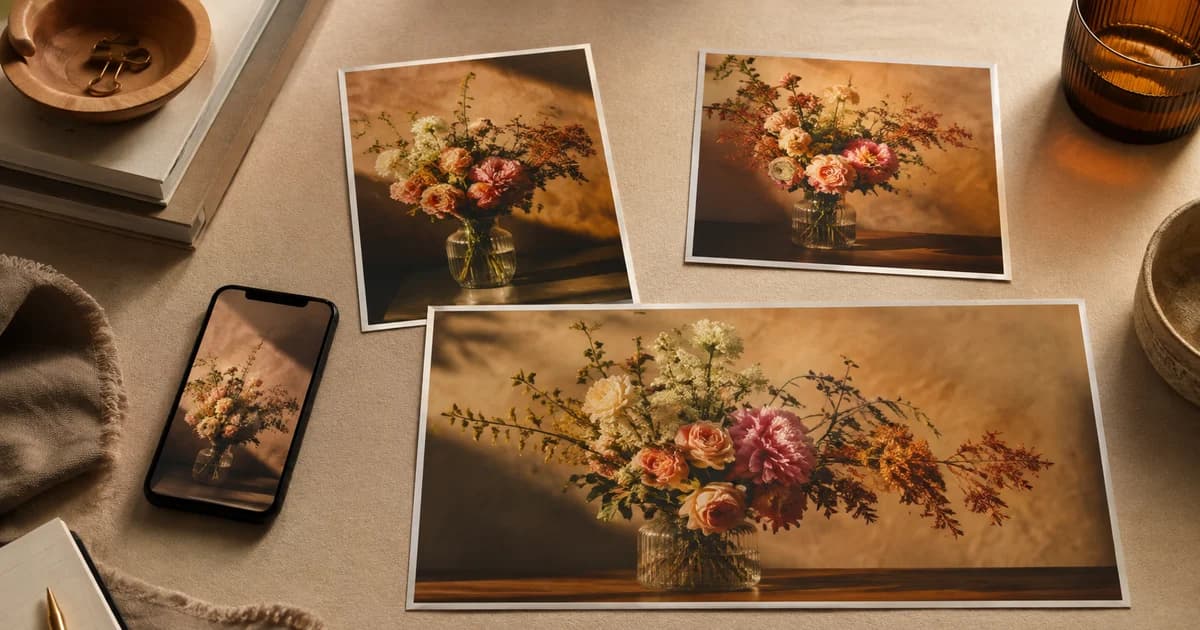
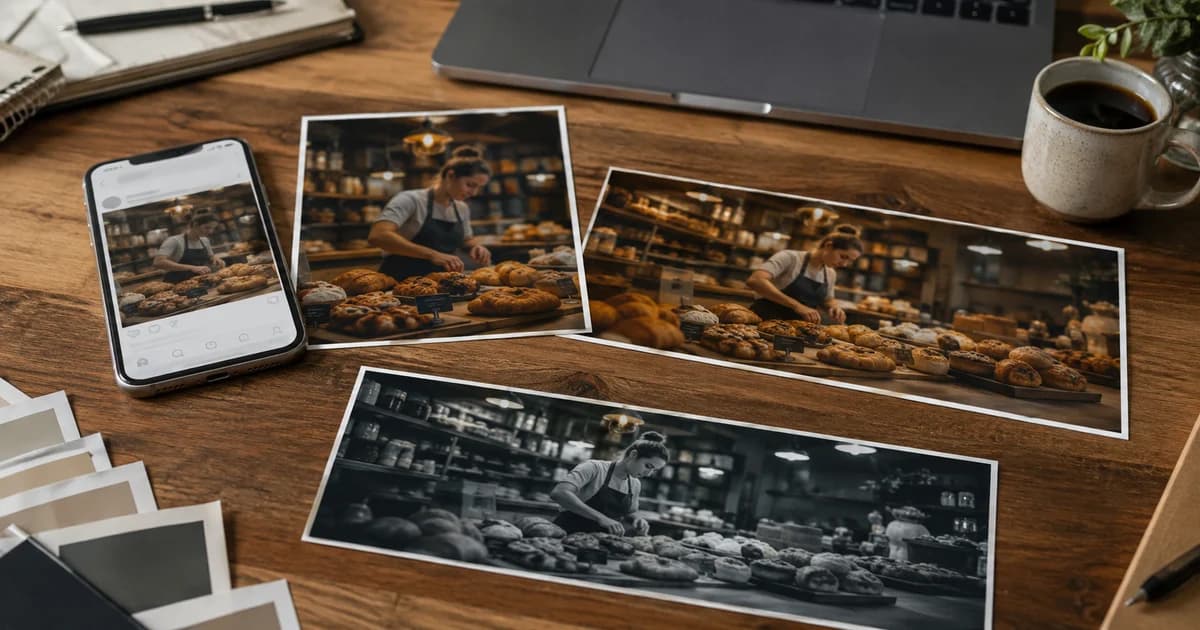
Photo Effects can give a campaign a distinct treatment. Choose a look that suits the subject and remains readable across the relevant set.
Avoid using an unrelated effect on every post merely to make it feel new. The product, event or offer should remain easy to identify.
Review a week of posts together
Look for inconsistent names, dates, colours and visual hierarchy. Check the smallest display size the audience will use. A familiar style loses value if the time or location cannot be read.
Keep the approved editable versions and note which details must change next time. Reusing a layout should not leave last week's date in a new announcement.
Use Pixoate Photo Editor to make a small set of repeatable design decisions. That gives the business room to be creative while remaining recognisable across its everyday marketing.