One Good Photo, Many Campaigns: The Creative Value of Reusing What You Have
One good photo can support several campaigns. Explore Pixoate effects, backgrounds and editing choices that turn an existing image into fresh creative work.
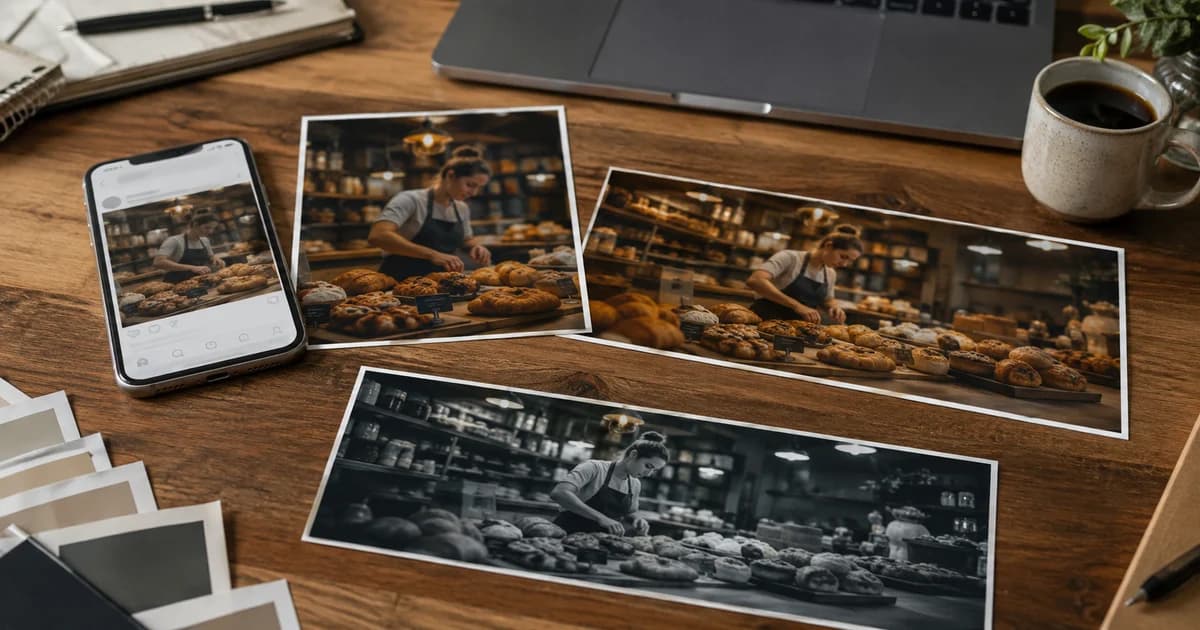
A good photograph can outlast the first design made from it. The same café image might support a weekend announcement, a seasonal menu introduction and a simple thank-you post, provided each version has a clear purpose.
Creative reuse begins with separating the source photograph from the message built around it. The product or place remains recognisable while the composition, wording and appropriate styling change.
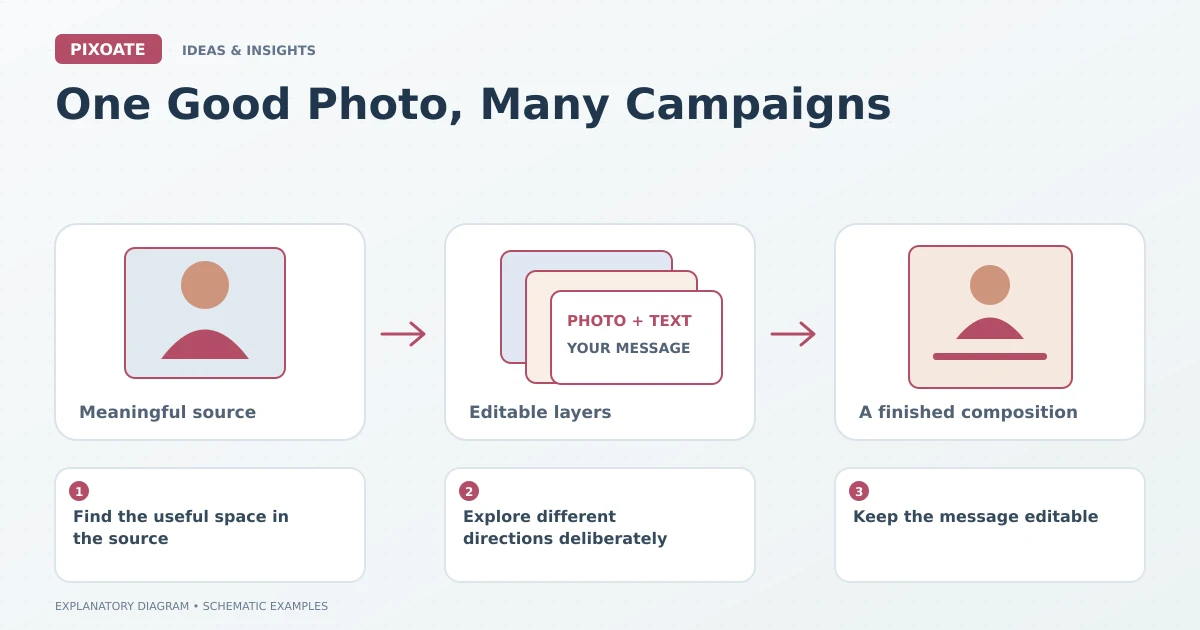
Original explanatory graphic. The scenes and sample records are schematic illustrations, not screenshots or measured tool results.
Find the useful space in the source
Look for clear subject detail and room for a headline. Decide which parts of the photograph must remain visible in every version.
A photo with a busy background may need a quieter composition. A tightly cropped image may need a different canvas treatment for a portrait placement. Choose the change that serves the message instead of applying effects at random.
Explore different directions deliberately
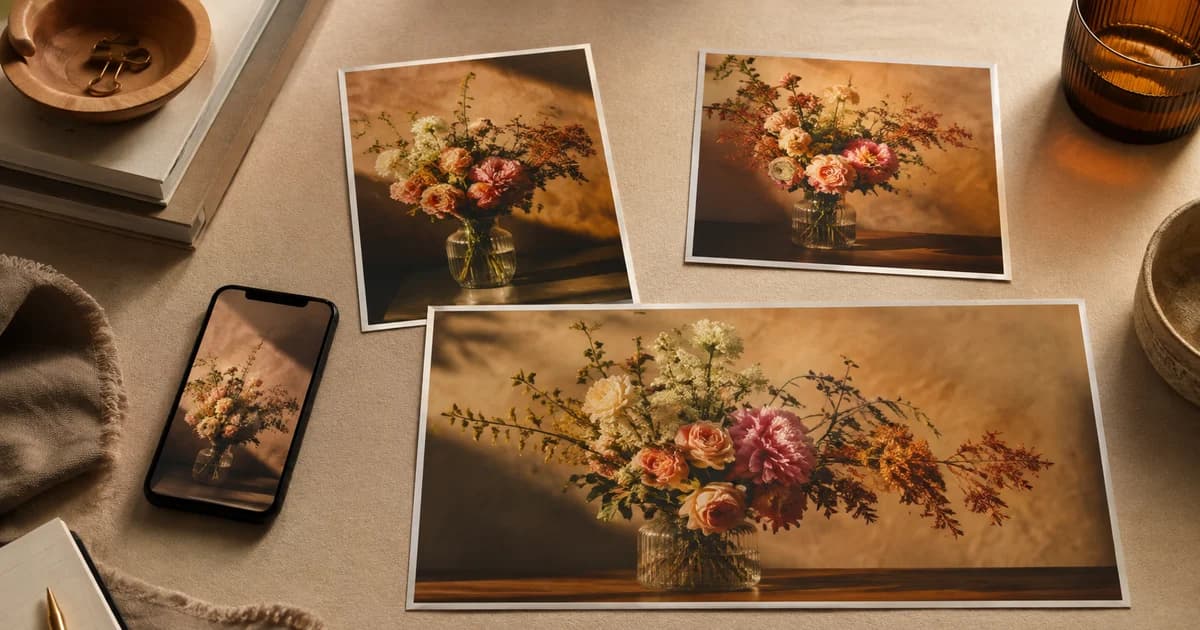
Pixoate Photo Effects provides creative treatments for suitable images. Compare a restrained warm look, a graphic interpretation or another relevant direction while keeping the purpose of the asset clear.
Change Background can help prepare a different setting or colour treatment where appropriate. Preserve an accurate version when the image needs to describe an actual product or place.
Keep the message editable
Use Photo Editor for separate text, photo, illustration and background layers. Save the design and adapt the canvas for another placement, then adjust spacing and type size rather than assuming the layout will redesign itself.
For a hypothetical café campaign, one version might emphasise a date, another a menu item and a third a thank-you message. Each should have a distinct reading priority even when the source photo is shared.
Refresh the details that can become stale
Check dates, prices, product availability and event information before reusing a design. A familiar layout can make an outdated detail easy to miss.
Review the final output at the intended display size. Motion or decorative elements, where used, should support the message without making essential information harder to read.
Use Pixoate Photo Editor to keep a strong source flexible. The creative value comes from finding another useful message the photograph can carry, with every new version reviewed for its actual purpose.