JPG vs PNG for Product Photos: Quality, File Size and Transparency
JPG or PNG for product photos? Compare transparency, image detail and file size, then use Pixoate to prepare an export that fits your listing workflow.
A seller exports every product photo as PNG because it sounds like the higher-quality choice. Another exports every graphic as JPG and discovers that a transparent logo now has a solid rectangle around it. Both decisions overlook what the image needs to do.
JPG and PNG are useful for different product-image tasks. Pixoate's PNG-to-JPG converter and JPG-to-PNG converter let you prepare the required output while keeping the source.
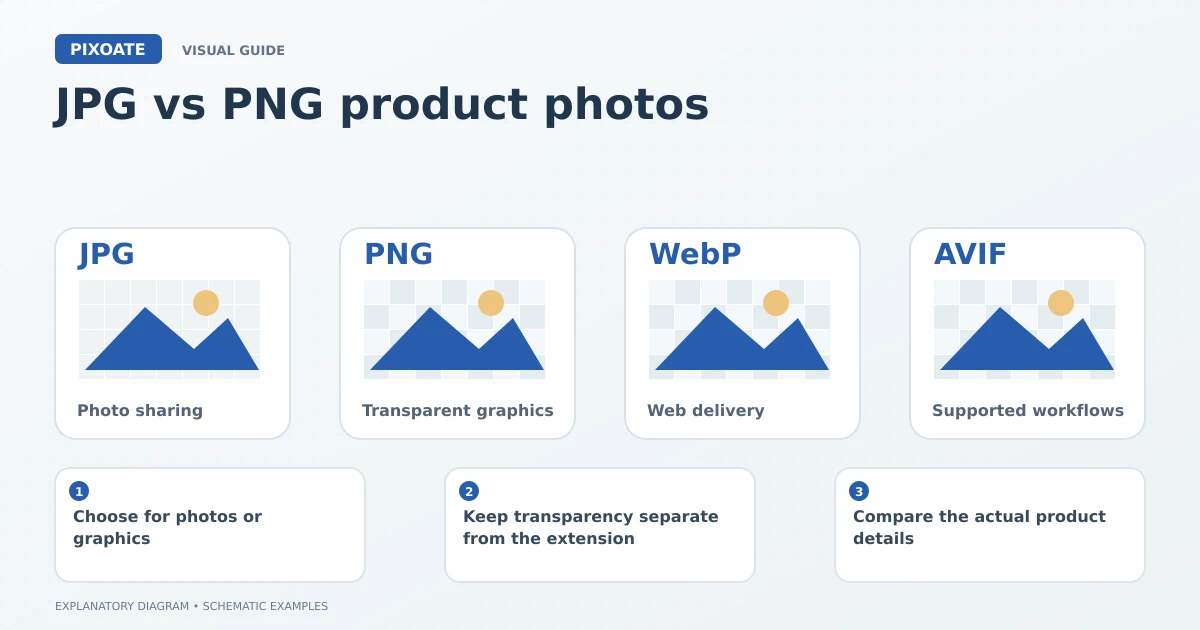
Original explanatory graphic. The scenes and sample records are schematic illustrations, not screenshots or measured tool results.
Choose for photos or graphics
JPEG commonly uses lossy compression to reduce photographic file sizes. PNG preserves its encoded pixel data losslessly and supports alpha transparency. Google's PNG documentation [1] explains why those characteristics are useful for particular image types.
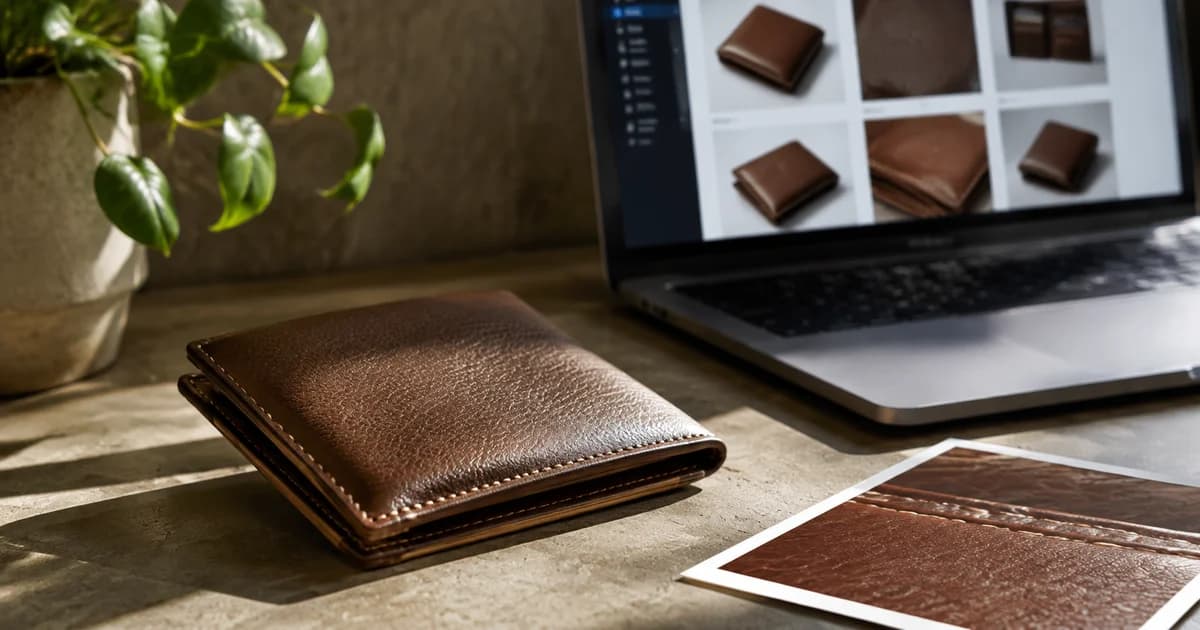
A plain product photograph may work well as a carefully compressed JPEG. A cutout intended for several background colours may need a transparent output. A detail graphic with small text deserves an inspection of edge clarity in either format.
Keep transparency separate from the extension
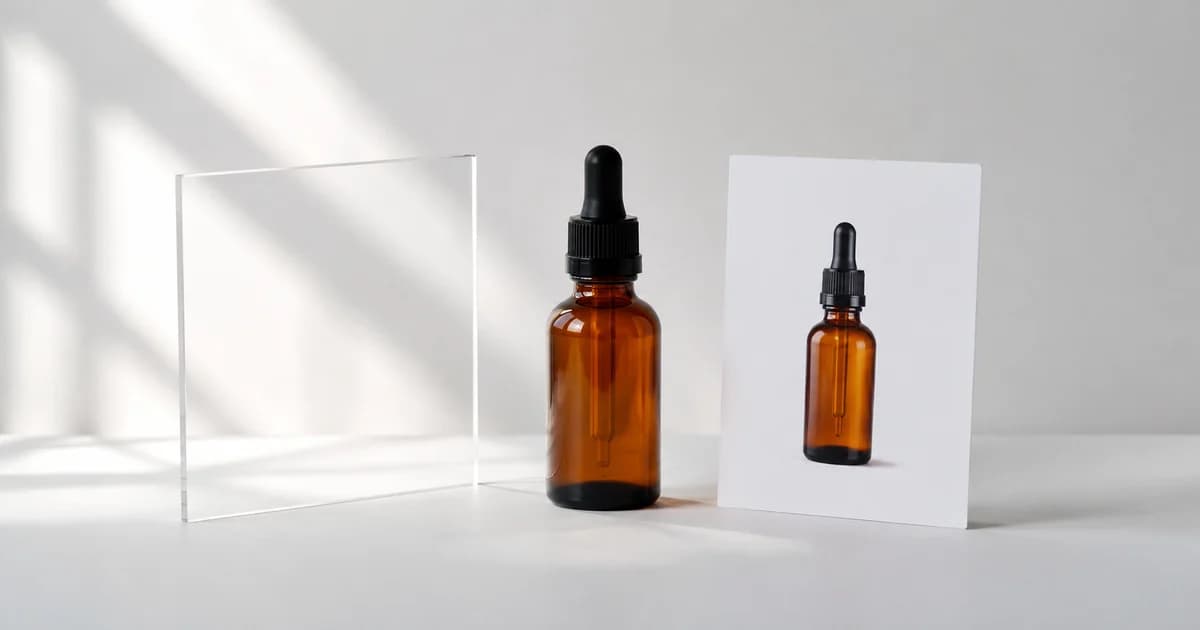
Converting JPG to PNG does not identify and remove the background. It places the existing pixels into a PNG file. If the image needs a cutout, use Remove Background, then export with transparency where supported.
When converting a transparent PNG to JPG, choose the intended solid background. JPEG does not retain an alpha channel, so a transparent area must become visible pixels in the output.
Compare the actual product details
| Image type | What to inspect |
|---|---|
| Plain product photo | Texture and label detail at the intended display size |
| Transparent cutout | Edge quality against light and dark backgrounds |
| Annotated dimensions graphic | Small text, thin lines and contrast |
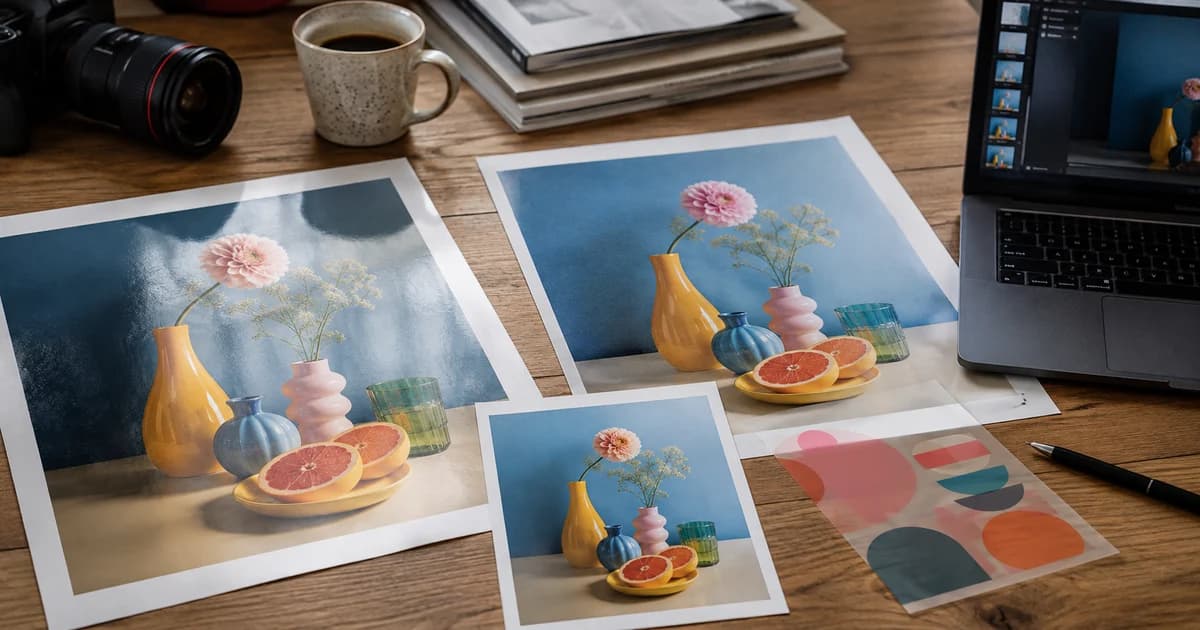
| Smooth coloured background | Visible compression patterns or banding |
Use Compress Image when the chosen file is too large. Keep a clear record of the output settings so similar product images can be prepared consistently.
Avoid a misleading quality shortcut
A PNG made from an already degraded JPEG does not recover the lost information. Return to a better original when possible. The file extension describes the container and encoding, not the truthfulness or usefulness of the product image.
Which is best for every Shopify or marketplace image?
Check the accepted formats and image placement, then choose based on the content. A main photo and a reusable transparent cutout can justify different files.
Start with Pixoate's format converters, compare the visible result and retain the source that allows you to make a different export later.
Sources
- PNG documentation:
https://web.dev/learn/images/png