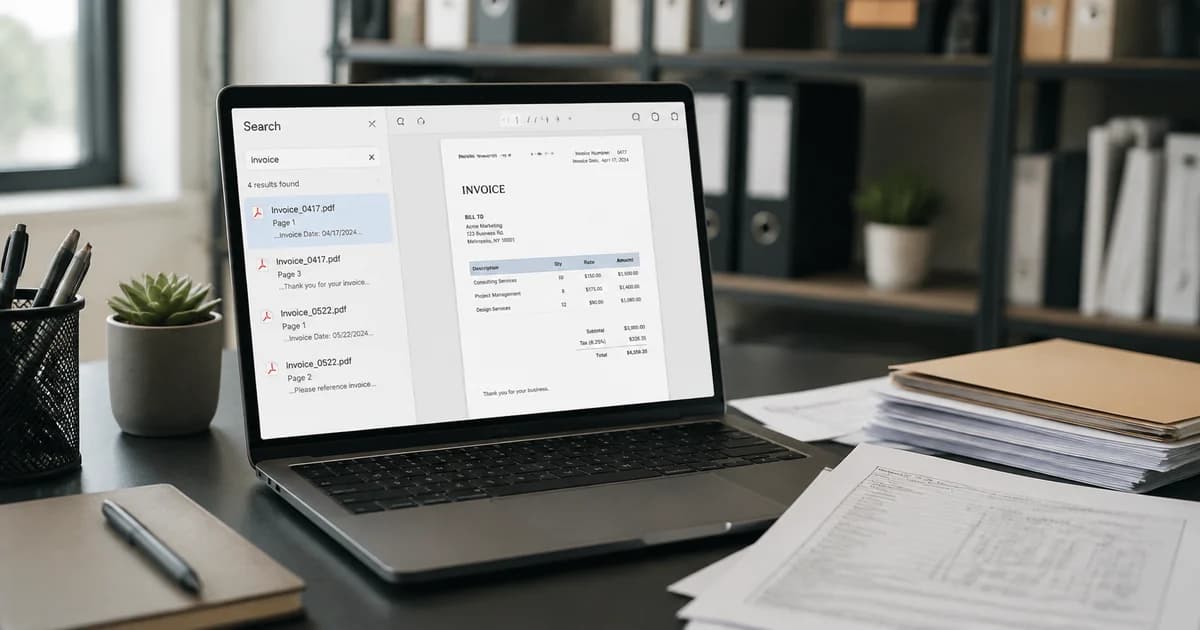
Paperless but Still Searching: Why Businesses Need Searchable PDFs
Paperless records are not always searchable. Explore Pixoate PDF workflows that help businesses find names, references and invoice text in scanned pages.
The filing cabinets are gone, but the searching continues. The documents now live in folders with sensible names, and somebody still opens one PDF after another to find a reference inside.
Paperless storage and searchable content solve different parts of the recordkeeping problem. A folder can tell you which document to try; recognised text can help you find something within it.
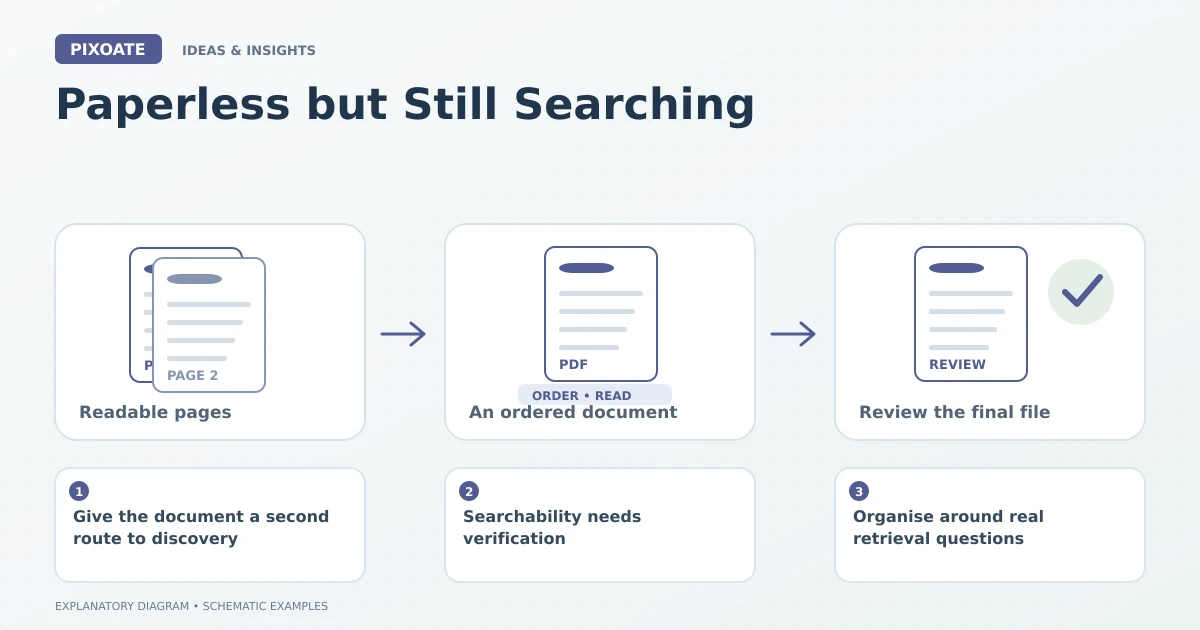
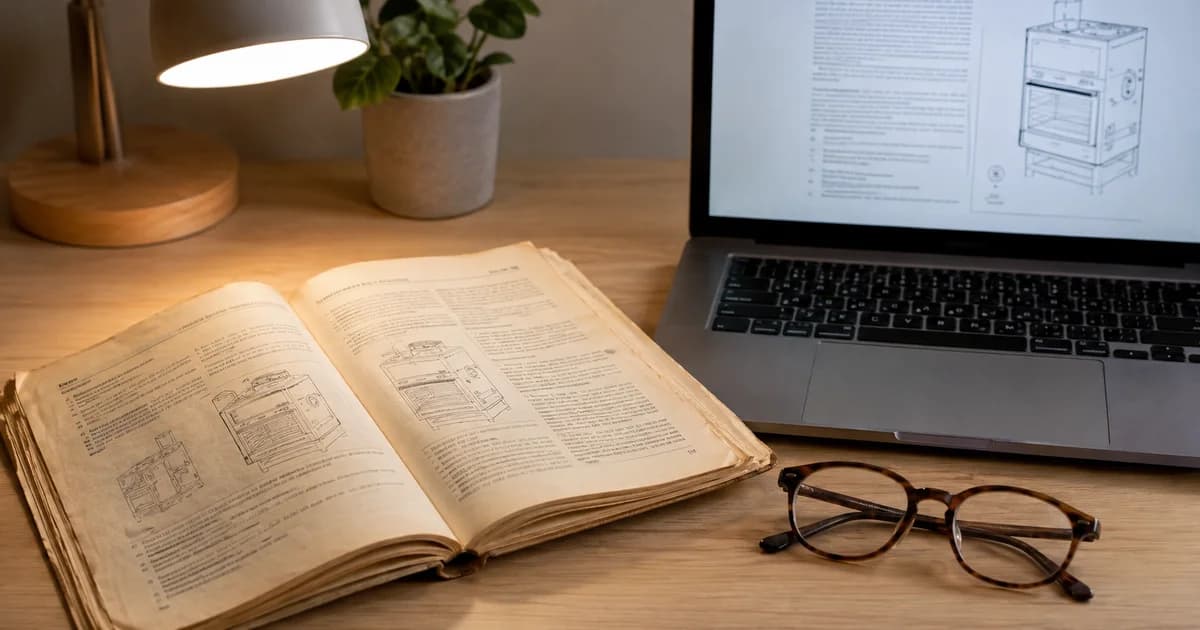
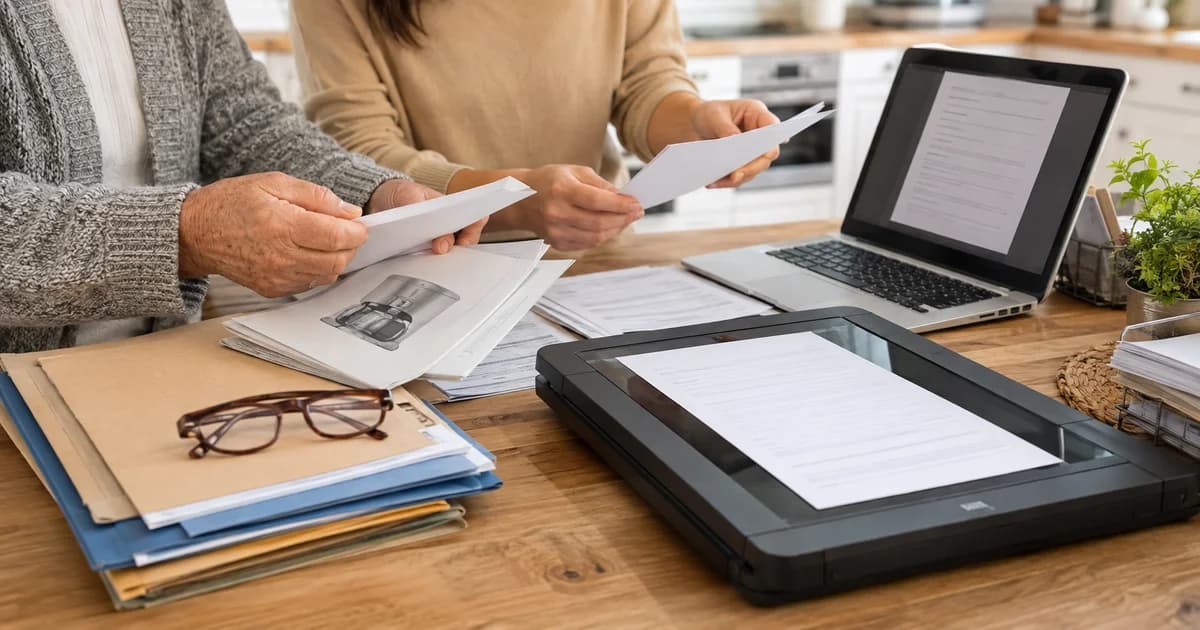
Original explanatory graphic. The scenes and sample records are schematic illustrations, not screenshots or measured tool results.
Give the document a second route to discovery
Pixoate Searchable PDF keeps supplied image pages visible and adds recognised text. That can make a name, phrase or reference easier to locate in a compatible PDF reader.
For an existing PDF, use the supported OCR workflow in Pixoate PDF Editor. Match the tool to the actual input rather than assuming all image and PDF routes accept the same files.
Searchability needs verification
Search for known words and important references in the downloaded result. Compare the recognised passage with the visible page. A useful OCR layer can still contain an incorrect character that prevents an exact identifier search.
Keep meaningful filenames and source organisation. OCR should not become the only way to locate a record, particularly when the source is faint or damaged.
Organise around real retrieval questions
Ask colleagues what they usually search for: supplier, job reference, customer name or a phrase in the instructions. Use those questions to choose a small representative group for preparation and review.
Avoid creating one enormous PDF merely because every document can fit in it. Logical groups, clear filenames and appropriate access controls remain part of the recordkeeping process.
Keep the promise proportionate
An OCR layer does not authenticate the source, create an enterprise search platform or complete every accessibility requirement. It makes recognised text available in the resulting document.
That modest capability can still be useful. A person who knows the invoice number should not always need to read every page to locate it.
Start with Pixoate Searchable PDF for a small set of document images. Verify the searches people actually need and keep the original page visible as the reference behind the words.