When Supplier Prices Arrive as Photos: The Cost of Data You Cannot Compare
Supplier prices trapped in photos are difficult to compare. Explore how Pixoate extraction helps turn scattered price sheets into usable purchasing data.
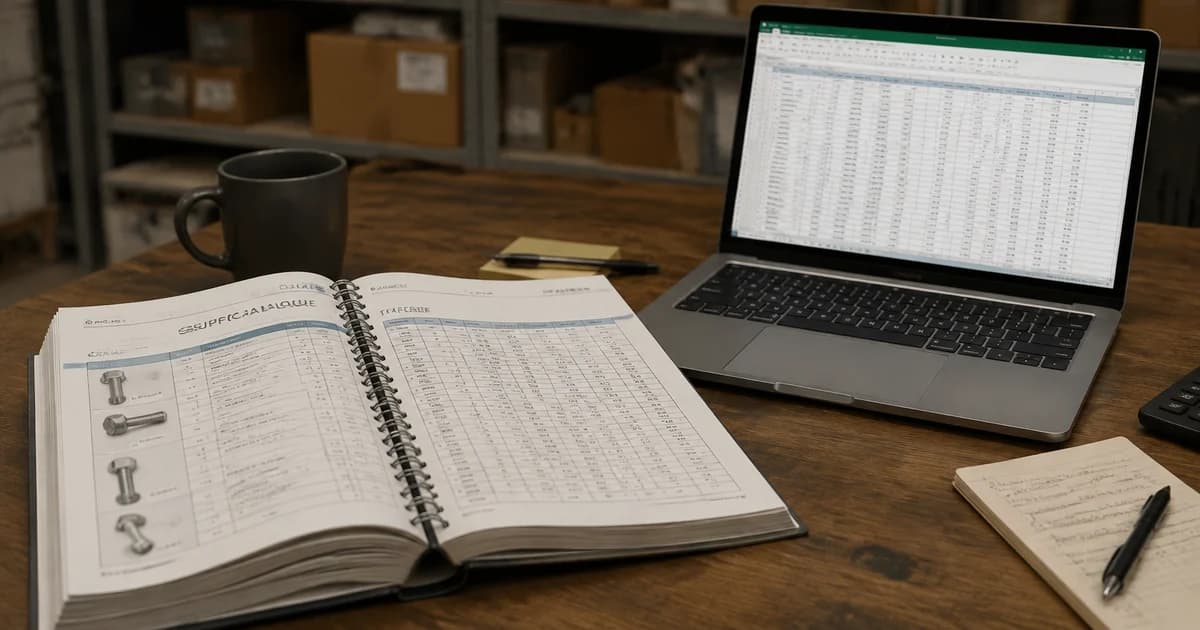
The supplier has sent the answer, but it is trapped in a photograph. The purchasing team can see the prices and still cannot sort, compare or calculate with them. The information has arrived; the decision-ready data has not.
That gap is particularly frustrating when several suppliers use different formats and pack descriptions. Recreating their tables becomes a prerequisite to asking the actual purchasing question.
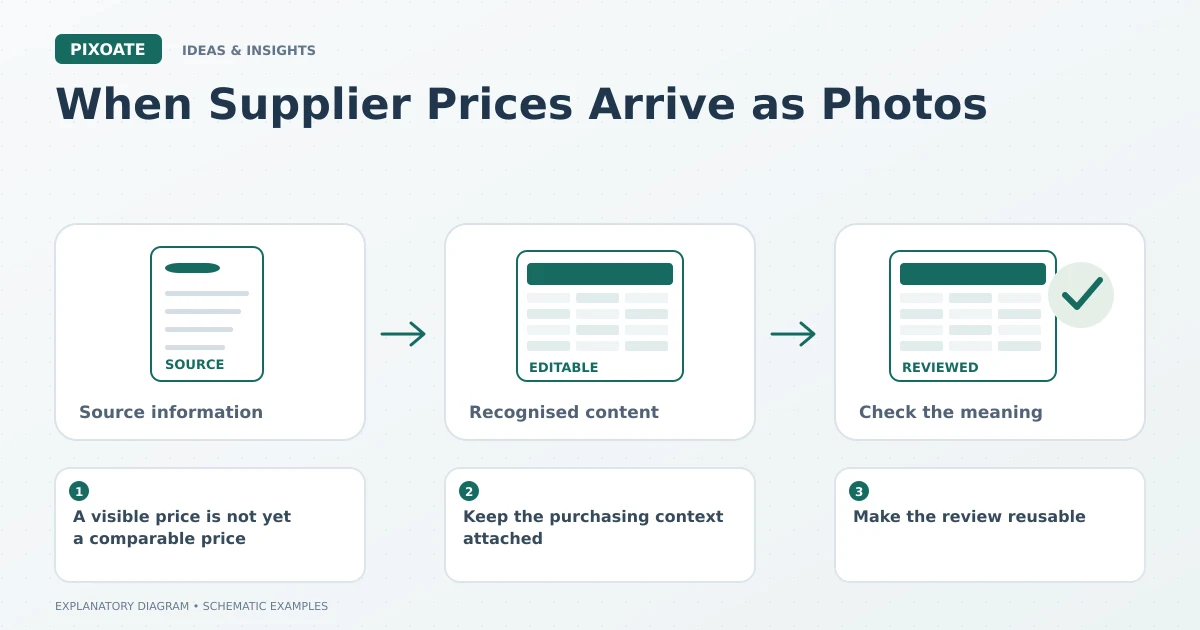
Original explanatory graphic. The scenes and sample records are schematic illustrations, not screenshots or measured tool results.
A visible price is not yet a comparable price
One quote may be per unit, another per case. Similar product names may describe different sizes or specifications. A tidy spreadsheet is useful only if those meanings survive the conversion.
Pixoate Image to Excel can turn recognised photo tables into editable rows and columns. Use PDF to Excel when the source is already a PDF rather than reducing it to a screenshot.
Keep the purchasing context attached
Preserve the supplier, quote date, pack quantity, currency and source reference. Include relevant terms that are actually stated, and leave missing information unresolved until verified.
For a simple illustrative comparison, a case of twelve at 24.00 costs 2.00 per unit. A case of ten at 21.00 costs 2.10 per unit. The cheaper case is not the cheaper unit in that limited example. Other costs and specifications still need their own consideration.
Make the review reusable
Check identifiers, units and decimal values before calculating. A repeated heading from a second page or a shifted quantity column can quietly distort the comparison.
Create a consistent worksheet structure for the reviewed values. When the next price list arrives, compare equivalent products and units rather than repeating the same cleanup decisions from memory.
Measure the information delay
If the business wants to assess the workflow, record the time from receiving a quote to having a reviewed comparison. Include clarification and correction time; fast extraction alone does not establish a faster purchasing decision.
The benefit of an editable table is the questions it lets you ask. Which equivalent item changed price? Which pack offers the lower verified unit cost? Which quote still needs clarification?
Use Pixoate Image to Excel to remove a format obstacle, then let reviewed specifications and business requirements guide the purchasing choice.