When Good Products Look Cheap Online: Why Shopify Product Photography Matters
Poor Shopify product photos can hide the quality buyers need to see. Explore how Pixoate helps clarify detail and create a more consistent presentation.
A well-made product can look surprisingly ordinary in a poor photograph. The finish disappears into shadow. The background makes the colour difficult to judge. The item is small in the frame, surrounded by a table, a cable and yesterday's packing materials.
The buyer has never held it. The photograph must carry information that a physical shop would provide through touch, movement and close inspection. When that information is unclear, the buyer has more work to do before deciding whether the price makes sense.
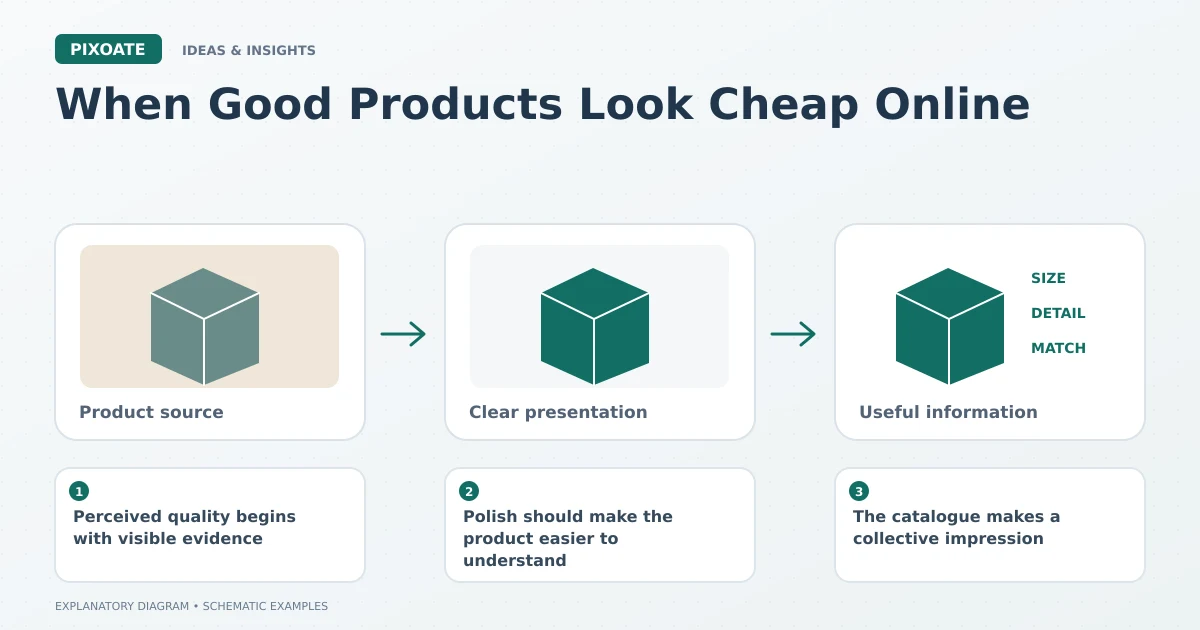
Original explanatory graphic. The scenes and sample records are schematic illustrations, not screenshots or measured tool results.
Perceived quality begins with visible evidence
Shopify's product-photography guidance [1] connects good images with accurate product presentation and customer trust. That is a useful reason to improve a weak photo, but it is not proof that a particular edit will raise your conversion rate.
The practical question is narrower: can someone see the qualities you are asking them to value? A leather bag needs readable texture and stitching. A ceramic mug needs a believable finish and shape. A storage product needs enough detail to explain its construction.
Polish should make the product easier to understand
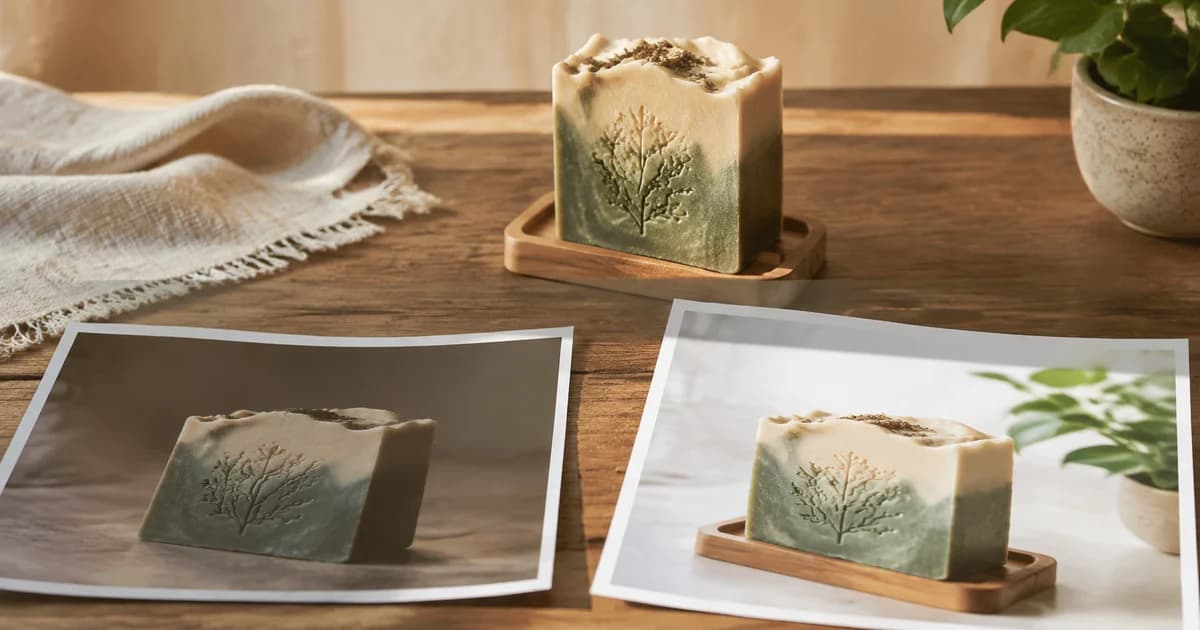
Consider two versions of the same imaginary listing. One hides the handle in shadow. The other has balanced light and a quiet background, with the handle clearly visible. The second gives the buyer more usable information without changing the item.
Use Pixoate Photo Enhancer for dark product images to review light, noise and detail. Use Remove Background when surrounding objects distract from the product. Inspect the edges, colour and labels against the original.
An edit becomes less useful when the surface looks smoother than the real material or the colour shifts toward a more fashionable shade. The image should support the offer the customer will actually receive.
The catalogue makes a collective impression
One improved photograph may still sit inside an inconsistent grid. Similar products need deliberate framing and spacing so customers can compare them comfortably. Group comparable sources for a reviewed batch treatment rather than forcing every image through identical settings.
Keep variant assignments clear. A polished picture of the wrong colour creates more confusion than a less polished picture of the correct one.
Decide what improvement would look like
Choose a specific problem: fewer questions about texture, clearer product identification or better visibility of a feature. Review the revised image at mobile size, then examine relevant store results with attention to traffic, prices and promotions.
There is no honest universal conversion percentage to attach to a cleaner background. There is a concrete opportunity to remove uncertainty from a photograph that currently makes the buyer guess.
Open Pixoate Photo Enhancer with a product whose quality is hard to see. Improve the visibility of what makes it worthwhile, and keep the real item as the standard for the final image.
Sources
- product-photography guidance:
https://help.shopify.com/en/manual/products/product-media/product-photography