
Profile Picture Maker — Free PFP Maker for Any Photo
Works with JPG, PNG, WEBP and more
Create a professional profile picture or PFP from any selfie. Blur or replace the background for LinkedIn, Instagram, Discord, and other social profiles.
- Pixel-precise edges — even hair and fine detail
- Get a transparent PNG, ready to drop into any design
- No manual masking, and no halo to clean up afterwards
Drop a selfie — get a polished profile picture back
Choose your settings before you upload
Choose your settings before adding a file. They will apply when processing starts.
Engine
Background Removal Tips
• Sharp, well-lit photos give the crispest edges
• Busy backgrounds are fine — low contrast between subject and backdrop is what causes trouble
• Zoom in on hair and thin edges before you download, not after
• Save as PNG — a JPG cannot hold transparency and fills it with white
About AI Background Removal
A cutout with a white halo or chewed-up hair is worse than no cutout — someone has to fix it by hand before it can be used. This one holds hair and fine edges, and exports a transparent PNG ready for product listings, profile pictures and marketing graphics.
How It Works
1. Upload the photo you need cut out
2. Check the edges — hair and thin detail first
3. Add a color, photo or blurred background if you need one
4. Download the transparent PNG
Perfect For
• Product photos a marketplace keeps rejecting
• Portraits where the room behind you is distracting
• E-commerce listings that need one consistent background
• Social media content that has to sit on any color
• Design work where the subject drops onto a new layout
Make a round profile picture with a blurred or new background
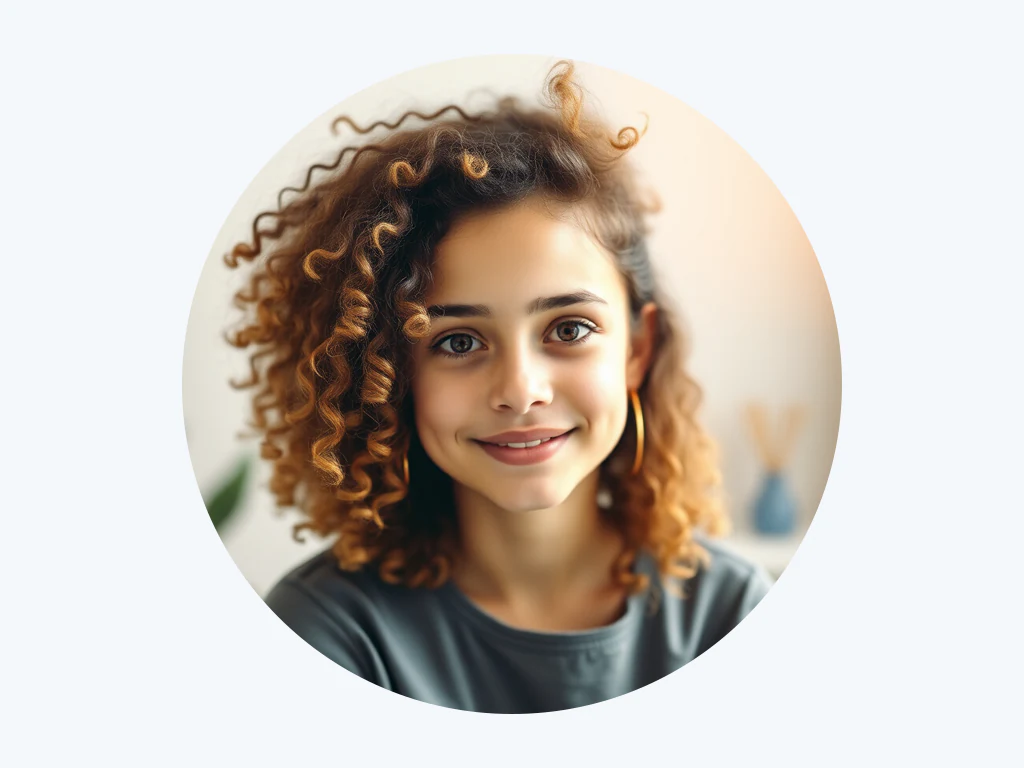
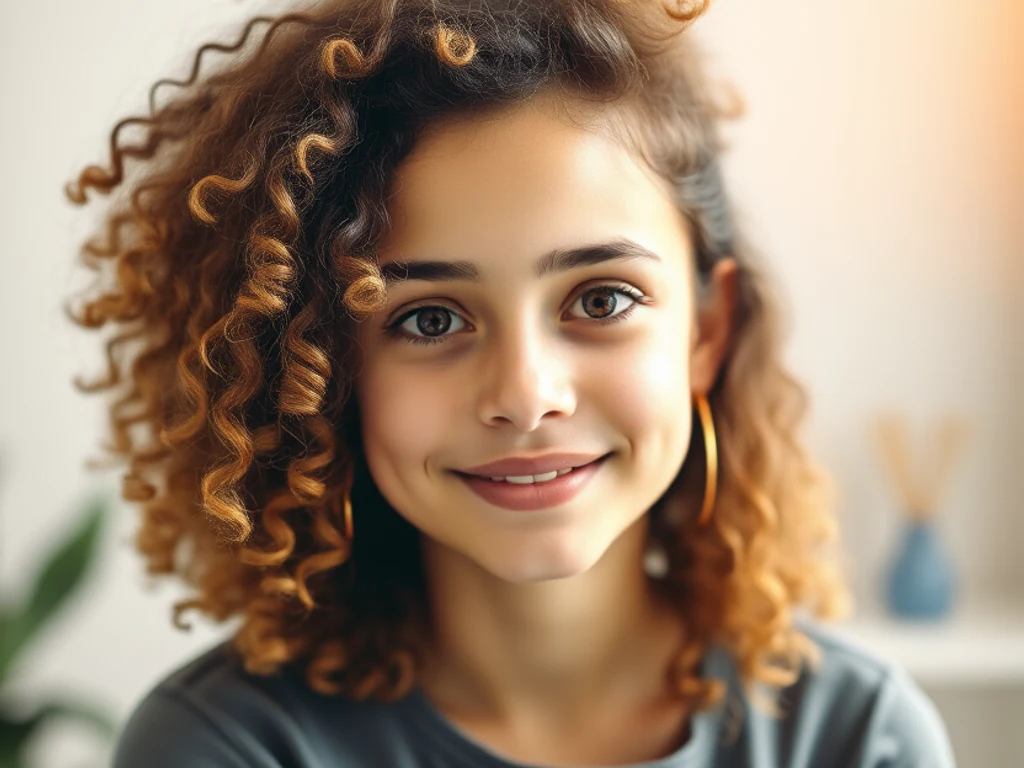
This profile picture maker removes the background from a selfie or portrait and saves a round PNG with a softly blurred backdrop by default. Swap the blur for a solid color, a gradient, a design or a photo of your own, check the circle in the preview and download it for LinkedIn, Instagram, Discord or any other profile. It opens in any browser and needs no design skills.
Turn a selfie into a profile picture
Use a photo where your face and shoulders are sharp and evenly lit. The first run finds you in the picture, and after that you can change the backdrop as often as you like, because the preview is drawn in your browser and updates at once.
- Drop a selfie or portrait on the upload area.
- Select Create profile picture and wait for the cutout.
- Open Background and keep Blur, or choose Color, Photo or Design.
- Select Refine edges if hair or glasses need a touch-up.
- Select See result, then save the PNG from the result page.
Choose what goes behind you
Blur is the starting point, set to a gentle 16 px, and it is a blurred copy of your own photo, so the light and colors still match. The Blur slider softens it further and Zoom pushes it in. Color offers six swatches and any custom color. Photo takes a backdrop you upload, with its own blur and zoom, and Design opens gradients and the background library. None keeps the area behind you transparent.
Get a round PNG with transparent corners
The saved picture is a circle cut from your photo and stored as a PNG, so the corners outside the circle are transparent. The circle's width is the shorter side of the cutout, which the preview shows, and the circle follows you: a standing person in a tall photo is shown from the top so the head stays inside. The preview is clipped to the same circle, so what you see is what you save. A JPG cannot hold transparency, so keep the file as a PNG.
Fit the picture to Instagram, Facebook or X
The circle's size follows the processed cutout, not a network's avatar size. When a profile asks for an exact square, the presets listed there give it and frame the face for you: the 320×320 Instagram profile size, the 800×800 Facebook profile size or a 400×400 X profile image.
Other ways to get a profile picture
To keep your real background and only cut a circle, crop the photo into a circle without removing anything. For a new look rather than a new backdrop, generate a professional headshot or create an avatar from the same portrait.
Before you save the picture
- Start from a sharp, evenly lit photo, because the cutout can only follow what the picture shows.
- Zoom in on hair, glasses and ears, and use Refine edges to erase leftovers or restore parts that were cut.
- Choose a backdrop that contrasts with your hair and clothes so your outline stays clear.
- Free downloads come at web size. Premium unlocks the original-resolution result and batch ZIPs.
Fitting your profile picture to each platform
Each network lists its own avatar size, so use the 320×320 Instagram profile preset, the 800×800 Facebook profile size or a 400×400 X profile image. For a work profile with new clothing and lighting, generate a professional headshot; for gaming or illustrated looks, create an avatar from the same portrait.
What you can do with Profile Picture Maker
Review the main capabilities before you begin.
- Get a profile picture without cropping a group photo
- Add a softly blurred backdrop that keeps you in focus
- Create a polished LinkedIn headshot
- Design avatars for social profiles
- Remove distracting backgrounds behind you
Related tools for Profile Picture Maker
Tools for common next steps after Profile Picture Maker.

Background Studio
Remove Background
Remove a photo background and download a transparent PNG. Review hair and edges before use.
Try it now
Background Studio
Blur Image Background
Blur the background while keeping the detected subject sharp.
Try it now
Background Studio
Background Changer
Replace a background with a photo, color, gradient or library design. Choose from 21,000+ backgrounds.
Try it nowFrequently Asked Questions
How Profile Picture Maker helps you get it done
Real problems it solves every day — for businesses, creators, and everyday tasks. Find the use case that fits you and start.
LinkedIn & Team-Page Headshots
Turn a plain selfie into a polished headshot with a clean, softly blurred backdrop that reads as professional across LinkedIn, résumés, speaker bios and company team pages.
Consistent Avatars Across Socials
Create a matching profile picture for Instagram, X, Discord, WhatsApp and gaming handles so your personal brand looks the same everywhere.
Guides for this tool
- How to Create Consistent Staff Headshots for a Company WebsiteCreate consistent staff headshots for a company website with Pixoate. Coordinate framing and backgrounds while keeping each person's likeness clear.
- A Better Team Page Starts with Headshots That Belong TogetherA coherent team page starts with portraits that belong together. Explore Pixoate framing and background choices that preserve individual likenesses.
Watch each transformation land
Every photo crosses the slash untouched and comes out the other side finished.























