White Backgrounds and Lifestyle Photos Answer Different Buyer Questions
White backgrounds identify a product; lifestyle photos suggest its use. Explore how Pixoate helps create each image type for the right buyer question.
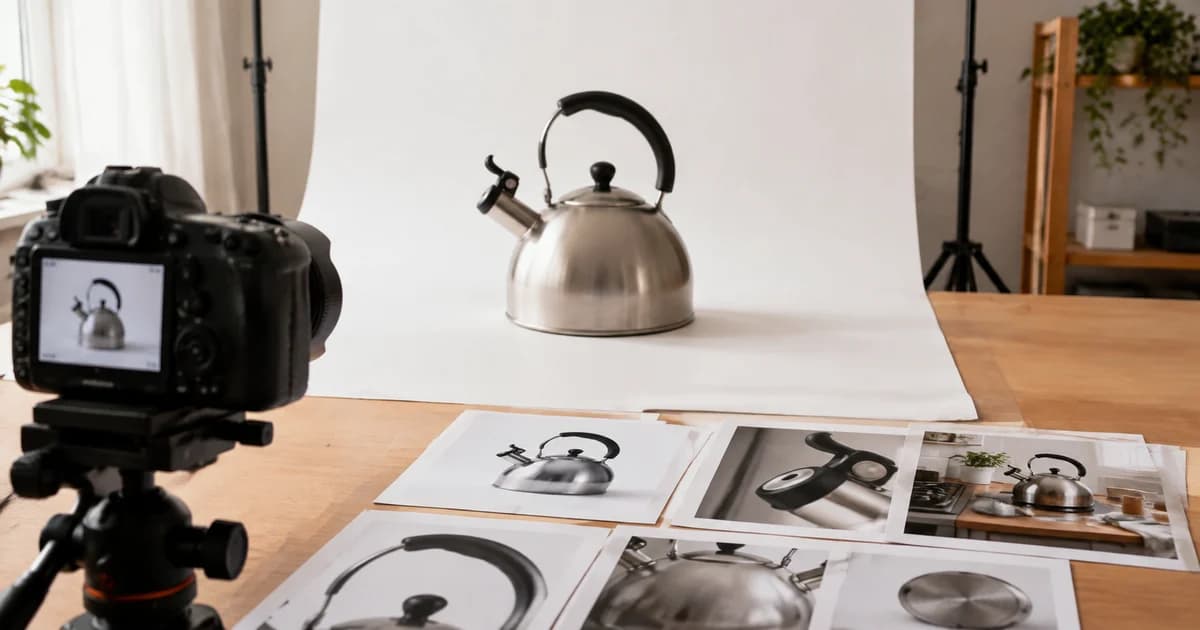
A white-background photograph shows the shape of a lamp clearly. A desk scene suggests where the lamp belongs. Neither image automatically answers how tall it is, how the switch works or whether the pictured accessories are included.
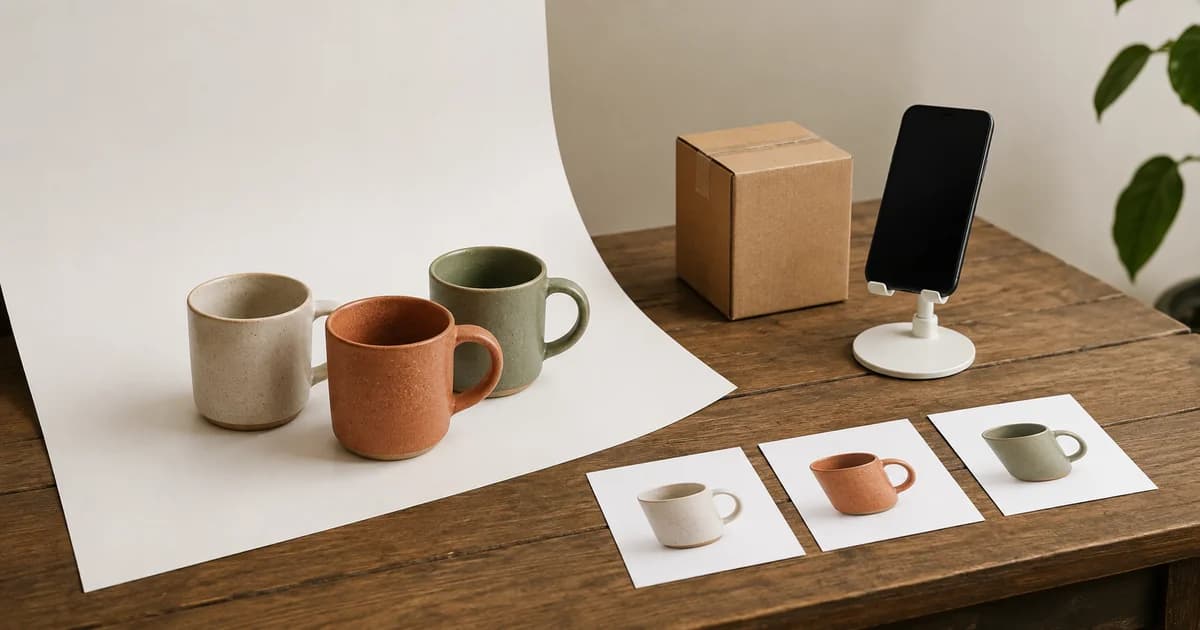
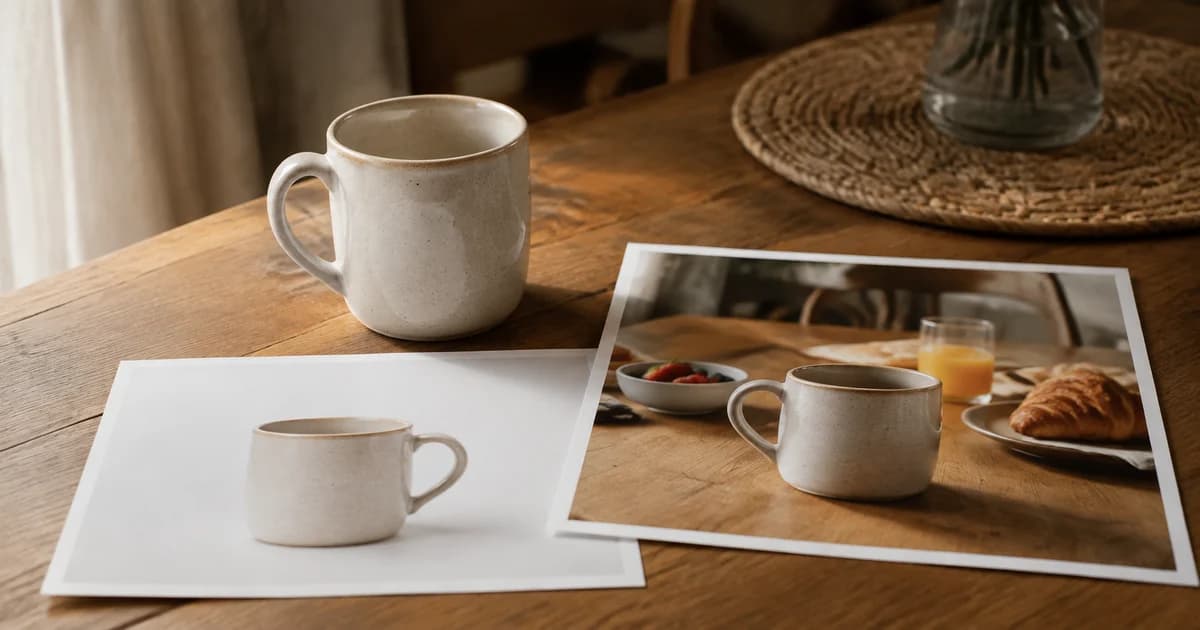
Different product photos carry different kinds of information. Choosing between a clean cutout and a lifestyle scene is easier when you first decide which buyer question the image should answer.
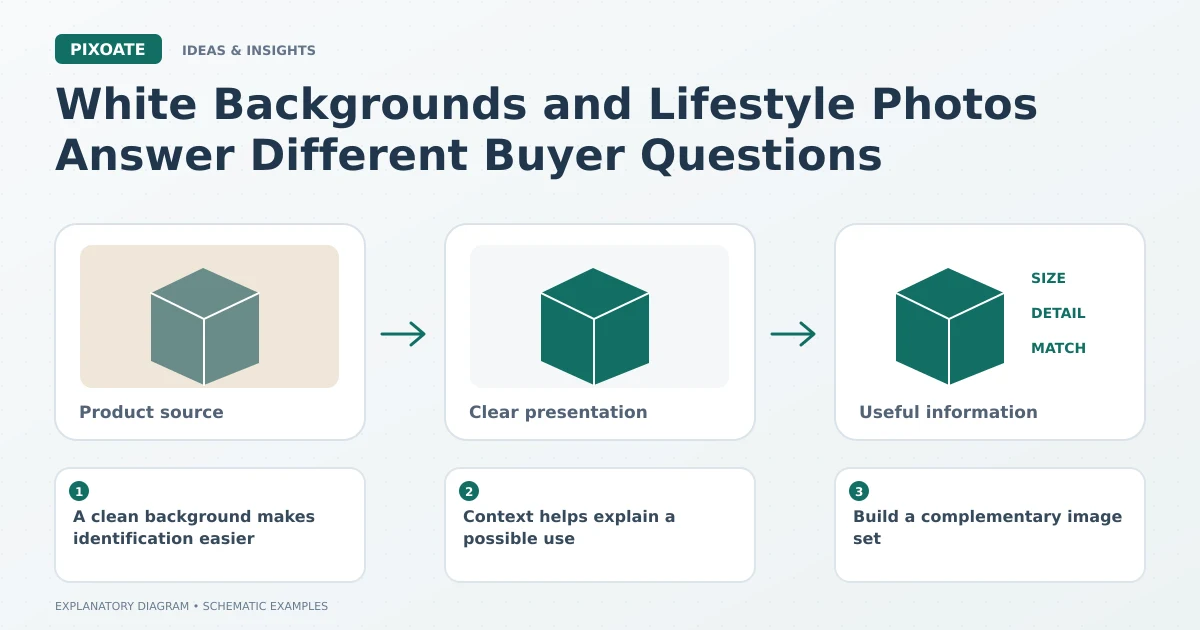
Original explanatory graphic. The scenes and sample records are schematic illustrations, not screenshots or measured tool results.
A clean background makes identification easier
When the surroundings are quiet, the viewer can inspect the silhouette, finish and supplied components. This is useful for catalogue comparison and for placements with specific main-image requirements.
Use Pixoate White Background to create an appropriate clean presentation. Review edges, shadows and transparent areas. A cutout should preserve the product rather than simplify away the details that identify it.
Context helps explain a possible use
A lifestyle scene can suggest a setting, mood or use case. It is particularly useful when an isolated item leaves someone wondering where it would fit into daily life.
Pixoate AI Product Photos can create contextual scenes around a supplied product image. Give the scene a focused purpose and review the generated product, labels, scale and accessories before use.
A scene with a chair or hand can imply size even when no number is printed. That implication needs care: a generated reference object is not a verified measurement.
Build a complementary image set
| Image role | Information it can communicate |
|---|---|
| Clean product view | Identity, shape and visible components |
| Real close-up | Material, finish or a specific feature |
| Verified dimension graphic | Explicit size information |
| Reviewed lifestyle scene | A possible setting or use context |
Keep each image accurate for its role and permitted by the destination. A promotional scene may not belong in a main-image slot, and a dimensions graphic should use confirmed measurements.
Avoid making props part of the promise
If an accessory is not supplied, do not arrange the image so a reasonable buyer would assume it is included. Use clear wording and an unambiguous view of the actual offer.
The useful decision is rarely which style should replace all the others. It is which combination gives the buyer enough accurate information to evaluate the item.
Prepare the identifying image with White Background, then use AI Product Photos for a reviewed contextual asset when that scene adds something the clean view cannot explain alone.