How it works
A rainbow diffraction pattern is applied across foiled areas, shifting hue with surface angle and throwing spectral highlights where the pattern catches light.


Overlay selected forms with angle-shifting diffraction colors. Control the strength, compare the result, and download a finished image from your browser.
Review the available effect capabilities before you begin.
A rainbow diffraction pattern is applied across foiled areas, shifting hue with surface angle and throwing spectral highlights where the pattern catches light.
Upload a photo, adjust the Holographic Foil Print intensity, compare its processed preview with the source, and download the finished result.
Use the intensity control to balance the Holographic Foil Print treatment with the detail and character of your original photo.
A reduced Holographic Foil Print preview keeps adjustments responsive. Free downloads are clean and web-size; Premium or a credit unlocks the original resolution.
Holographic Foil Print uploads are processed on secure servers and automatically removed under the normal Pixoate retention policy.
A rainbow diffraction pattern is applied across foiled areas, shifting hue with surface angle and throwing spectral highlights where the pattern catches light.
Holographic Foil Print runs as a classic image effect and does not use an AI action.
collectible and trading card concepts, music and festival graphics, cosmetics packaging, and eye-catching social artwork.
Less suited to: formal and corporate design, where the finish undercuts the seriousness of the piece.
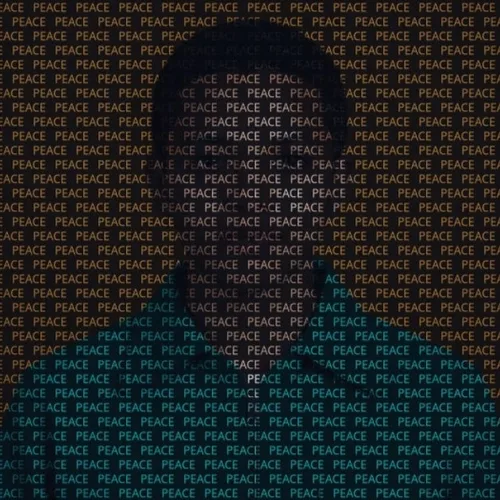
Rebuild a photo from a repeated word or name whose glyph color and opacity follow the original image
Create a raw photocopied zine image with toner and scanner defects
Print the image in spot inks with charming plate misalignment
Convert the photograph into overlapping process-color screenprint dots
Render the photo as a faded one-bit thermal receipt image
Expose the photograph in Prussian blue with handmade brush boundaries
Translate the scene into measured white construction lines on blue
Press reflective gold foil into the most important image regions
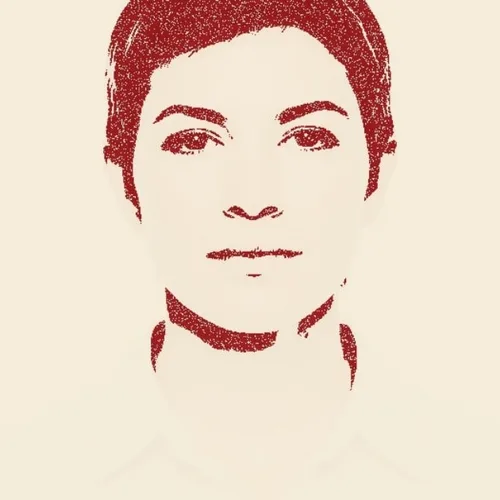
Stamp the subject in broken ink with uneven handmade pressure
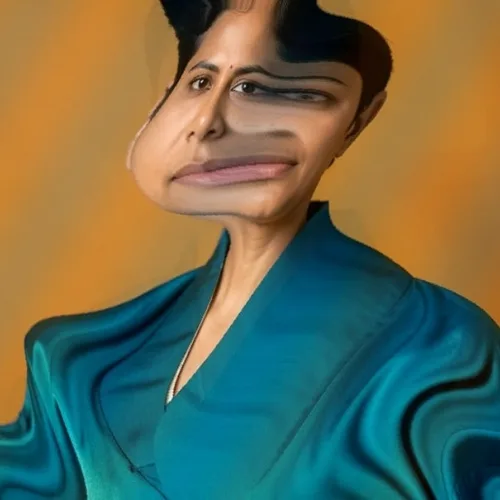
Flow the image through swirled pigments like transferred marbled paper
Create a single pulled print with brayer streaks and transfer voids
Arrange offset crops as a classic analog film contact sheet
Tools for common next steps after Photo Effects.
Creative & Design
Turn a photo into classic, storybook, sticker, watercolor, or custom cartoon artwork with editable AI directions.
Try it nowCreative & Design
Convert a photo into a pencil-sketch style image and adjust the shadow depth before download.
Try it nowPhoto Editing & Utilities
Convert an image to black and white. Adjust the intensity and preview the result.
Try it nowThe strongest effect picks lead this belt before the rest of the catalog.