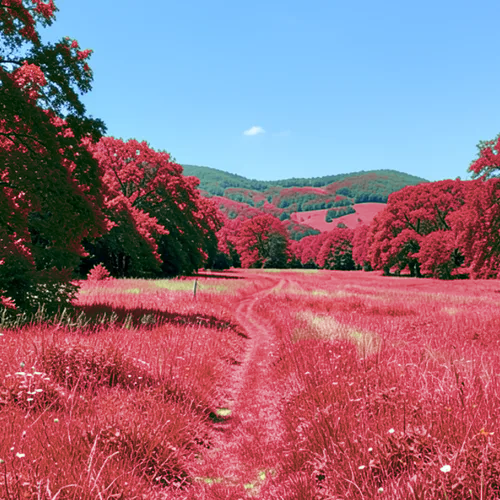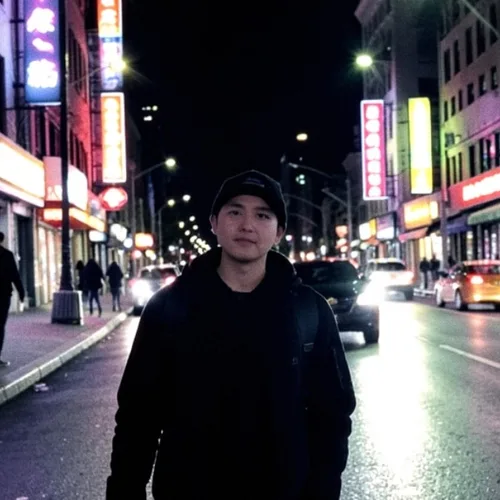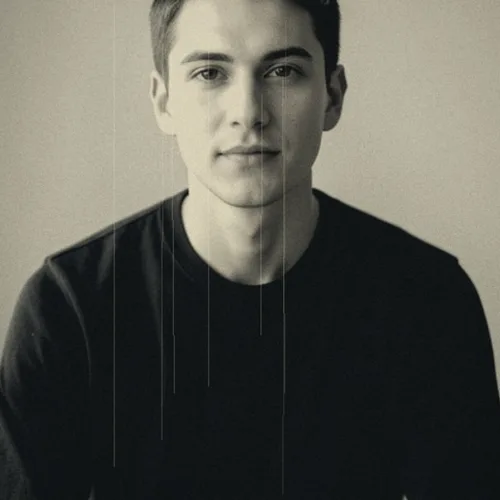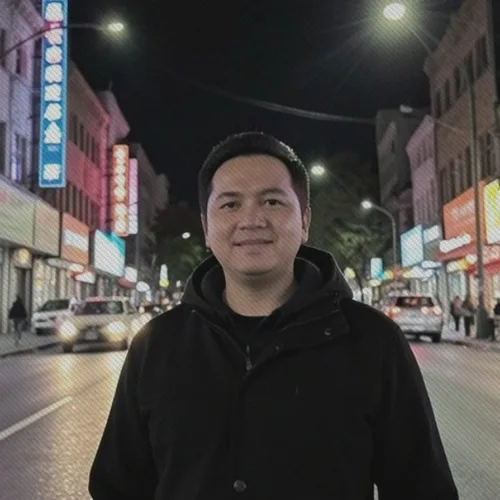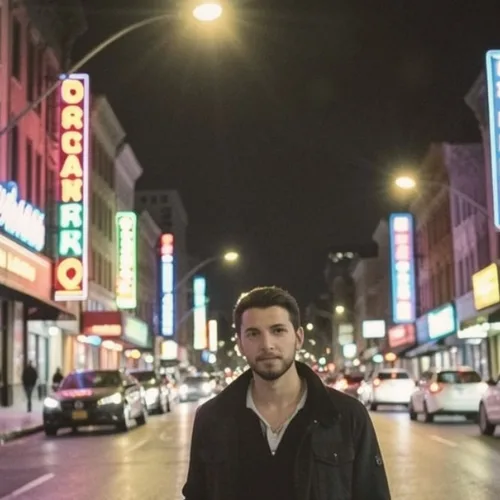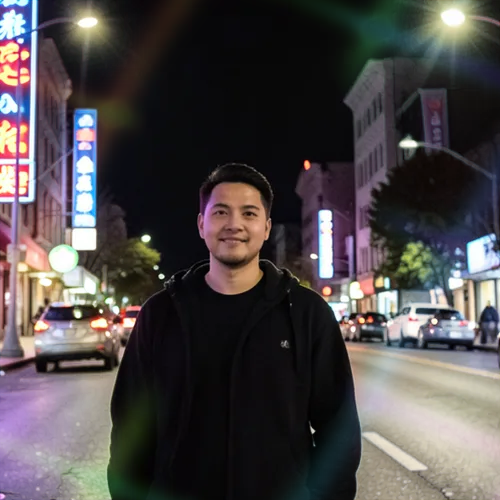

The same source image before and after applying Petzval Swirl Lens.
Petzval Swirl Lens applied to the same source image
Original source image before Petzval Swirl Lens

Petzval Swirl Lens Photo Filter Online

Keep the subject crisp while the background curls into optical swirls. Control the strength, compare the result, and download a finished image from your browser.

Upload a photo for the Petzval Swirl Lens effect

What you can do with the Petzval Swirl Lens effect

Review the available effect capabilities before you begin.

  • Apply the Petzval Swirl Lens effect to any photo
  • Fine-tune the effect strength to taste
  • Preview your photo live as you edit
  • Download your edited photo in high quality
  • Apply Petzval Swirl Lens to many photos at once

How it works

Petzval Swirl Lens creates curved background blur while protecting the main detected person, pet, or object and a narrow safety band around its edge. The swirl strengthens gradually toward the outer frame. Protected subject pixels are never used to build the surrounding blur, preventing faces, hair, shoulders, clothing, and object edges from being doubled into it. The result keeps the protected subject, framing, alpha, and source geometry exact in a lossless PNG.
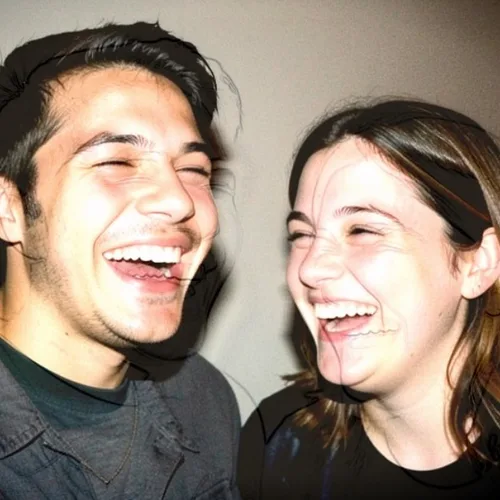
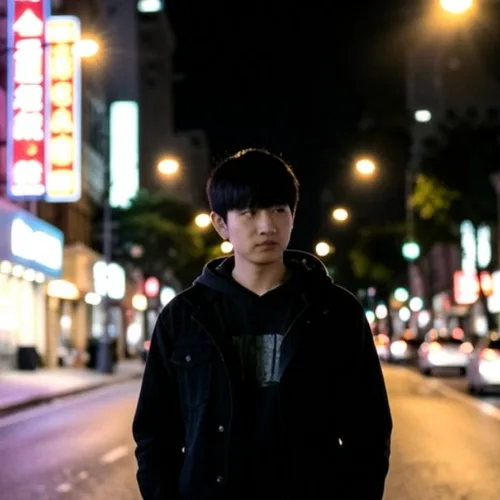
Processing

Petzval Swirl Lens uses an AI action. Any separate allowance is shown before this effect starts processing.

Best for

single-subject portraits, pets, products, wedding and engagement photography, and floral or garden backgrounds with visible texture or bokeh.

Less suited to: group shots, overlapping subjects, flat walls, landscapes with important corner detail, and photos where the main subject cannot be separated reliably from the background.

Ways to use Petzval Swirl Lens

    Petzval Swirl Lens questions

    What causes the swirly bokeh?
    Petzval lenses were not corrected for field curvature, so out-of-focus points near the edge of the frame render as smeared arcs rather than circles. The result is a rotational swirl that intensifies toward the corners.
    Will the effect change my face or body?
    No. The effect does not regenerate the image. It keeps the detected subject inside a protected area and applies the swirl only to eligible background. This prevents the doubled face, shoulder, arm, and edge smears that can occur when subject protection is missing. A clear single subject gives the most reliable boundary.

    See the featured effects in motion

    The strongest effect picks lead this belt before the rest of the catalog.