How it works
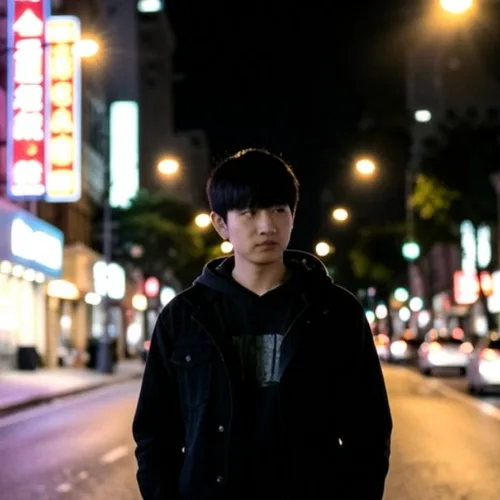
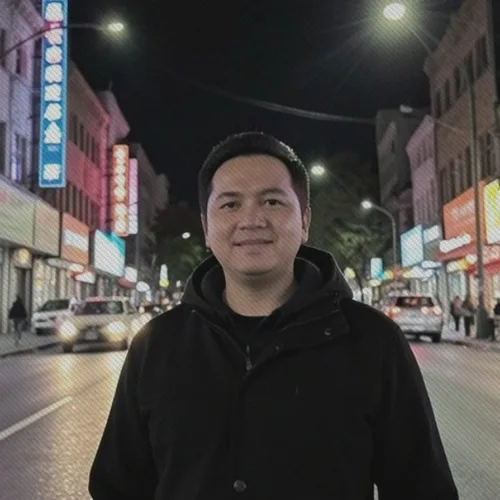
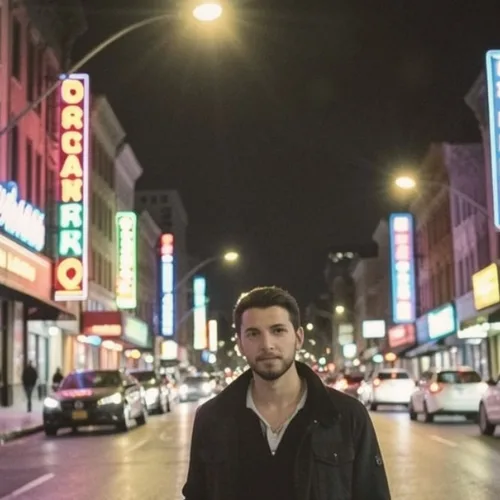
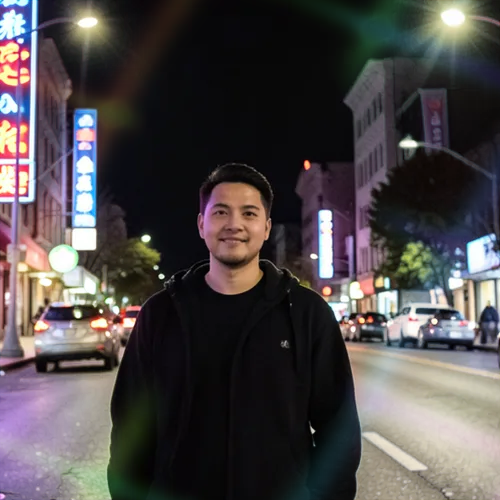
Shadows are pushed cyan-blue while highlights stay warm, with visible grain across the frame. It matches tungsten-balanced high-speed film shot at night under mixed street lighting.
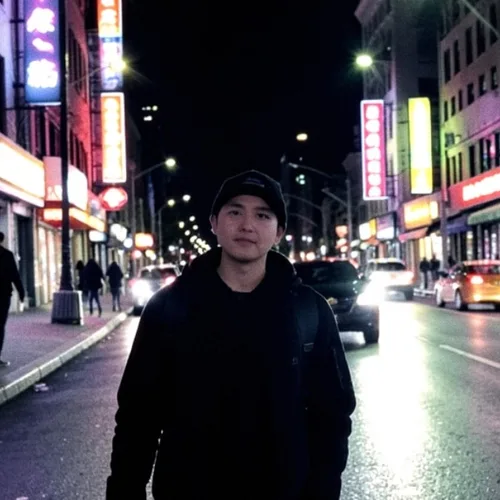
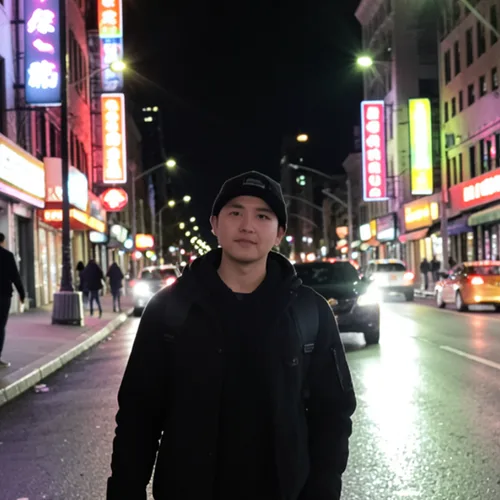
Build a moody night-film look with cyan shadows and warm halation. Control the strength, compare the result, and download a finished image from your browser.
Review the available effect capabilities before you begin.
Shadows are pushed cyan-blue while highlights stay warm, with visible grain across the frame. It matches tungsten-balanced high-speed film shot at night under mixed street lighting.
Upload a photo, adjust the Tungsten 800 Night Film intensity, compare its processed preview with the source, and download the finished result.
Use the intensity control to balance the Tungsten 800 Night Film treatment with the detail and character of your original photo.
A reduced Tungsten 800 Night Film preview keeps adjustments responsive. Free downloads are clean and web-size; Premium or a credit unlocks the original resolution.
Tungsten 800 Night Film uploads are processed on secure servers and automatically removed under the normal Pixoate retention policy.
Shadows are pushed cyan-blue while highlights stay warm, with visible grain across the frame. It matches tungsten-balanced high-speed film shot at night under mixed street lighting.
Tungsten 800 Night Film runs as a classic image effect and does not use an AI action.
night street photography, city portraits, bar and restaurant interiors, and moody travel work.
Less suited to: bright daylight images, which end up with an unmotivated blue cast rather than a night-film mood.
Recreate the punchy frontal light and hard shadow of a disposable camera
Add authentic red-orange bloom around the brightest highlights
Transform vegetation into vivid infrared reds while protecting other subjects
Stretch real light sources into cinematic horizontal spectral flares
Create a silver-rich film finish with restrained color and hard contrast
Reproduce experimental slide film developed in the wrong chemistry
Turn a portrait into a handmade nineteenth-century glass-plate photograph
Recreate early color photography through a luminous starch-grain screen
Add soft instant-film dyes, chemical edge bloom, and imperfect development
Keep the subject crisp while the background curls into optical swirls
Cast source-aligned rainbow light and glass caustic bands around a clear composition core
Tools for common next steps after Photo Effects.
Creative & Design
Turn a photo into classic, storybook, sticker, watercolor, or custom cartoon artwork with editable AI directions.
Try it nowCreative & Design
Convert a photo into a pencil-sketch style image and adjust the shadow depth before download.
Try it nowPhoto Editing & Utilities
Convert an image to black and white. Adjust the intensity and preview the result.
Try it nowThe strongest effect picks lead this belt before the rest of the catalog.