
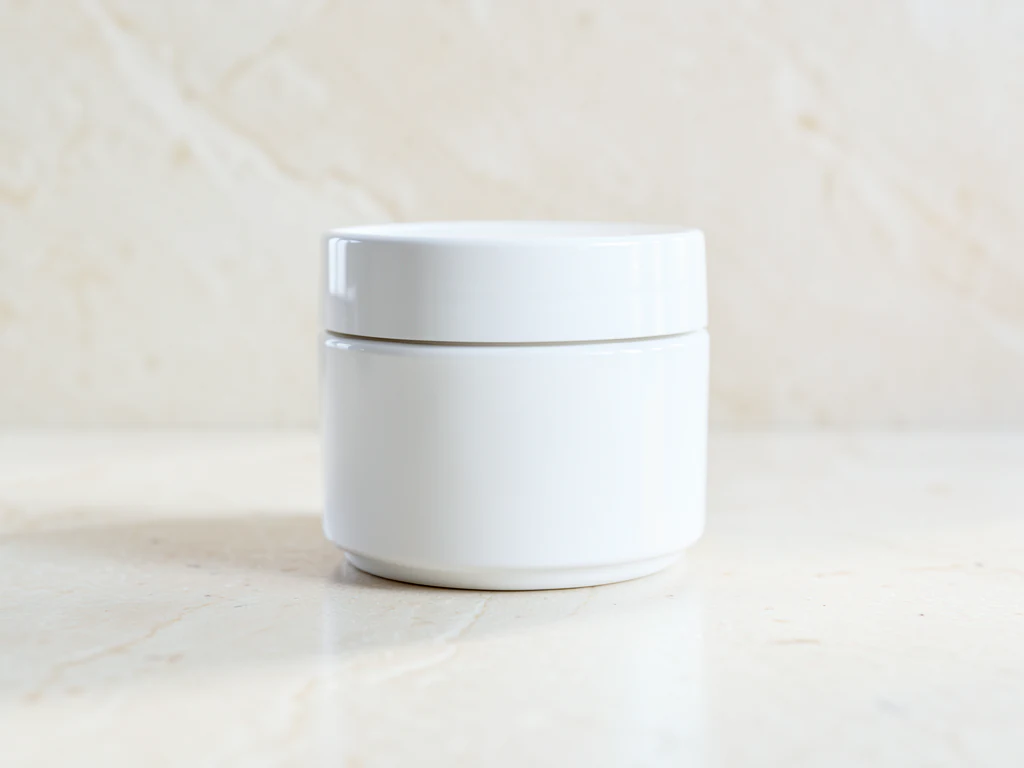

AI Background Changer — Put Any Subject in a New Scene
Review fine edges, logos, text, and identity before publishing
Upload a clear subject and describe a studio, beach, office, city, or custom environment. The subject is detected and protected automatically while the surroundings change.
- Automatic protected-subject detection
- Studio, lifestyle, indoor, and outdoor presets
- Protected subject pixels copied from the prepared source
Choose an image with a clear main subject
JPG, PNG, WebP, HEIC, and other supported formats. Free up to 20 MB; Premium and higher up to 50 MB for this tool.
How to change the background of a photo with AI
This AI background changer finds the main subject in your photo, protects it and generates a new setting around it from a preset or from your own description. It works for people, pets, products and other single objects, and the scenes include a photo studio, a beach, an office, a luxury interior or a city street. The presets ask for light and shadows that fit the scene, and you review the edges before you use the result.
Change a photo background in 4 steps
The main subject and its fine edges are protected automatically, so you do not paint a selection. The generated surroundings replace everything else, and the finished image keeps the proportions of the photo you upload.
- Upload a photo with one clear main subject.
- Open Scenes and choose Photo studio, Beach, Modern office, Luxury interior or Outdoor city.
- Describe your own setting in Custom instructions if no preset fits.
- Select Generate and compare the edges and shadows with your original.
Describe a custom scene in your own words
Choosing a preset fills Custom instructions with its description, and you can edit that text or replace it, up to 1,000 characters. Name the place, the time of day, the light and the materials, for example a bright coastal office with soft morning light. Changing one thing at a time makes results easier to compare, and it helps to say what must stay the same, such as clothing or a label.
Pick a photo that gives clean edges
The tool looks for one clear, well-separated main person, pet, product or object. A sharp photo where the subject stands apart from its surroundings is easiest, and busy overlaps such as hair against foliage take more care. If no safe automatic edit area can be found, the tool asks you to use Refine area manually and brush the area you want to change, then generate again.
Check hair, edges, labels and shadows
AI results can vary, so look closely at fine hair, glasses, logos, text, faces and the contact shadow where the subject meets the new ground. If the light on the subject does not match the scene, ask for a scene lit from the same side or choose another preset. For a portrait, use the portrait-specific backdrop presets, and for a product on a surface, generate a lifestyle scene around the item.
Apply one scene to a batch of photos
When many photos need the same setting, Batch images, a Premium option, applies one scene to every photo you queue and delivers a ZIP of PNGs. Test the scene on one photo first. When you want a flat color, a gradient or your own picture behind the subject instead of a generated scene, place a new background behind a cutout.
Before you generate
- Choose one subject, and keep other people or objects from overlapping it.
- Use an opaque JPG or PNG, because transparent cutouts are refused.
- Crop to the shape you need first, because the result keeps the photo's proportions.
- Save the untouched original so you can inspect the subject's edges against it.
- Check that you may use the photo and the finished image.
Other backgrounds for the same subject
For a backdrop that is not generated, such as your own photo, a color, or a gradient, place a new background behind the cutout; a person gets portrait presets when you change the backdrop of a headshot or portrait.
Products get studio sweeps, podiums, and gradients or a lifestyle scene with props around the item.
What you can do with AI Background Changer
Review the main capabilities before you begin.
- Detect and protect the main subject automatically
- Create studio, beach, office, city, and lifestyle scenes
- Describe custom lighting, materials, and atmosphere
- Refine difficult subject boundaries manually when needed
Settings reference
4 settings
Available controls for AI Background Changer.
Workflow
- Single image or Batch imagesPresets
- Process one image, or use Premium Batch images to apply the same automatic recipe to a set and download one ZIP.Options: Single imageBatch images
Scenes
- One-tap presetsPresets
- Pick a ready-made direction with one tap; generation uses the selected preset automatically.Options: Photo studioBeachModern officeLuxury interiorOutdoor city
- Custom instructions (optional)Text input
- Describe the requested change, relevant materials, lighting, perspective, and details that must remain unchanged.
Selection
- Selection brush sizeSliderRange: 4–160px · Default: 32px
- The subject area is found automatically. This brush appears only if that automatic area could not be found; paint the area to edit, then generate again.
Related tools for AI Background Changer
Tools for common next steps after AI Background Changer.

Product Photography Studio
AI Product Background Generator
Generate studio, gradient, podium, botanical, or lifestyle backgrounds around your product photo for ecommerce campaigns.
Try it now
Product Photography Studio
AI Product Scene Generator
Create lifestyle, ecommerce, editorial, or social advertising surroundings around your product photo with AI.
Try it now
Background Studio
AI Sky Replacement
Replace a cloudy or dull sky with clear blue, sunset, twilight, dramatic clouds, or night while keeping the foreground coherent.
Try it nowFrequently Asked Questions
Watch each transformation land
Every photo crosses the slash untouched and comes out the other side finished.























