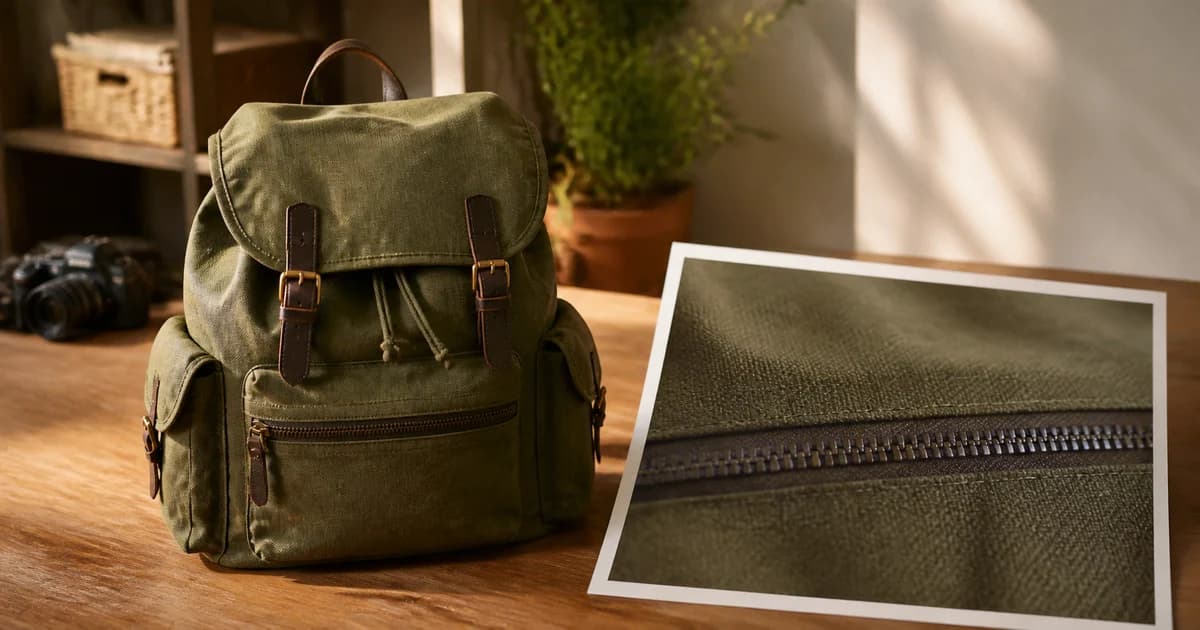
The Blurry Zoom Problem: What Shoppers Cannot See, They Cannot Evaluate
Blurry product image zoom makes details difficult to evaluate. Explore where Pixoate upscaling helps and when a clearer source photograph is needed.
The product looks fine as a thumbnail. Then the buyer opens the larger image and the stitching dissolves, the label becomes unreadable and the surface could be almost any material.
Zoom has exposed an information problem. The person is trying to inspect the product more closely, but the image has nothing reliable left to show.
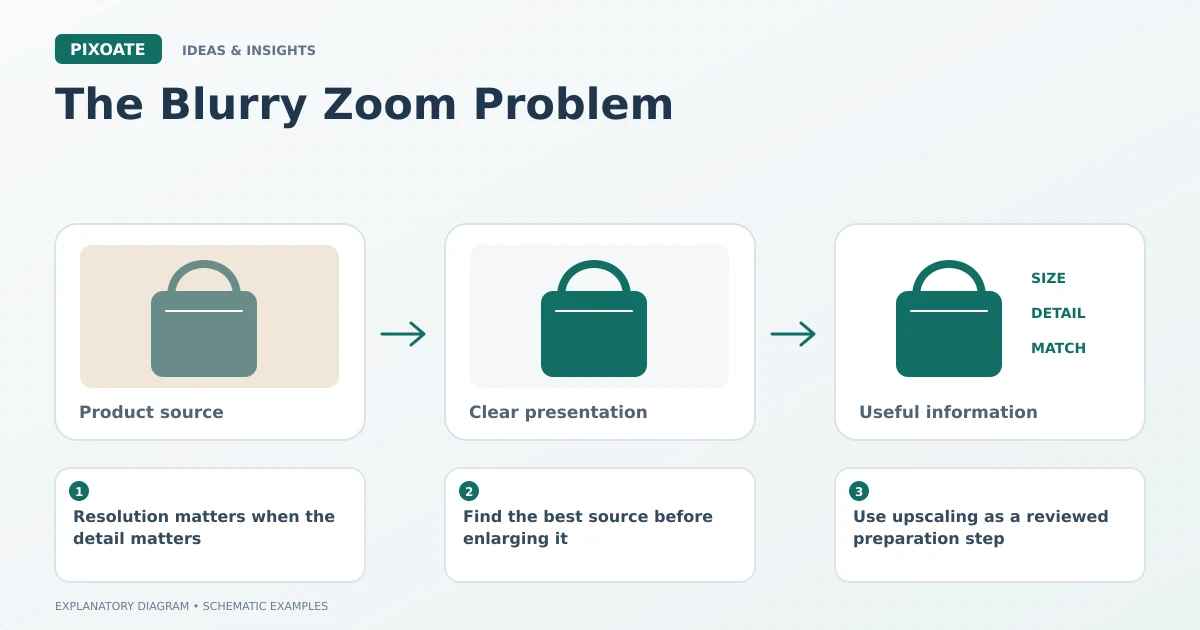
Original explanatory graphic. The scenes and sample records are schematic illustrations, not screenshots or measured tool results.
Resolution matters when the detail matters
Baymard's research on image resolution and zoom [1] examines the difficulty shoppers face when product details cannot be inspected adequately. The lesson is to consider the larger view as part of the buying experience, not only the thumbnail.
A simple bottle silhouette may remain clear at a small size. Fine jewellery, fabric, printed packaging and technical fittings ask more of the source image. The relevant question is what the buyer needs to verify.
Find the best source before enlarging it
Look for the original photograph rather than a screenshot of the listing or an image copied from a message. Repeated compression and resizing may have removed useful information before the file reached the store.
If a better source exists, use it. If the actual product is available, a new close-up may establish detail more reliably than processing an unclear picture.
Use upscaling as a reviewed preparation step
Pixoate Image Upscaler creates a larger image and estimates additional detail. That can help with presentation, but a sharper-looking label is not proof that its generated letters match the product.
Use Image Compare to inspect the source and output. Look at logos, repeated patterns, stitching and fine edges. Keep any exact product information grounded in the actual item or a verified photograph.
For a catalogue batch, include difficult examples in the review. One attractive result does not establish that every pattern or label in the group is preserved accurately.
Judge the uploaded experience
Open the actual product gallery and its larger view. Check the delivered image, the platform crop and whether the useful close-up is easy to find. A large local export does not guarantee the site displays it as intended.
Measure whether the revised image answers the inspection question. Can someone see the fastening? Is the material legible? Does the image clarify the product without inventing evidence?
The aim is a larger view worth opening. Use Pixoate Image Upscaler where it helps prepare the source, and obtain a better photograph when the missing detail is essential to the customer's decision.
Sources
- research on image resolution and zoom:
https://baymard.com/blog/ensure-sufficient-image-resolution-and-zoom