

OCR Getting Numbers Wrong? How to Check Dates, Decimals and Product Codes
OCR getting numbers wrong? Check decimal points, dates and product codes in Pixoate exports before a small reading error becomes a business mistake.
The extracted spreadsheet looks tidy. The headings are in place and most rows seem sensible. Then an order goes wrong because 0.75 became 075, an item code lost its first zero or a date was interpreted in the wrong regional order.
OCR review works best when it focuses on meaning, not appearance. Pixoate's image-to-Excel table extraction and image-to-CSV converter help move visible data into editable files; the next job is checking the fields that drive decisions.
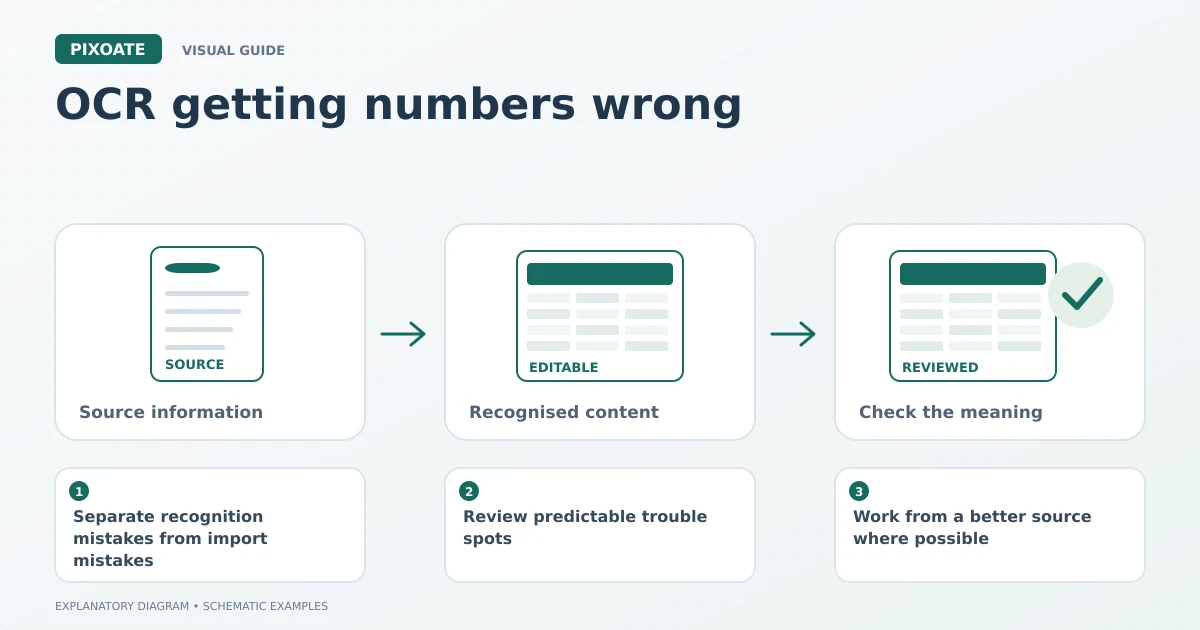
Original explanatory graphic. The scenes and sample records are schematic illustrations, not screenshots or measured tool results.
Separate recognition mistakes from import mistakes
A recognition error happens when the tool reads a character incorrectly. An import error can happen later when a spreadsheet application interprets a correctly extracted text value as a number or date.
That distinction matters. Trying another OCR reader will not solve a leading-zero problem caused by the application opening the CSV. Equally, changing a cell's format cannot recover a digit that was unreadable in the photograph.
Keep the source image, the first extraction and the reviewed file. Comparing those stages makes it easier to find where a value changed.
Review predictable trouble spots
| Trouble spot | What to inspect |
|---|---|
| Decimal points | Compare the amount at a readable zoom; small dots can disappear in poor images. |
| Similar characters | Check O and 0, I and 1, or S and 5 in identifiers. |
| Negative values | Confirm that a faint minus sign has not been lost. |
| Date order | Resolve ambiguous dates using the source's stated convention or issuer. |
| Leading zeros | Keep identifiers as text in the receiving application. |
| Column alignment | Follow an entire row to make sure values remain under the correct headings. |
Do not impose a universal rule that every numeric-looking column should be numeric. Postal codes, product codes and account references are often identifiers rather than quantities.
Work from a better source where possible
A close, square photograph is easier to interpret than a tilted image with glare across the totals. Use the original file instead of a heavily compressed forwarded screenshot. Preserve column labels and units when cropping.
If one reader handles a table poorly, compare another available reader in Pixoate. Recheck the whole affected row after switching. The most convincing-looking output is not necessarily the most accurate one.
For a short disputed passage, copy recognised text directly from the image while keeping the source in view. If the actual number is unclear, ask the document owner; do not turn a guess into a confirmed value.
Build a review order around consequences
Check identifiers first so each row can be matched to the correct item. Check quantities and units next. Review amounts and dates before the data enters an order, report or other operational process.
An illustrative check might flag every quantity above the normal range for that particular sheet. The range must come from your business knowledge, and a flagged value needs investigation rather than automatic replacement.
Totals can help identify problems but cannot prove every row is correct. Two errors may cancel each other, or a total may have been copied correctly while individual entries shifted.
Should I replace every blank with zero?
Only if the source and your process define blank that way. Missing information, an unreadable value and a confirmed zero are different states.
Is XLSX safer than CSV?
They serve different purposes. XLSX can carry more structure; CSV imports require particular attention to field interpretation. Both need source review.
Use Pixoate Image to Excel to create the editable table, then make a short, repeatable review routine part of the job. A few focused checks are more useful than trusting a polished-looking worksheet.




























