

Excel, CSV and JSON: Choosing OCR Output Your Business Can Actually Use
Excel, CSV or JSON? Choose OCR output for the person or system using it next, and explore the Pixoate tools that support each business workflow.
The extraction succeeds, but the next person still cannot use the file. The accountant wanted rows, the application expected named fields and the project manager only needed a searchable source document.
Choosing an OCR output is a workflow decision. The format should serve the next action rather than become another file someone must reorganise.
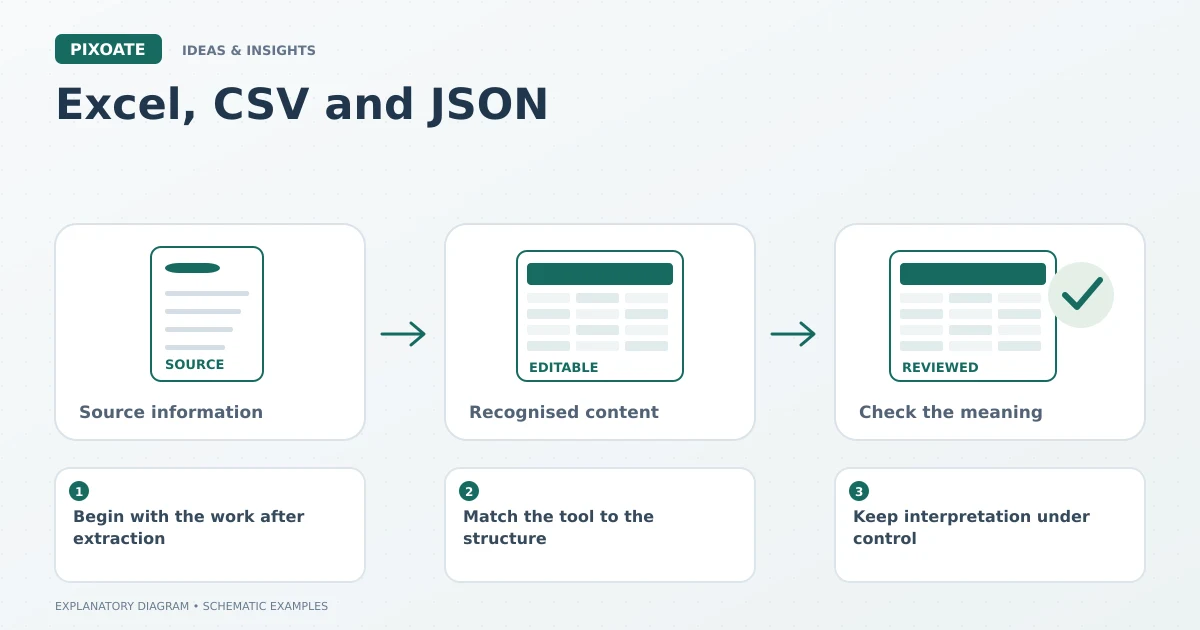
Original explanatory graphic. The scenes and sample records are schematic illustrations, not screenshots or measured tool results.
Begin with the work after extraction
An Excel workbook is useful when a person needs to inspect, sort or calculate with a table. CSV suits systems that accept a defined set of rows and columns. JSON suits structured records in which field names identify the values.
Those are useful distinctions, not guarantees of compatibility with every receiving application. The destination still determines its required structure.
Match the tool to the structure
Use Pixoate Image to Excel for recognised tables that need an editable workbook. Use Image to CSV for table data destined for a compatible import process. Use Extract Data when you want selected document fields returned as JSON.
For an illustrative invoice, the line-item grid and the invoice number are different structures. A table extractor may suit the rows; a custom field set may suit supplier, reference and due date.
Keep interpretation under control
CSV applications may infer numeric or date types, so review leading zeros and ambiguous dates. JSON field names still need a clear meaning: “date” is less useful than an agreed distinction between invoice date and due date.
An XLSX file can look polished while containing a shifted column. Format choice does not remove the need to compare critical values with the source.
| Next action | Useful starting output |
|---|---|
| Review and calculate a table | XLSX |
| Import documented rows | CSV |
| Map selected named fields | JSON |
| Search while seeing original pages | Searchable PDF |
Plan the handoff before the batch
Use a representative document and confirm that the receiving person or system can use the reviewed output. Check the required headers, identifiers and source references before processing many files.
The most useful extraction is the one that arrives in a form the next job understands. Choose Pixoate's table or custom-field extraction around that destination, then keep review and import as explicit stages.



























