How to Read Equipment Hour Meters from Photos for Maintenance Records
Read equipment hour meters from photos with Pixoate. Keep machine identity and reading dates together for useful maintenance planning records.
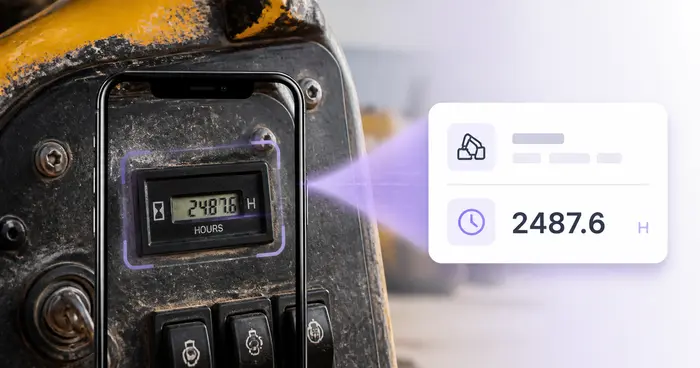
A photograph of a machine's hour meter can be useful to the office preparing maintenance records. The value becomes dependable only after someone confirms the display, decimal position and equipment identity.
Pixoate Equipment Hour-Meter Reader extracts supported readings into an editable equipment log. It helps record observations; it does not decide a service interval or replace the manufacturer's maintenance requirements.
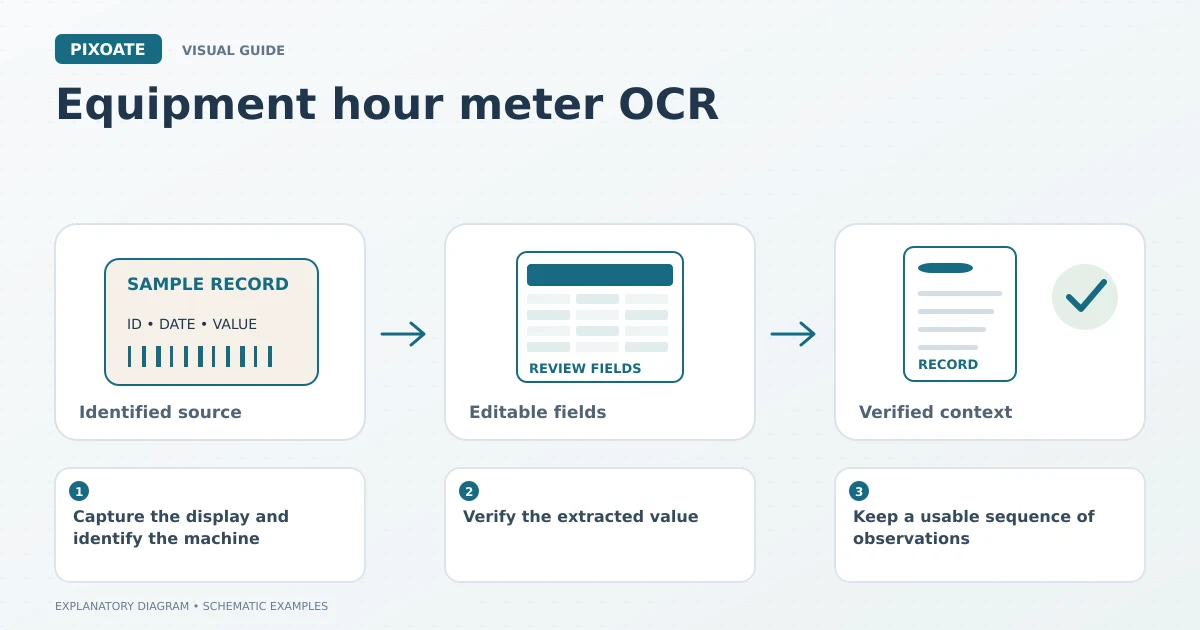
Original explanatory graphic. The scenes and sample records are schematic illustrations, not screenshots or measured tool results.
Capture the display and identify the machine
Take a clear photograph while it is safe to do so. Avoid glare, keep the entire reading visible and identify whether the display shows total hours, a session counter or another value.
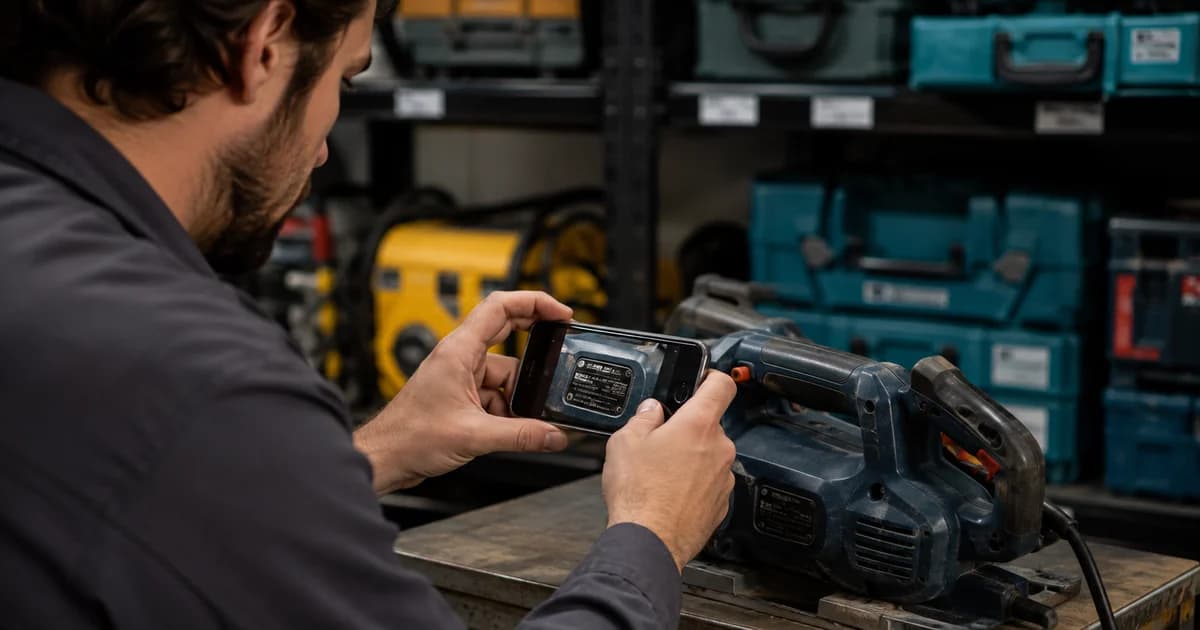
Connect the image to a stable equipment reference. Two identical machines can accumulate different usage, so a model name alone is rarely enough for an individual record.
Verify the extracted value
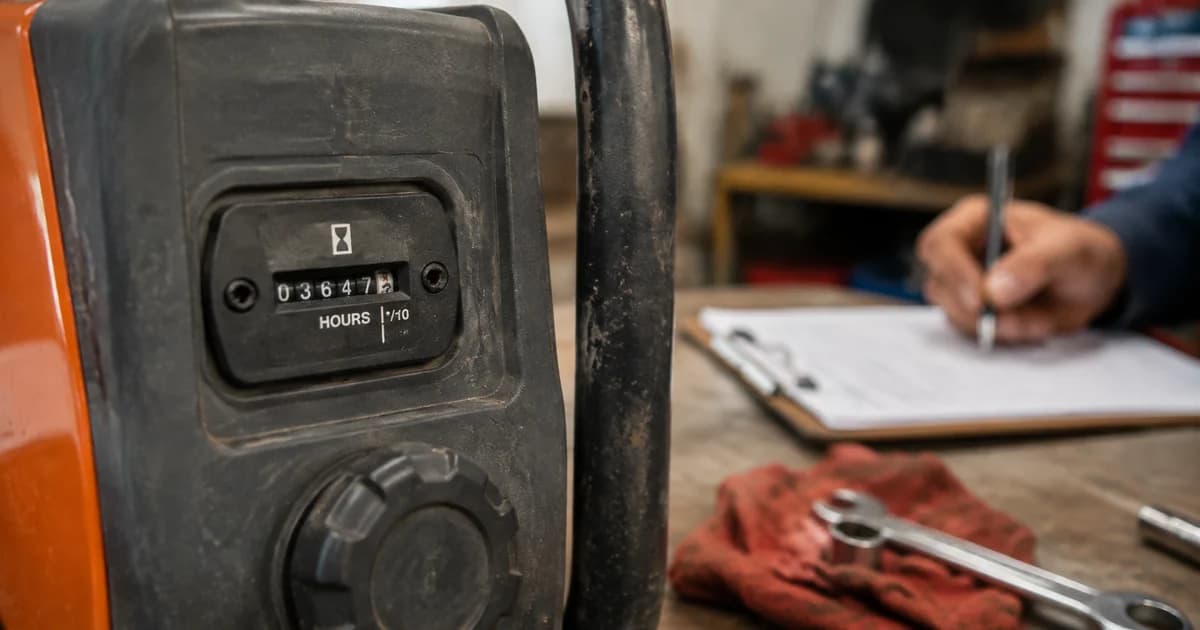
Upload the image and compare every digit with the meter. Pay particular attention to decimals and separated character groups. A reading of 125.6 hours has a different meaning from 1256 hours.
Add the observation date and relevant equipment context. Record uncertainty rather than rounding or guessing an unclear display. Use Serial Number Scanner when equipment-label details need a separate extraction step.
Keep a usable sequence of observations
| Record component | Why retain it? |
|---|---|
| Equipment identifier | Connects the reading to one machine. |
| Reading and unit | States what the display showed. |
| Observation date | Places the reading in sequence. |
| Source photo | Supports review of the extraction. |
| Operational note | Explains known changes such as a replaced meter. |
Investigate unexpected jumps or decreases before using the series. A replacement display or an incorrectly assigned photo can make a simple subtraction misleading.
Add context to maintenance discussions
Use Job Photo Report Builder to group relevant machine photos and observations for a service handover. Keep actual inspections, repairs and manufacturer instructions distinct from the meter record.
The log may help people discuss equipment usage, but it cannot establish the machine's condition from hours alone. Different tasks and operating environments can matter to the maintenance process.
Does the tool schedule maintenance automatically?
This workflow records supplied readings. Apply the appropriate service requirements and scheduling process separately.
What if the display has several counters?
Identify the counter your record requires and label it explicitly. Do not combine total hours and session hours into one series.
Start with Pixoate Equipment Hour-Meter Reader and a well-identified source photo. Reviewed readings are easier to reuse than unexplained numbers in a camera roll.