Decimal mistakes multiply
Missing a decimal or digit can distort utilization, rental billing, resale records, and hour-based maintenance planning.
Pixoate records a visible value; it does not determine service intervals, machine condition, or safe-to-operate status.
Maintenance decisions often depend on a small display mounted in a dirty, awkward place. Photograph each meter during the walk-around and turn the readings into a clean register before anyone has to decipher the camera roll.
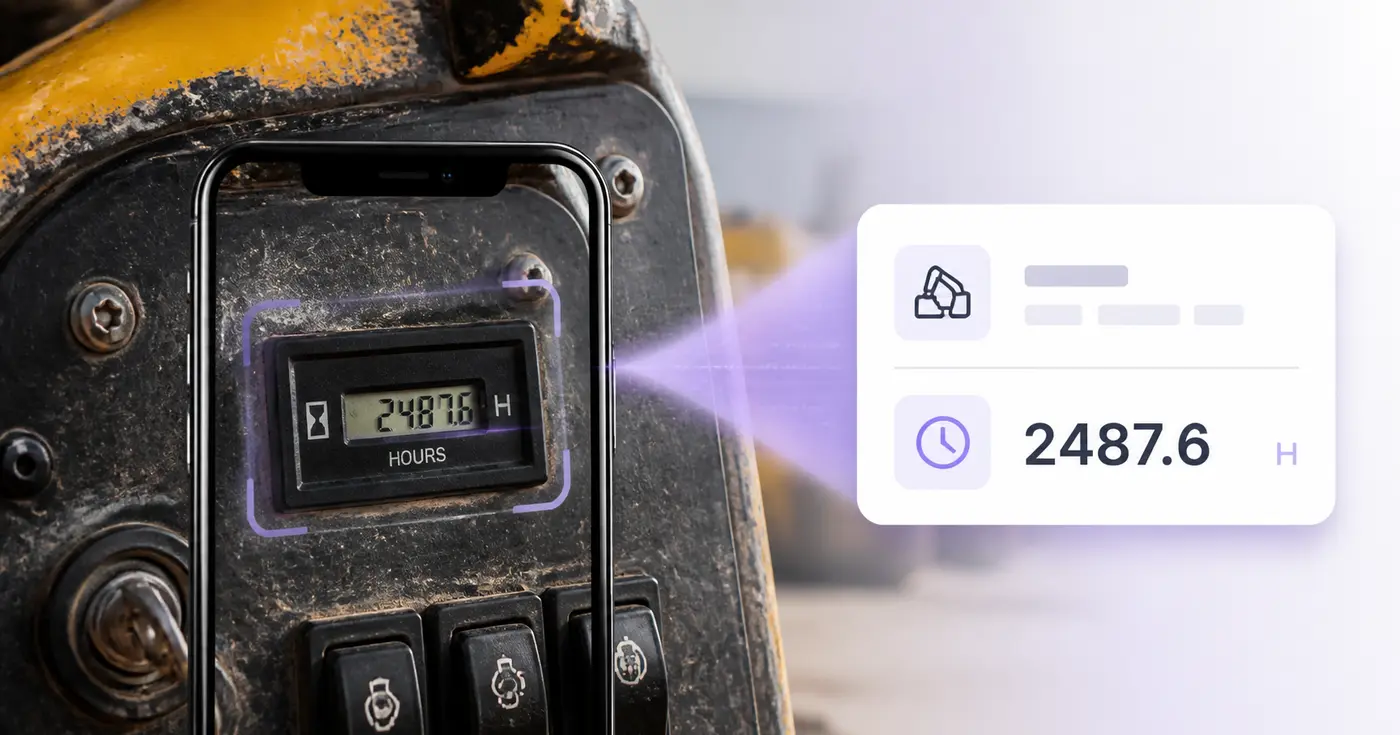
The Equipment Hour-Meter Reader takes a photo of a machine's hour meter and places the hours in an editable row with the equipment, asset tag, reading date, operator, location and notes. Use it on a yard or site walk-around to build a utilization log instead of collecting loose photos. Check each reading against the display, then download the rows as CSV or save them to your account.
Clean the display or lens when it is safe, avoid glare and include the asset tag or a unit label in the shot if you can. Keep the small hours mark, such as h or hrs, beside the digits, because the reader uses it to pick the hours out of a busy panel. One meter per photo, up to 25 photos in a run, gives one row per machine.
Hour-Meter Reading is a required cell that takes digits only, with a decimal point if the meter shows tenths. Commas for thousands are accepted, and a unit typed into the cell is flagged until you remove it. A dropped decimal changes the total by a factor of ten, so compare the position of the decimal point with the display, not only the digits.
A saved record is titled with the equipment name, the asset tag or the reading, so readings of one machine are easy to find in Saved records. Download saved register (CSV) exports Equipment, Asset Tag, Hour-Meter Reading, Reading Date, Operator, Location and Notes, ready to compare in a spreadsheet or to load into a maintenance or rental workflow.
It transcribes a visible number. It does not know a manufacturer's service interval, schedule maintenance, send reminders or judge whether a machine is safe to operate. Use the readings as input to your own maintenance program. For a truck on the same round, read its odometer, and for the data plate, scan the serial number label.
The real problem
Crews know the meter matters, but manual rounds create loose paper, texted photos, and readings that arrive after maintenance or billing decisions were already made.
Missing a decimal or digit can distort utilization, rental billing, resale records, and hour-based maintenance planning.
Several similar displays in one camera roll become useless when the asset tag or location was never captured.
A spreadsheet that requires office re-entry stays behind the equipment it is supposed to describe.
How Pixoate helps
Pixoate extracts the visible meter value and gives the operator fields for equipment, asset tag, date, location, and notes. Every result remains editable and can move into the system your team already uses.
Clean the lens or display when safe, avoid glare, and include an identifying label when possible.
Confirm all digits and decimals, then complete the equipment, tag, date, operator, and location fields.
Export CSV for a CMMS, rental, billing, or fleet process, or save the editable records.
Log excavator, loader, generator, compressor, and lift hours during routine yard or site checks.
Capture outgoing and incoming hour readings alongside the unit identifier.
Update mower, tractor, pump, and backup-generator registers without clipboard re-entry.
It can attempt printed digital or analog hour-meter displays visible in a clear photo. Obscured, damaged, reflective, or low-contrast meters require manual entry.
No. This version records readings; it does not know the manufacturer service schedule, operating conditions, prior maintenance, or safe-use requirements.
Yes. Upload up to 25 images in one batch, with one meter per image, and verify the resulting rows before export or saving.
The reading stays editable as text so you can preserve the meter exactly as displayed. Verify the decimal position rather than assuming a particular meter format.
Yes. Equipment, asset tag, reading date, operator, location, and notes are separate columns in the table and CSV.
No. Meter transcription says nothing about inspections, maintenance quality, faults, or safe operating condition. Follow the manufacturer and your safety program.
The reader needs hours it can recognize: digits followed by a mark such as h, hr or hrs, or a caption such as Hour Meter or Hours. A bare number on a busy panel is not guessed at. Retake the photo closer with the mark in the frame. When a row appears with an empty reading, type the number in.
Each reading is its own row and the tool does not subtract one from another. Export the saved register and calculate the hours worked between two dates in your spreadsheet.
The log gives you a table of verified readings with dates, which is a starting point for check-out and check-in records. The tool does not calculate rental charges or the hours between readings, so do that step in your own billing process.
Yes. Notes is a plain text cell in the row and in the CSV, so an operator can record a fault, a refuel or the job name next to the reading. Operator and Location are separate cells, so the note does not have to carry them.
Image files from a phone or camera are accepted, along with screenshots saved as images. PDF files are not. If a reading arrived inside a PDF, export that page as a picture with PDF to Images, then upload the picture and check the digits.
Capture the make, model and serial from the data plate by scanning the equipment label into an asset list, and extinguishers carried on machines and trucks can go into a service-date watchlist. Building meters read on the same walk-around fit an electric, gas or water reading log, and the photos from the visit can become a captioned PDF report for the client.
Tools for common next steps after Equipment Hour-Meter Reader.
OCR & Data Extraction
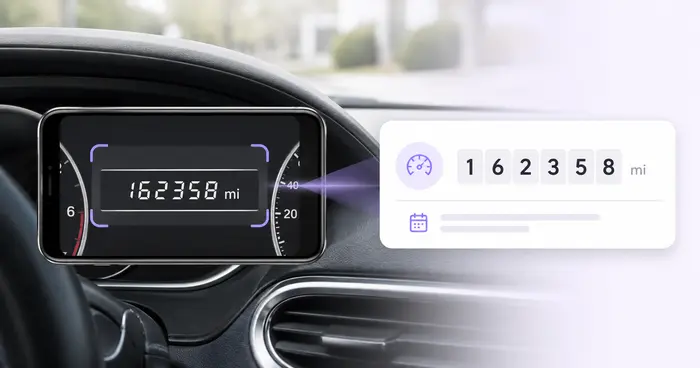
Read dashboard odometers from photos, verify the mileage, add vehicle and trip context, and export or save an editable log.
Try it nowOCR & Data Extraction
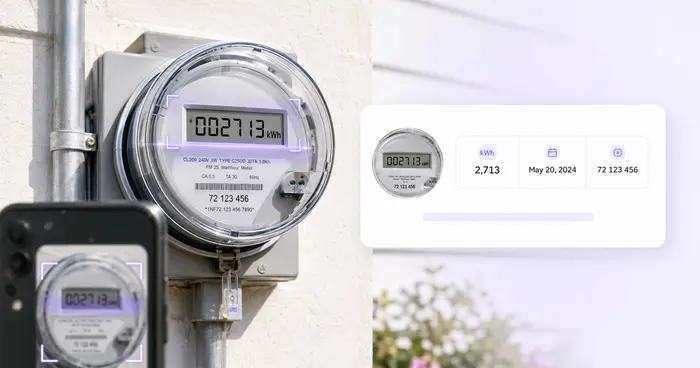
Turn electric, gas, or water meter photos into editable readings with meter, unit, date, and location details.
Try it nowOCR & Data Extraction
Turn equipment-label photos into an editable asset list with serial numbers, models, manufacturers, tags and CSV export.
Try it nowEvery photo crosses the slash untouched and comes out the other side finished.