Etsy Thumbnail Cutting Off Your Product? Fix the Framing
Keep the whole item visible in Etsy listing thumbnails. Check the original framing, safe space and listing preview before changing image dimensions.
Pixoate publishes practical guides to image and document workflows. This guide links to the destination's documentation and explains what to check in your own files.
The full Etsy photo shows your handmade item clearly, but the thumbnail cuts off a handle or clips the top of a tall piece. Re-exporting the same composition at a larger pixel size may leave the problem unchanged. The important issue is where the product sits inside the image and how the thumbnail placement crops it.
Keep the original photo and test with one listing before changing your whole shop.
Diagnose the missing edge
Open the source and note whether the clipped feature exists outside the current crop. If it does, Crop Image can help you choose a wider composition. If the camera never captured it, return to the original shoot or take another photograph. An invented edge is not evidence of the product you are selling.
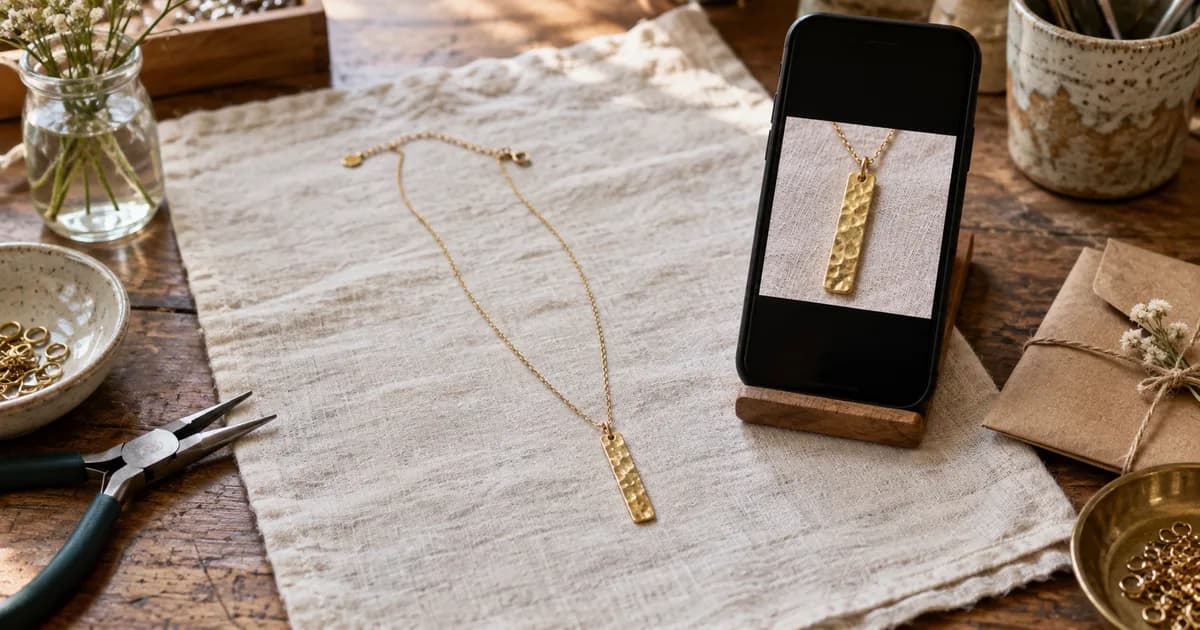
Give the item some room. The useful margin depends on its shape: a pair of earrings needs different framing from a large ceramic jug. A standard file shape can still allow a deliberate composition for each item.
Preview the first photo separately
Your first photo has to identify the product quickly at a small displayed size. Supporting photos can answer other questions, such as the fastening, reverse side or included pieces. Do not force all of those jobs into one crowded lead image.
Etsy provides a thumbnail adjustment tool when creating or editing a listing. Use that preview after uploading. Its official image guidance recommends images at least 2000 pixels in both dimensions. That recommendation does not eliminate the need to check the thumbnail.
Resize without distorting the item
Use Resize Image after approving the composition. Keep the product's proportions intact. If the source ratio differs from the desired canvas, make a conscious crop or background decision rather than widening a handmade item to fill the frame.
Check the output for any change that could affect a buyer's understanding: a circular pendant becoming oval, an art print appearing wider, or a handle looking thicker than it is.
Review a set before using batch settings
Choose a tall item, a wide item and a detailed close-up as your trial set. Record which framing choices work and which need individual attention. Premium batch tools apply settings consistently; they do not decide whether every product deserves the same crop.
| Trial image | Review question |
|---|---|
| Tall product | Are the top and bottom fully visible? |
| Wide arrangement | Does the thumbnail show all included pieces? |
| Fine texture | Is the detail still clear after compression? |
| Colour variant | Does the listing attach the right image to the right option? |
If uploading becomes slow, use Compress Image on a delivery copy and inspect the result. Preserve your master file for future changes.
The Etsy listing-photo workflow connects framing, resizing, compression and the final preview check.