When a Smaller Image Loses the Detail That Matters
Smaller images can lose the detail that explains a product. Explore Pixoate compression reviews for labels, textures and other information worth preserving.
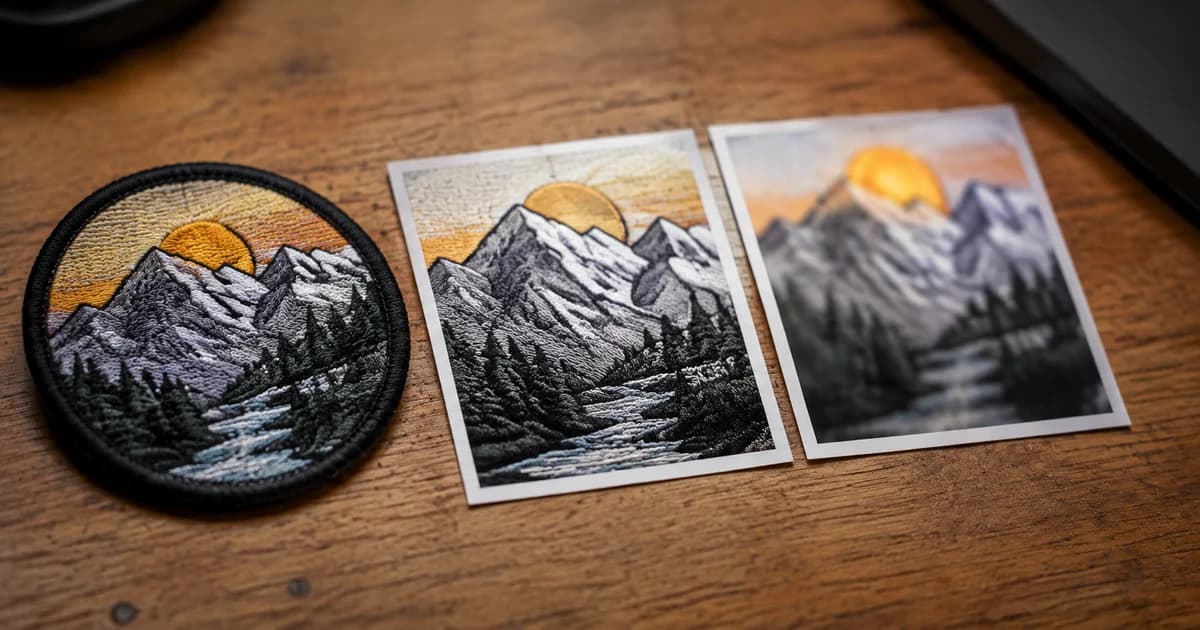
The compressed image is much smaller. It also makes the product label harder to read. A file-size target has been met while part of the image's purpose has been lost.
Compression is a trade-off that should be judged against the information the viewer needs, not only the number of kilobytes removed.
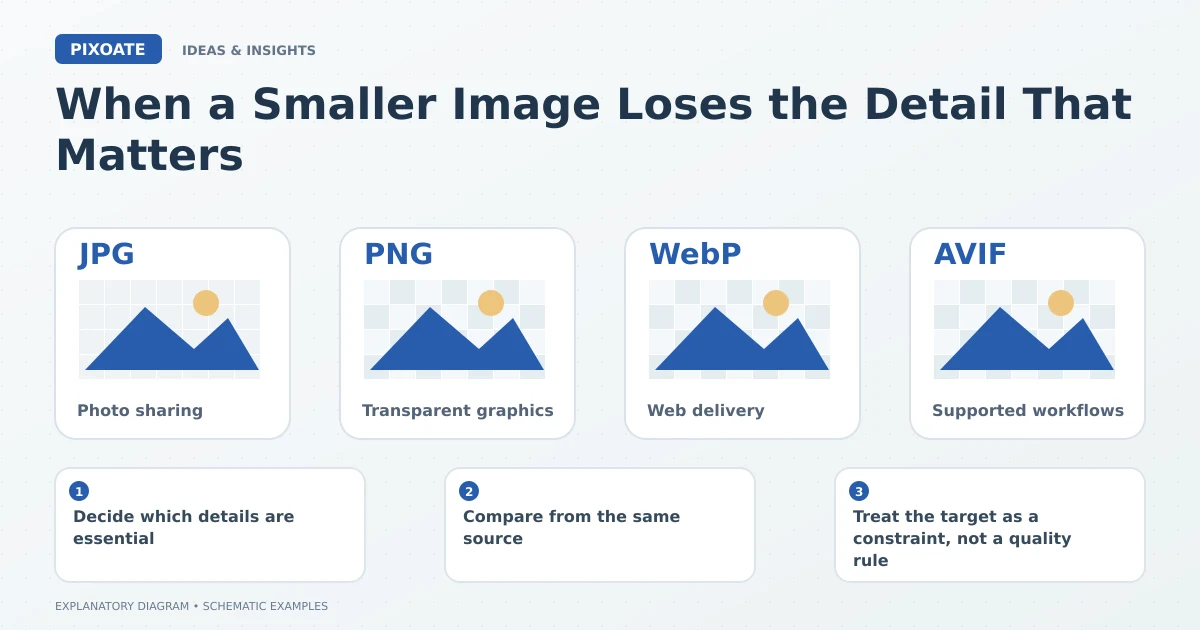
Original explanatory graphic. The scenes and sample records are schematic illustrations, not screenshots or measured tool results.
Decide which details are essential
A plain silhouette, a fabric pattern and a dimensions graphic do not have the same vulnerabilities. Small text, fine edges and subtle material textures may reveal compression changes more readily than a broad shape.
Write down what someone should be able to inspect. That gives the review a useful standard beyond whether the picture still looks attractive at a glance.
Compare from the same source
Use Pixoate Compress Image to create a candidate from the best available original. Keep the output settings and compare the result at the intended display size.
Image Compare helps examine the source and compressed version. Inspect the specific labels, edges and textures that matter to the job.
Do not repeatedly recompress the latest lossy export while searching for a better setting. Return to the original so the comparison remains meaningful.
Treat the target as a constraint, not a quality rule
An upload limit can be real, but the same target does not suit every image. A detailed document or product label may need a different size or delivery approach from a simple decorative photograph.
If a target cannot be reached with adequate readability, reconsider dimensions, format or the permitted delivery method. Do not silently remove required information to make the file fit.
Inspect the receiving context
The actual application may resize or transform the image again. Check the uploaded result rather than assuming the local preview is the final experience.
For a batch, review difficult examples and individual exceptions. One successful plain-background photo does not establish that the same setting preserves every fine-text graphic.
Use Pixoate Compress Image to reduce unnecessary file weight while retaining the detail that justified the image in the first place. A smaller file is a useful result when the reader can still understand what matters.