How to Improve Dark Vacation Rental Photos While Keeping Rooms Realistic
Improve dark vacation rental photos with Pixoate. Review brightness and detail while keeping room colours, views and lighting expectations realistic.
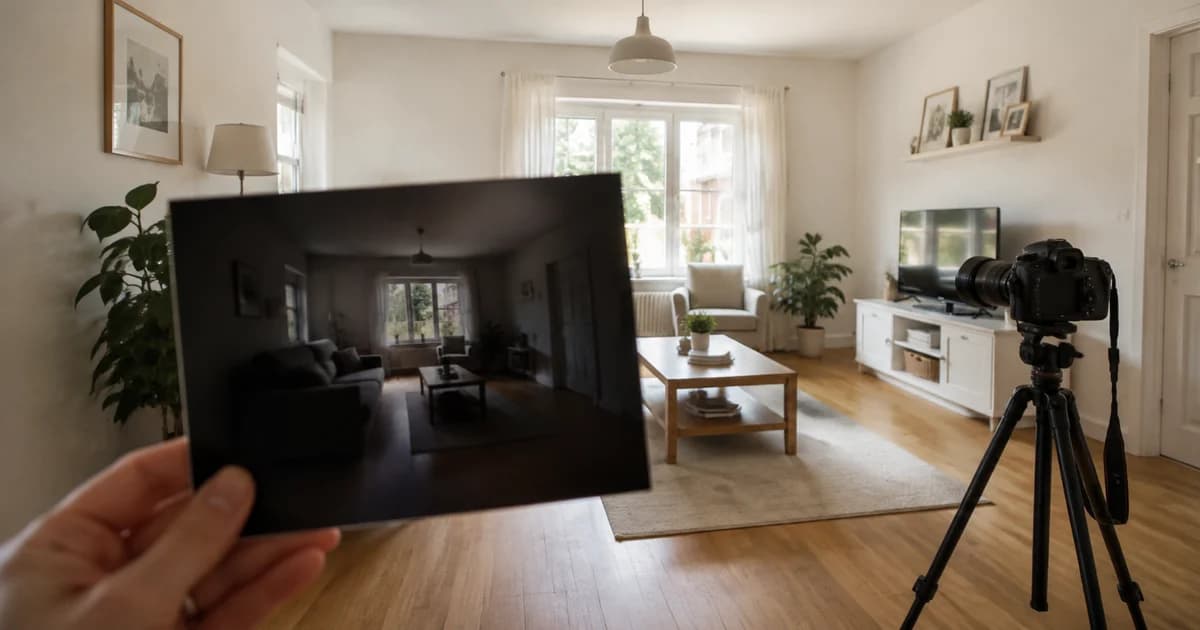
A room can feel comfortable in person and look dim in a hurried phone photograph. The window is bright, the sofa disappears into shadow and the image gives little sense of the materials or layout.
Pixoate Photo Enhancer can help adjust a dark vacation-rental image. The goal is a readable, realistic representation of the room, with the original photograph guiding the review.
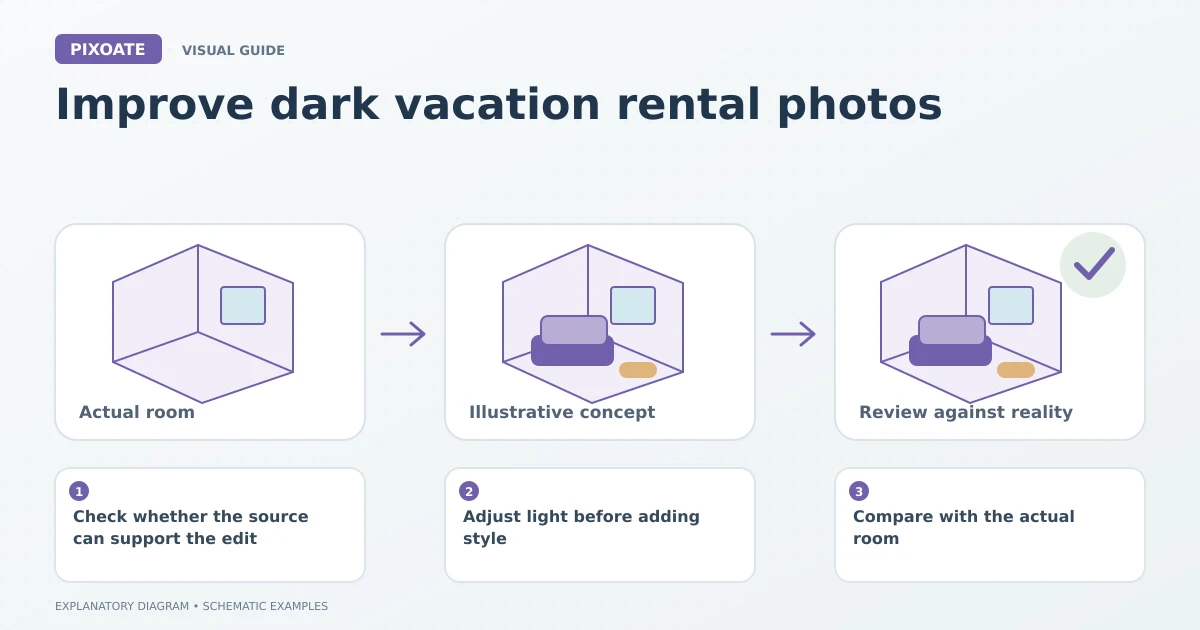
Original explanatory graphic. The scenes and sample records are schematic illustrations, not screenshots or measured tool results.
Check whether the source can support the edit
Use the best original file. If a window is completely white or a corner contains no visible detail, a new photograph may provide more dependable information than aggressive processing.
Where possible, photograph the room with balanced lighting and a stable camera. Different colour temperatures from daylight and lamps can also make furnishings look unlike their actual colours.
Adjust light before adding style
Upload the image to Photo Enhancer and use restrained adjustments to brightness, noise, sharpness and colour. Review pale walls, dark furniture and window edges separately.
Use Photo Editor for more deliberate framing and local design decisions. Avoid applying a dramatic aesthetic simply because it looks appealing in isolation; the rental image needs to describe the accommodation.
Compare with the actual room
Image Compare helps you inspect the original and edited photograph. Ask whether the result changes the apparent condition, view, furniture or finish.
Do not use invented scenery or furnishings as evidence of what a guest will find. If you are creating a renovation or furnishing concept, keep it clearly separate from photographs of the current accommodation.
| Area | What to inspect |
|---|---|
| Dark corners | Useful detail without unnatural brightness |
| Bedding and walls | Plausible colour and texture |
| Windows | Existing view and frame retained accurately |
| Fine surfaces | No excessive sharpening or artificial patterns |
Review the gallery as a set
One bright image surrounded by several dark ones can give conflicting impressions. Apply consistent judgement across the room set, but allow for real differences in lighting and time of day.
Check mobile previews and the destination's crops. A well-edited landscape photo may lose important layout information when displayed as a narrow card.
Can enhancement make every room look sunlit?
That is not a useful goal for an accurate rental listing. Improve the visibility of the source and preserve the conditions guests should reasonably expect.
Start with Pixoate Photo Enhancer for the clearest dark source. Keep the room recognisable, review the result in context and retake images where the missing information cannot be verified.