The Rental Looks Dark Online: When Photography Hides a Property's Appeal
Dark rental photos can hide useful space and detail. Explore realistic Pixoate enhancement that helps viewers understand a property's actual appeal.
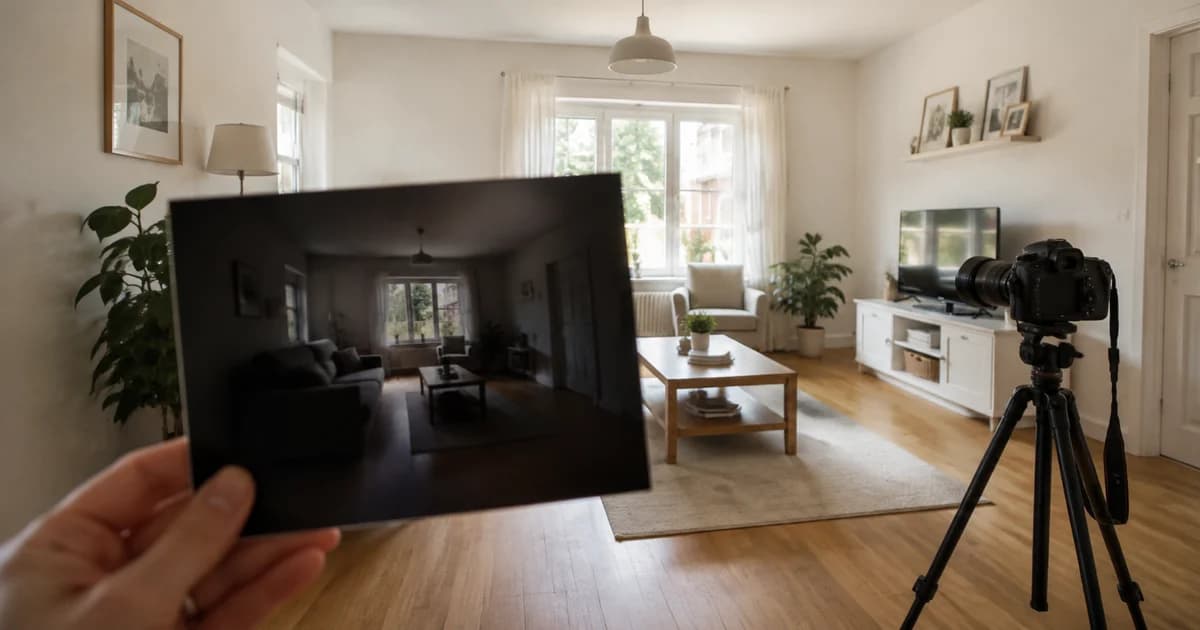
The room has a reading corner, a pleasant material palette and a useful layout. In the listing photo, the reading chair disappears into shadow and the bright window draws attention away from everything else.
Poor exposure can make the room's useful features difficult to inspect. Improving that photograph should reveal the accommodation accurately rather than giving it a different identity.
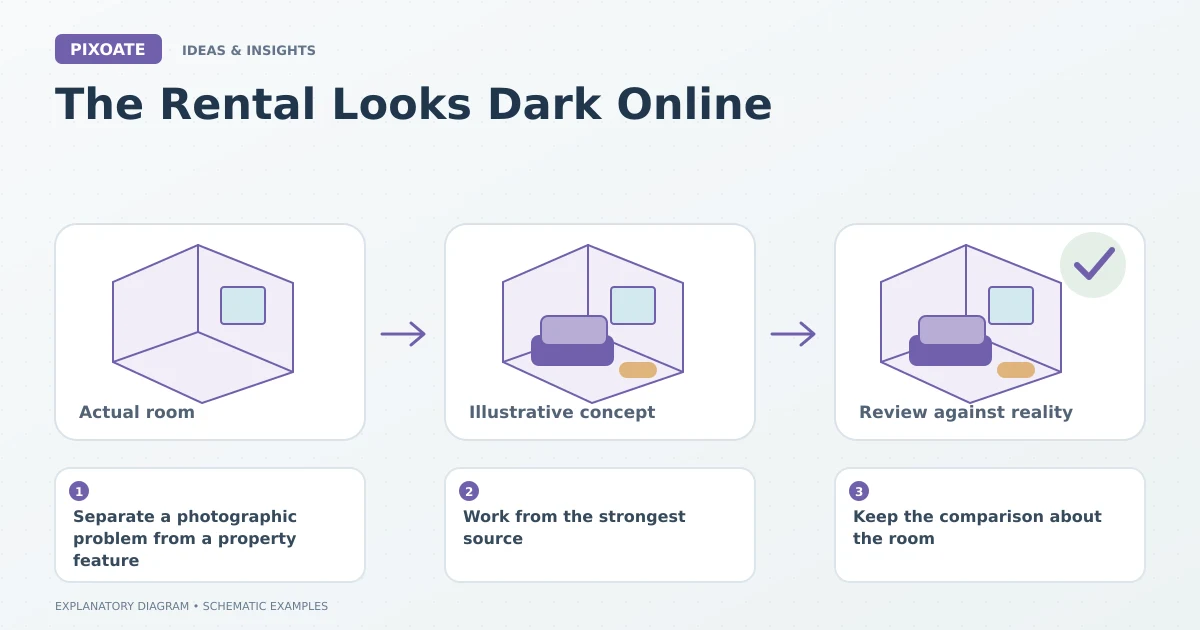
Original explanatory graphic. The scenes and sample records are schematic illustrations, not screenshots or measured tool results.
Separate a photographic problem from a property feature
Ask what the original image actually records. Was the camera struggling with a bright window? Was the room photographed at an unhelpful time? Is the source too compressed to retain shadow detail?
If the property is genuinely dim, editing it into a sunlit room creates a misleading impression. If a rushed capture hides visible detail, a careful correction or better photograph may communicate the space more clearly.
Work from the strongest source
Choose the original file and inspect the dark areas before processing. A patch with no useful information cannot become verified architectural detail through enhancement.
Use Pixoate Photo Enhancer for restrained light, colour, noise and sharpness adjustments. Review the room's actual materials and surfaces as you choose the result.
Keep the comparison about the room
Image Compare lets you inspect the original and revision together. Look at windows, wall edges, furniture and textured surfaces. The improved image should remain recognisably the same accommodation.
An invented view or changed fixture is not an exposure correction. Keep generated concepts separate from the current rental photographs.
Review the experience across the gallery
A brightened photo beside several very dark views can give inconsistent signals. Apply the same judgement across the set while respecting real differences between rooms and lighting conditions.
Inspect the destination's mobile crop. The useful reading corner may still disappear if the image is displayed in a shape that cuts it off.
The aim is a rental photo that gives a prospective guest enough accurate information to assess the space. Begin with Pixoate Photo Enhancer when the source supports a useful correction, and retake the image when the missing information matters more than the edit can establish.