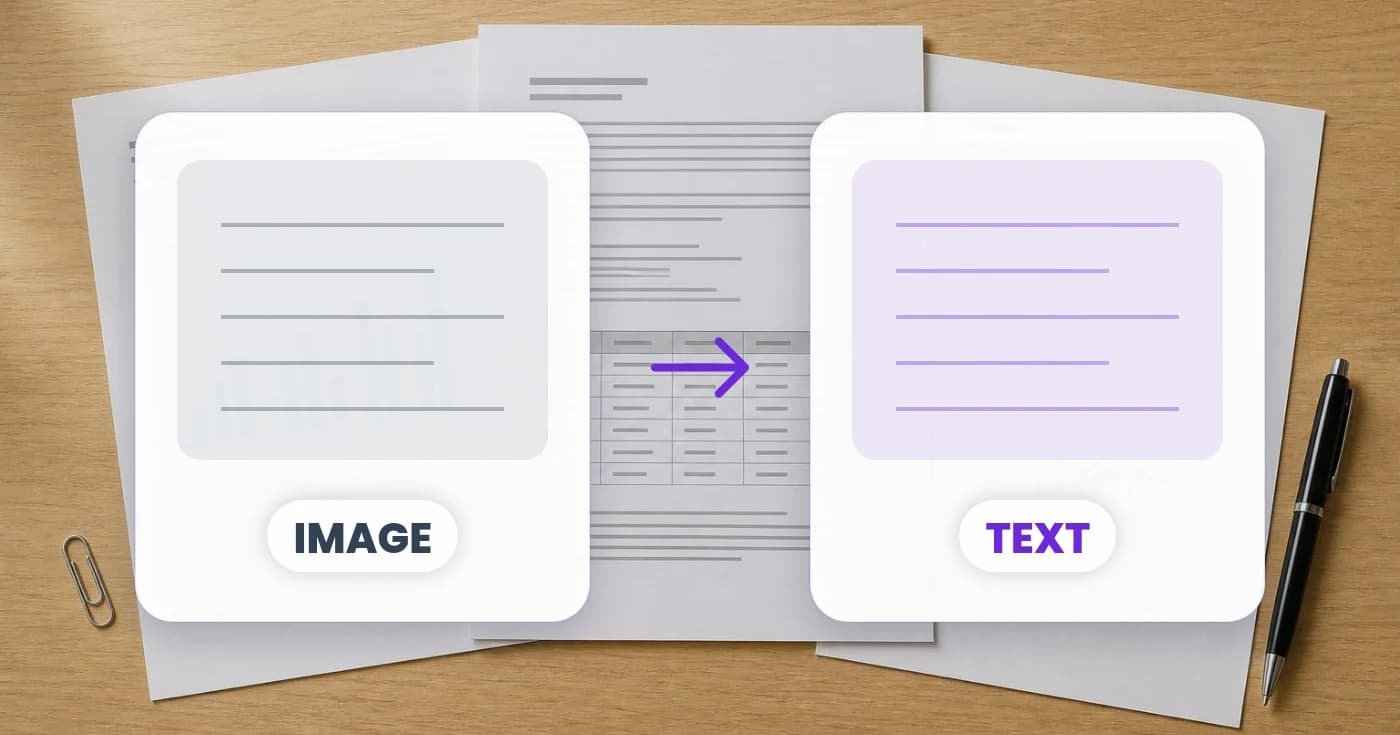
Your Team Is Typing the Same Information Twice: The Hidden Cost of Manual Data Entry
Repeated manual data entry consumes attention as well as time. Explore how Pixoate OCR can turn photographed information into reviewed business records.
An administrator reads a number from a photograph, types it into a spreadsheet and later copies it into another form. The work is familiar enough to feel unavoidable. Across many documents, the same small action becomes a substantial part of the week.
The hidden cost of manual data entry is not only typing time. It includes checking, correcting, searching for the source and resolving differences between versions.
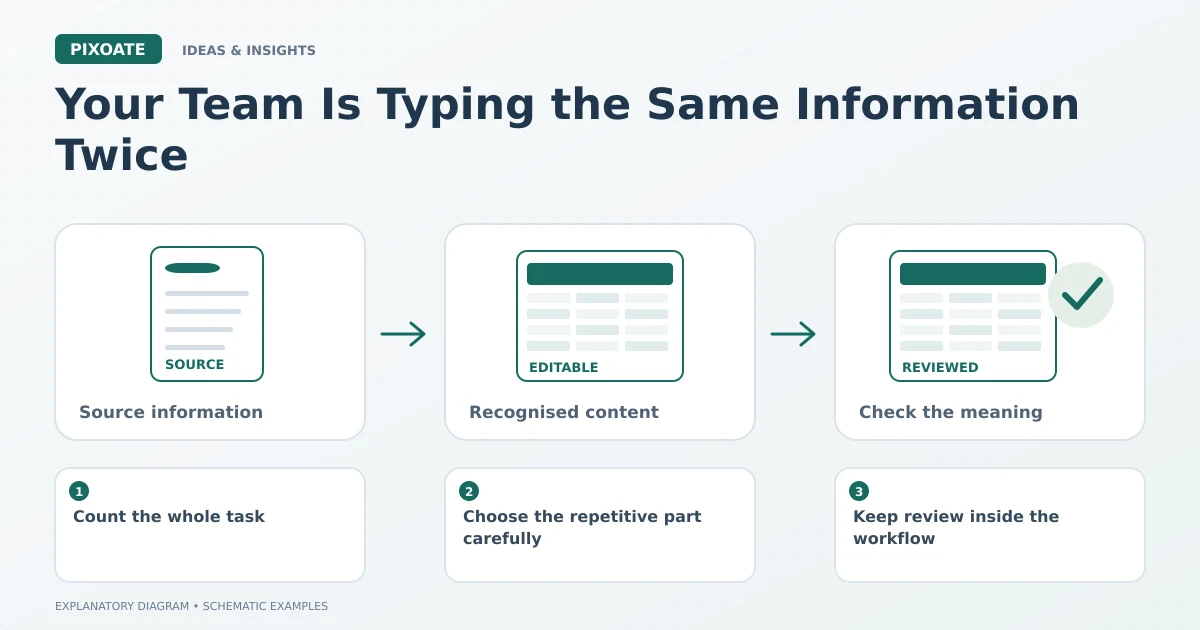
Original explanatory graphic. The scenes and sample records are schematic illustrations, not screenshots or measured tool results.
Count the whole task
Consider an illustrative workflow with 60 documents a week and three minutes of transcription per document. That is 180 minutes, or three hours, before any additional checking.
If an alternative extraction-and-review workflow took two minutes per document, the difference would be one hour a week in that example. Those figures are invented to show the calculation. Measure your own process, including correction time, before claiming a saving.
Choose the repetitive part carefully
Pixoate Image to Text can help when the repeated job is copying visible words. Extract Data is more focused when the same named fields are needed from each document.
A photographed table may need Image to Excel instead. Choosing the right structure can matter as much as reducing the amount typed.
Keep review inside the workflow
Extraction changes the task from entering every character to reviewing recognised values. It does not remove the need to check identifiers, amounts, dates and uncertain text.
Keep the source reference with the reviewed result. If a colleague asks where a number came from, the answer should not require another search through messages and camera rolls.
Look for the second entry too
Some repetition happens after a correct extraction. A CSV may need specific headers, or a JSON result may need mapping to another system. Plan that handoff rather than assuming a download is an automatic integration.
Start with a document type that appears often and has a reasonably consistent structure. Record the time spent on both transcription and review, then compare representative examples rather than one unusually easy file.
The useful opportunity is a better-defined administrative task. Use Pixoate Extract Data or Image to Text to move visible information into a reusable form, with a review step that protects the decisions built on it.