When an Old Family Photo Feels New Again: The Appeal of AI Colorization
AI colorization can offer a new way to connect with an old family photo. Explore Pixoate colour and enhancement while preserving the original image.
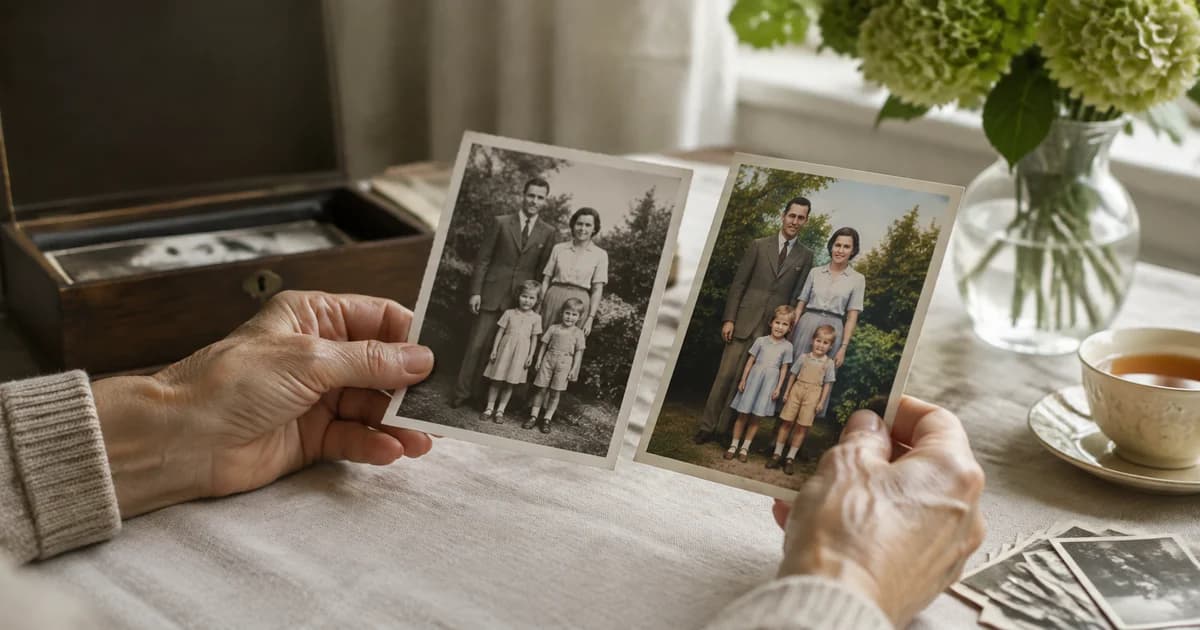
An old family photograph may be familiar enough that nobody looks at it closely anymore. A colour interpretation can make someone notice the coat, the room or the expression again and ask a new question about the people pictured.
AI colorization can provide that fresh way of looking. Its emotional appeal should be kept separate from a claim that the generated colours reproduce history exactly.
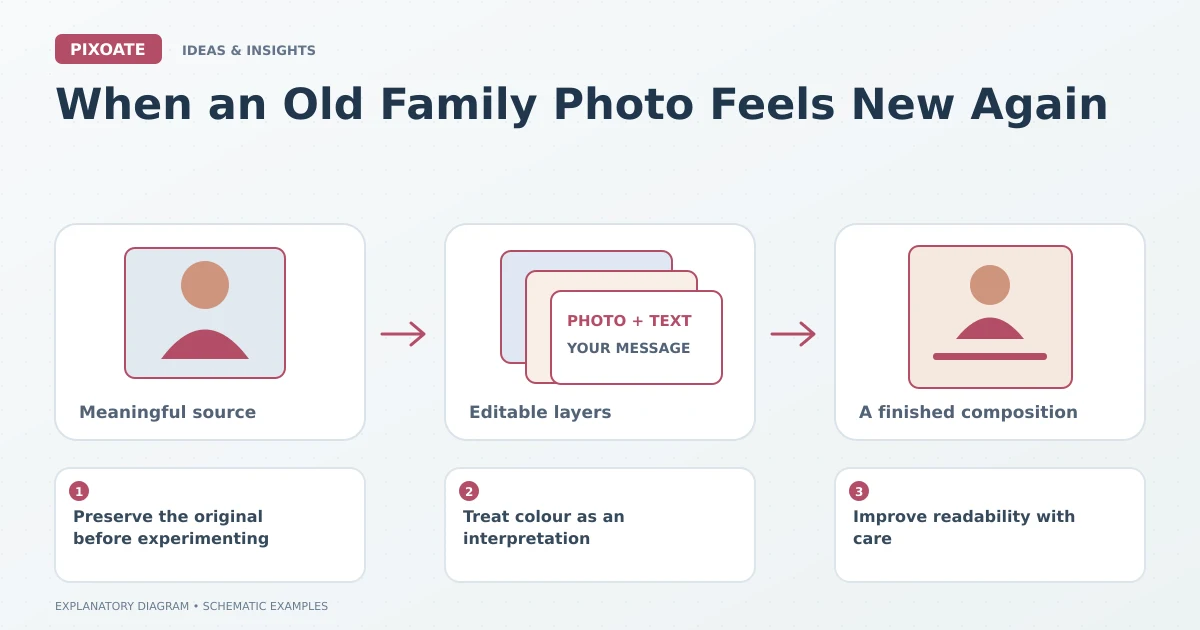
Original explanatory graphic. The scenes and sample records are schematic illustrations, not screenshots or measured tool results.
Preserve the original before experimenting
Keep a good scan or photograph of the black-and-white source. Avoid overwriting it with the first colour result. The original remains the record against which later interpretations can be understood.
Use Pixoate Colorize Photo to create a colour version from a suitable source. Review faces, clothing, backgrounds and areas where the image is damaged or unclear.
Treat colour as an interpretation
A black-and-white image does not establish every original colour. A convincing blue coat or warm wall can still be an estimate rather than a verified historical detail.
If a family member remembers a colour or another reliable source documents it, keep that information alongside the image. Distinguish remembered or documented facts from generated choices.
Improve readability with care
Photo Enhancer can help review noise, sharpness and visible detail where appropriate. Compare the result with the source and avoid processing that changes a face or creates misleading detail.
Keep meaningful marks and the original framing available. A cleaner image can be useful for sharing, while the unaltered source retains its own value.
Make room for the family story
Share the original and colour interpretation together when possible. Add known names, dates and places, leaving uncertain information clearly identified.
A newly noticed detail may prompt a conversation, but do not turn a generated feature into evidence about what someone wore or where they stood. The photograph and the family records deserve separate consideration.
Use Pixoate Colorize Photo to explore a new presentation of a familiar image. Keep the original close, and let the interpretation invite curiosity rather than replace the history.