How to Prepare Product Images for Walmart Marketplace Uploads
Prepare Walmart Marketplace product images with Pixoate. Review current upload guidance, canvas dimensions, backgrounds and final file sizes.
A product image prepared for one sales channel may not fit another channel's upload requirements. Dimensions, file format, background and permitted content all need their own check before a Walmart Marketplace submission.
Pixoate provides product-image resizing, background preparation and compression. Use those tools to prepare the asset, then verify it against the current US Marketplace requirements for the item and placement.
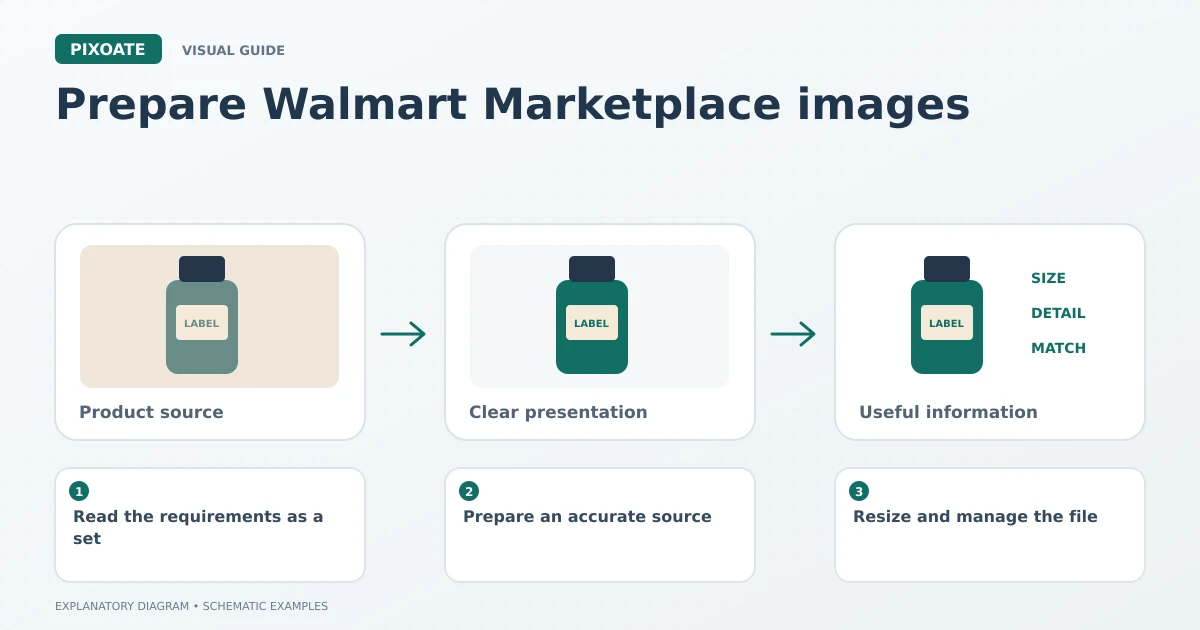
Original explanatory graphic. The scenes and sample records are schematic illustrations, not screenshots or measured tool results.
Read the requirements as a set
Walmart's image guidelines, updated May 12, 2026 [1], list 2200 × 2200 pixels, a square aspect ratio and a 5 MB-or-less file size among their specifications. They also distinguish main-image content and require accurate, non-misleading AI-generated imagery. Recheck the current page when preparing your upload.
Meeting one dimension requirement does not establish that the background, content or file itself is acceptable.
Prepare an accurate source
Use a photograph of the correct product and variant. Confirm the quantity and included accessories before editing. A filename linked to a product identifier helps keep similar assets organised, but the file still needs visual review.
Create the required clean background with Pixoate White Background. Inspect edge detail and preserve the product's true appearance. Avoid adding claims or decorative elements merely because the canvas has empty space.
Resize and manage the file
Use Resize Image for the chosen dimensions while preserving proportions. If the source is too small to show genuine detail, obtain a better source rather than assuming enlargement will satisfy image-quality requirements.
Use Compress Image for a manageable upload file. Choose a supported output format and inspect the exported file's actual size. Renaming the extension does not convert the file.
Before submitting, review:
- The product matches the title and variant.
- The framing retains relevant parts and avoids unnecessary empty space.
- The main image follows the current background and content rules.
- The file has the required dimensions and an accepted format.
- The uploaded gallery shows useful, non-duplicate views.
Treat an upload issue as a specific problem
Read the reported error and inspect the corresponding file property or content issue. Repeatedly compressing a file will not solve a wrong-background problem, and changing the background will not repair an unsupported file format.
Does Pixoate certify marketplace compliance?
No. It helps prepare images. The current marketplace rules and the actual upload review determine acceptance.
Start with Pixoate Resize Image and the verified destination requirements. Keep the approved source and export settings so future catalogue updates follow a reviewable process.
Sources
- image guidelines, updated May 12, 2026:
https://marketplacelearn.walmart.com/guides/Item%20setup/Item%20content%2C%20imagery%2C%20and%20media/Product-detail-page%3A-Image-guidelines-%26-requirements?locale=en-US