
New Marketplace, Same Photo Folder: Why Amazon and Walmart Images Need Separate Reviews
Selling on Amazon and Walmart requires separate image reviews. Learn where shared product photos need channel-specific preparation with Pixoate.
A seller expands to another marketplace and copies the existing image folder. The products are the same, so the image requirements feel as though they should be the same too. That assumption can turn a routine catalogue expansion into repeated upload corrections.
The receiving marketplace, category and image placement determine the requirements. A previously approved file is useful source material, but its approval does not automatically travel with it.
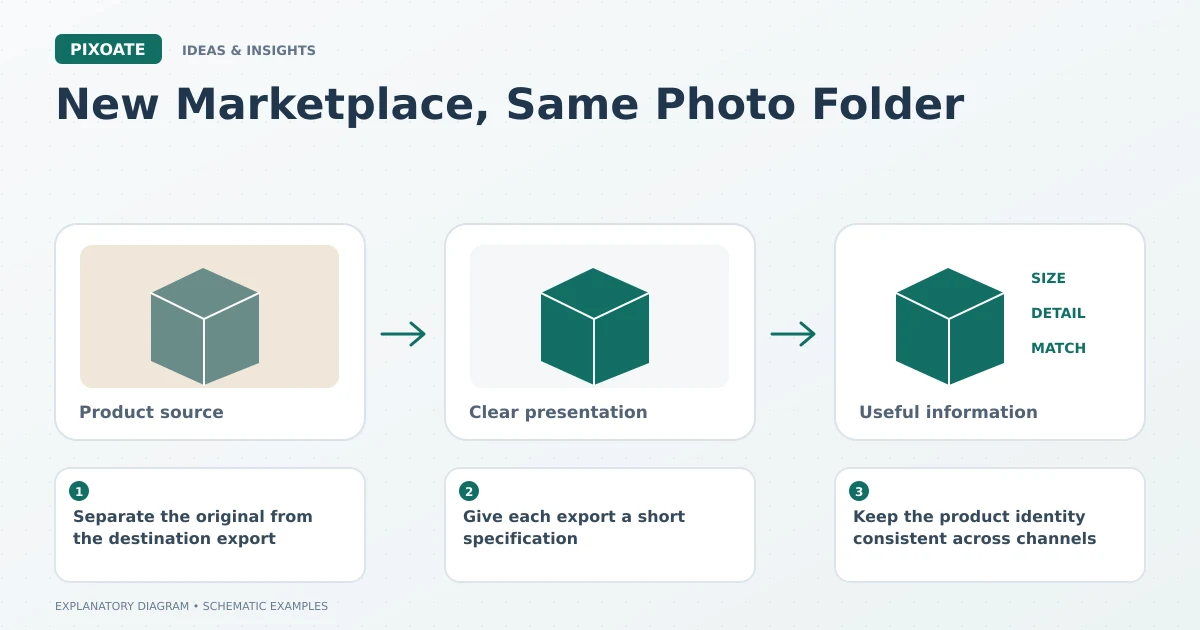
Original explanatory graphic. The scenes and sample records are schematic illustrations, not screenshots or measured tool results.
Separate the original from the destination export
Keep high-quality product sources in one place and prepare clearly identified copies for each destination. That avoids changing a master file every time a channel requests a different output.
Amazon's photography guidance [1] and Walmart's image requirements [2] are separate references. Review the current requirements for each listing rather than treating one as a substitute for the other.
Give each export a short specification
Record the destination, placement, dimensions, format, background and content restrictions relevant to the file. Keep the date of your review because requirements can change.
Use Pixoate Resize Image to prepare the required dimensions while preserving proportions. Use White Background for placements that call for that presentation, then inspect product edges and the actual supplied quantity.
An accepted file format does not establish acceptable image content. A correct background does not establish sufficient detail. Review those properties separately.
Keep the product identity consistent across channels
Different export specifications should not change the represented variant, packaging or accessories. Match each asset to the right product identifier in the receiving catalogue.
For a batch, inspect exceptions such as transparent products, tall items and sets with many components. They may need individual framing even when the destination dimensions are shared.
Review the uploaded result
Check the main image and gallery after upload. Read any rejection as a specific issue to investigate. Repeatedly resizing an image will not fix a content restriction, and a background edit will not repair the wrong variant assignment.
The efficient workflow is a reusable source plus a reviewed destination copy. Use Pixoate's resizing and background tools to prepare that copy, with each marketplace's current requirements guiding the final decision.
Sources
photography guidance:
https://sell.amazon.com/blog/product-photosimage requirements:
https://marketplacelearn.walmart.com/guides/Item%20setup/Item%20content%2C%20imagery%2C%20and%20media/Product-detail-page%3A-Image-guidelines-%26-requirements?locale=en-US