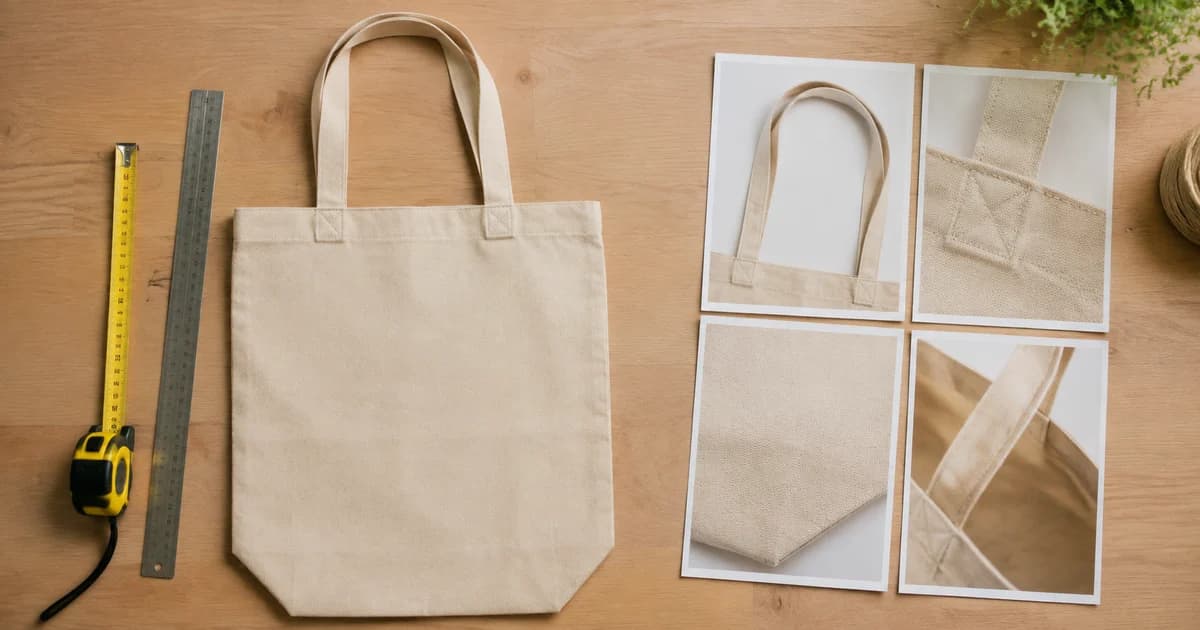
The Size Surprise: Why Product Photos Need to Show Scale
Product photos need more than an attractive close-up. Explore scale, verified dimensions and Pixoate annotations that help buyers understand real size.
A storage basket looks generous until it arrives. A pendant looks smaller than expected. A desk accessory fills the photograph so completely that its real dimensions are hard to imagine.
Size surprises can begin with an image that provides no dependable reference. Product photography needs to explain scale as deliberately as it explains colour and shape.
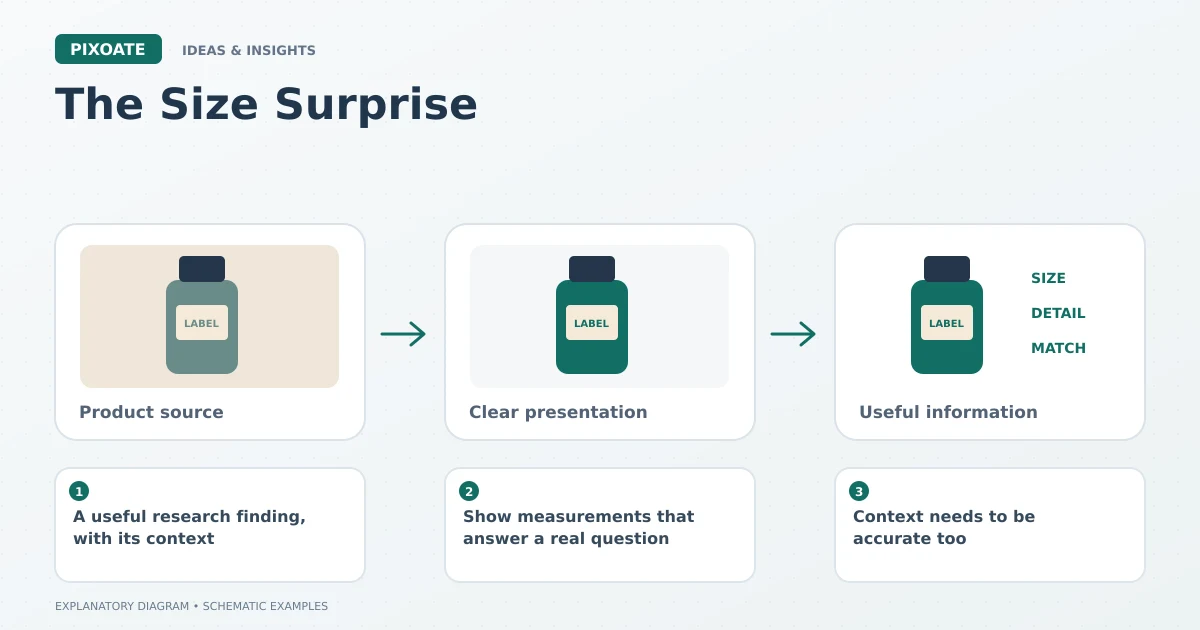
Original explanatory graphic. The scenes and sample records are schematic illustrations, not screenshots or measured tool results.
A useful research finding, with its context
In its product-page usability research published in 2017, Baymard reported that 42% of participants tried to judge product size from images. Its article on in-scale product imagery [1] describes the difficulty created by missing visual context. This is a finding from that research, not a universal percentage for every store or product.
The practical implication is straightforward: a dimension written elsewhere on the page may not be enough to give the viewer an intuitive sense of size.
Show measurements that answer a real question
An outer width matters when a box must fit a shelf. Inner dimensions matter when an object must fit inside it. A folded table and an open table need different labels.
Use Pixoate Photo Editor for product dimension images and Add Text to Image to present verified figures clearly. Keep units explicit and ensure arrows or lines correspond to the correct measurement.
If both metric and imperial values help the audience, check the conversion and sensible rounding. Do not derive a precise dimension from the apparent size of an object in a photograph.
Context needs to be accurate too
A familiar object, person or environment can provide a useful reference when the relationship is real and clear. Camera perspective and lens choice can still change the impression, so choose a view that explains rather than exaggerates.
A generated lifestyle scene requires additional scrutiny. An invented hand or chair can imply a false scale even if the product itself looks plausible. Keep verified size information available independently of the scene.
Review the buyer's likely interpretation
Ask someone unfamiliar with the item what dimensions the image communicates. Check whether they understand the difference between the product, its packaging and any optional accessories.
The image is doing useful work when it reduces an avoidable guess. A plain, legible dimension graphic can be more valuable than a dramatic photograph that makes every object appear the same size.
Use Pixoate Photo Editor to give scale a clear place in the image set. The goal is a product that arrives looking like the size the customer reasonably expected.
Sources
- article on in-scale product imagery:
https://baymard.com/blog/in-scale-product-images