SVG vs PNG for Business Logos: Which Should You Send or Upload?
Choose SVG or PNG for business logos, email and presentations. Use Pixoate to export a suitable size while preserving readable lettering and transparency.
A designer sends an SVG logo, but a colleague needs an image for an email signature. Another person puts a small PNG on a large presentation slide and finds that the edges look soft.
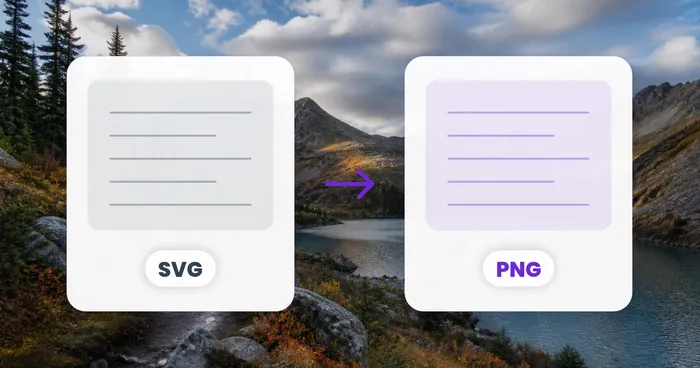
SVG and PNG serve different logo workflows. Use Pixoate SVG to PNG when the receiving application needs a raster image, choosing enough pixels for the intended display.
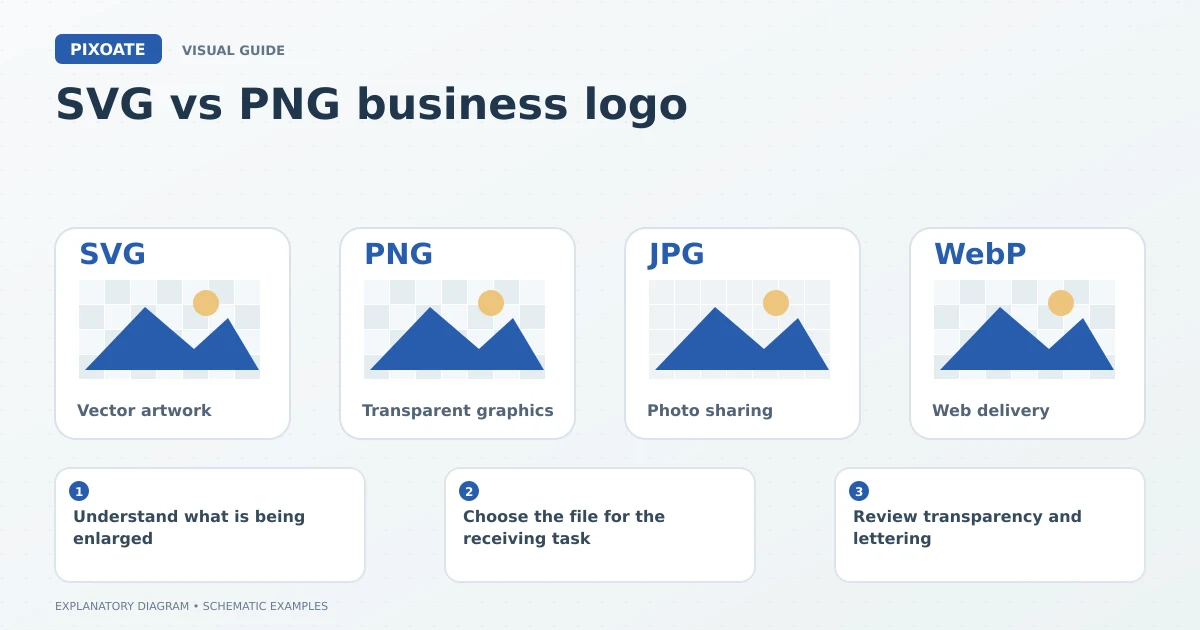
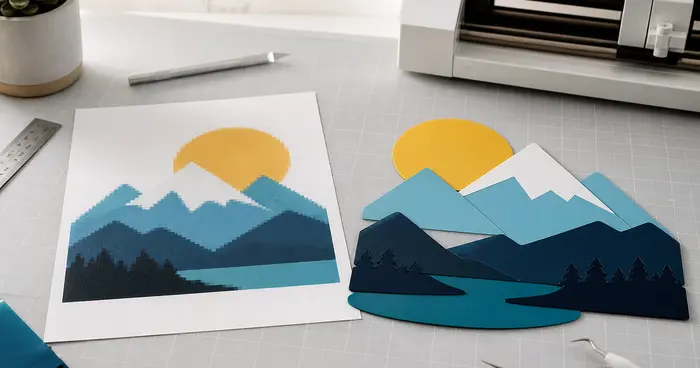
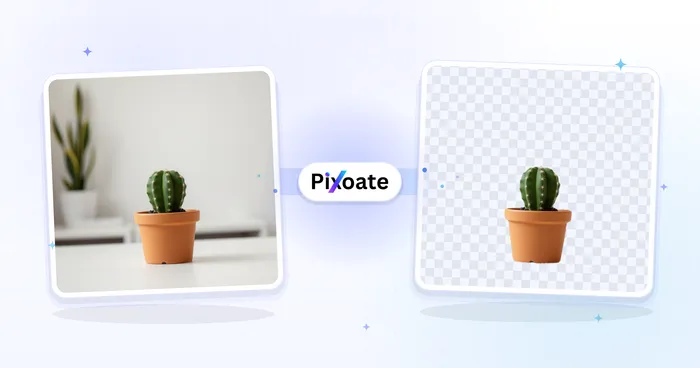
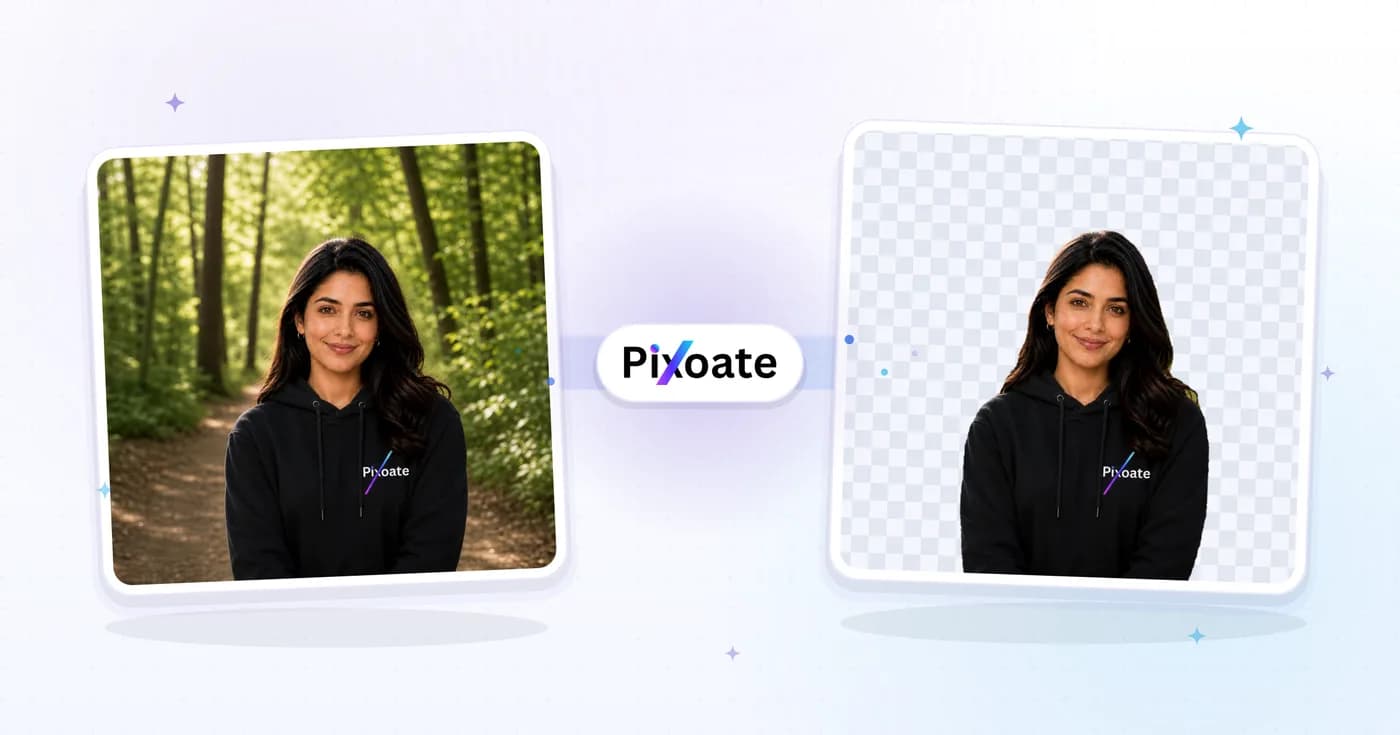
Original explanatory graphic. The scenes and sample records are schematic illustrations, not screenshots or measured tool results.
Understand what is being enlarged
SVG can describe vector shapes that remain sharp when rendered at different sizes. PNG stores a fixed grid of pixels. Enlarging a small PNG spreads those pixels over a larger area; it does not recreate the original vector shapes.
An SVG can also contain embedded raster images. Its extension alone does not prove that every part of the artwork will scale as clean vector geometry.
Choose the file for the receiving task
| Destination need | Useful starting point |
|---|---|
| Compatible scalable logo artwork | Original, correctly prepared vector file |
| Email signature or application requiring a bitmap | PNG at appropriate dimensions |
| Transparent logo on several backgrounds | Output retaining actual transparent areas |
| Print supplier with specific specifications | The supplier's requested file and preparation requirements |
Keep the original vector artwork when available. Export destination-specific copies rather than replacing the master with a small raster file.
Review transparency and lettering
After converting SVG to PNG, check the logo against a contrasting background. A white rectangle may be part of the source artwork, even though PNG supports transparency.
Use Transparent PNG Maker when a raster source needs an actual cutout. Inspect counters inside letters, fine marks and white logo elements so meaningful artwork is not removed.
Use vectorization with realistic expectations
Image to Vector can help create vector artwork from a suitable raster source. Review lettering, curves, proportions and small symbols carefully. A traced or reconstructed result should not be assumed identical to the original brand asset.
If the business has an approved logo master, prefer that verified source. Guessing a wordmark from a blurry thumbnail can introduce subtle brand changes.
Is SVG always accepted in email?
Support varies by application and workflow. Use the receiving system's documented requirements and review the actual result.
How large should the PNG be?
Choose dimensions based on the intended display and export requirements. A tiny source is unsuitable for every later placement merely because it has a transparent background.
Use Pixoate SVG to PNG for the required delivery copy and retain the original artwork for future sizes and uses.