
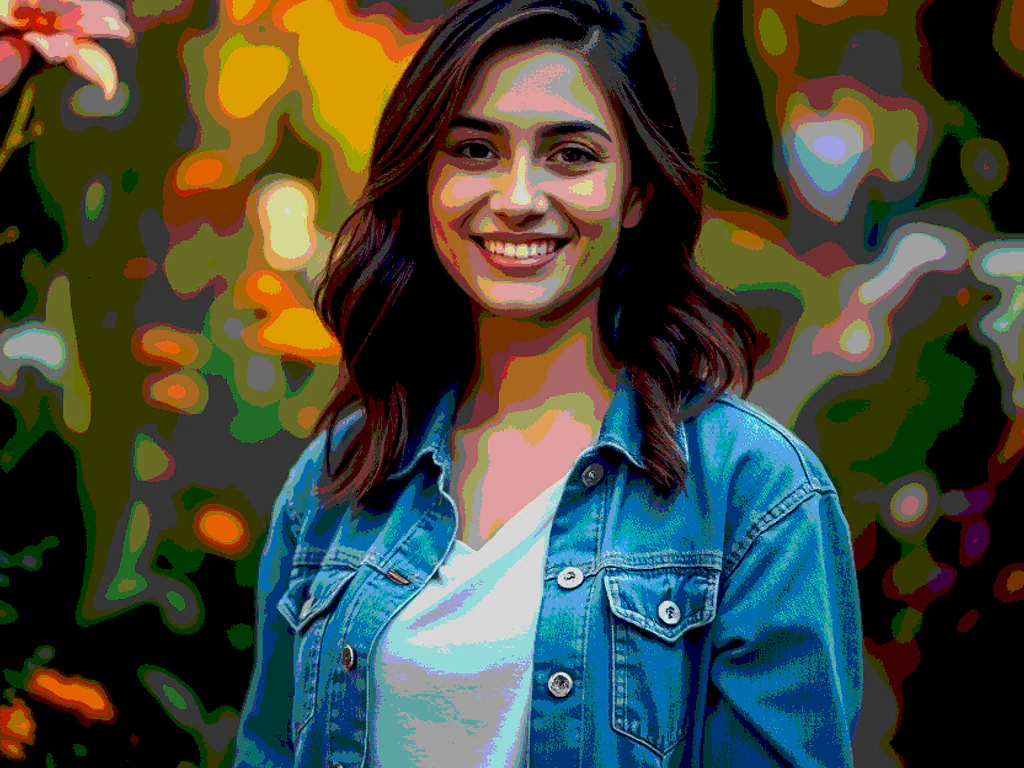
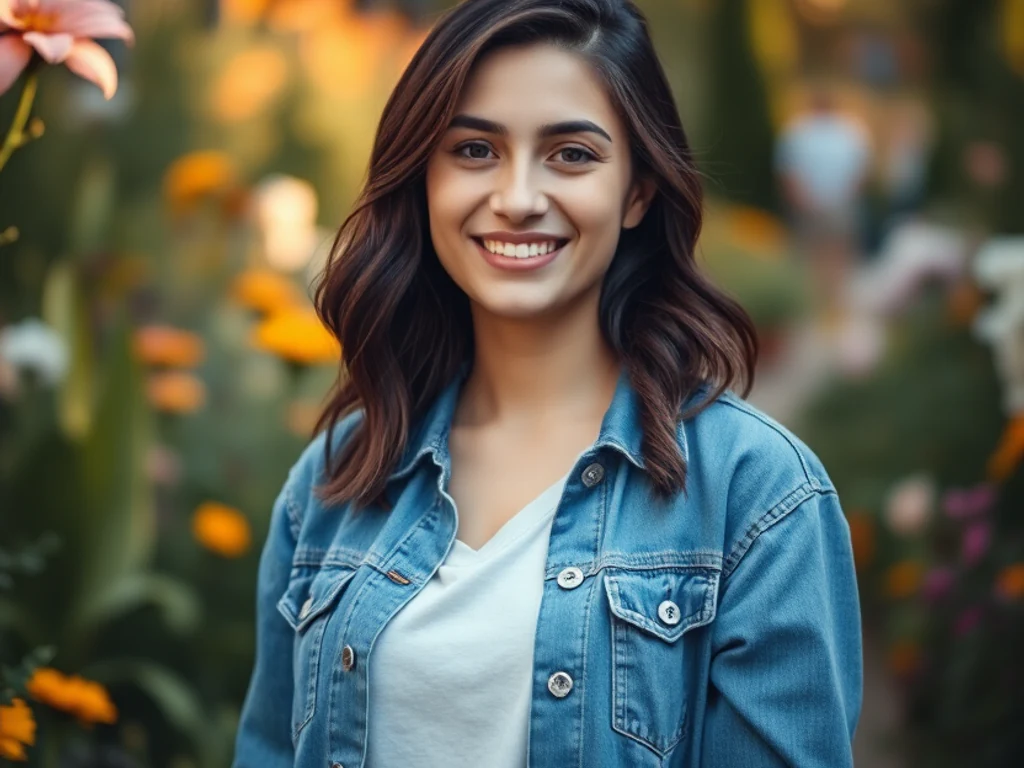
AI Cartoon Generator — 3D, Vector, Comic, and More
Generative results vary; compare every important detail with the source
Use generative style directions instead of a single filter. Choose an original 3D, vector, comic, clay, or custom cartoon look and inspect identity, anatomy, and small details before download.
- Prepared visual directions with editable prompts
- Coherent full-frame generation from the source
- Explicit identity, product, and detail review
Generative results vary; compare every important detail with the source
Choose a photo to turn into a cartoon
JPG, PNG, WebP, HEIC, and other supported formats. Free up to 20 MB; Premium and higher up to 50 MB for this tool.
How to turn a photo into a cartoon with AI
This AI cartoon generator redraws a photo as original cartoon artwork, and it works best on portraits and other photos with a clear subject. Choose a 3D animation, 2D vector, Comic or Clay direction, add your own instructions if you like, and generate. The result is a new cartoon image of your subject rather than a filter laid over the photo, so compare faces, hands, clothing and small details with your original before you use it. Single images get a free preview at web size.
Create a cartoon picture from a photo in a few steps
This cartoon picture maker accepts JPG, PNG, WebP and HEIC files. To cartoonify an image, start with a clear photo in which the subject is fully visible. The cartoon is delivered in the same shape as your upload. Because every generation is new artwork, results vary between runs, and changing the preset or the instructions means generating again.
- Upload a clear photo with the subject fully visible.
- Choose a one-tap preset: 3D animation, 2D vector, Comic or Clay.
- Optional: open Custom instructions and describe what to keep or change.
- Keep Ask AI to preserve subject identity and product details checked for portraits.
- Select the Generate button and wait for the result.
- Review the result card, then select Download.
Pick a cartoon style: 3D, vector, comic or clay
3D animation gives a polished original 3D character, 2D vector uses clean flat shapes and outlines, Comic uses ink with controlled halftones, and Clay has a handcrafted stop-motion look. Choose Comic for a photo to comic result with ink outlines. Each preset fills in a full written instruction that you can read and edit under Custom instructions (optional). The 3D result is a flat picture in a 3D animated style, not a 3D model file. For caricature, pet or couple looks, pick one of the 24 presets in Photo to Cartoon, or turn the photo into anime artwork.
Guide the cartoon with your own instructions
Custom instructions (optional) accepts plain sentences about the look you want and the details that must stay, such as glasses, hair color or outfit colors. Ask for an original character, not a named one, because the presets are written to avoid copying protected characters, studios and logos. The instruction applies to the whole photo unless you open Refine area manually and paint only the part that should change.
Make a cartoon avatar or profile picture
For a profile photo, it works best with a clear, front-facing portrait with the face centered and well lit. The cartoon keeps the shape of your upload, so crop the photo to a square first if the platform wants one. 2D vector uses clean flat shapes, which suits a simple avatar. Compare the face, hair, glasses and skin tone with your photo before you publish, and keep the identity option checked.
Before you download the cartoon
- AI generated cartoons vary, so check faces, hands, clothing, text and logos against your original.
- Each generation uses your AI allowance, which the usage meter on the page shows.
- Results without Premium are delivered at web size; Premium unlocks the full-size result, up to 2048 pixels on the longest side.
- Transparent or partly transparent images are rejected, so upload an opaque photo.
- Batch images is a Premium option that applies one preset to many photos and returns a ZIP.
Taking your cartoon character further
For a retro game look, rebuild the photo as 8-bit pixel art; for a toy-brick version, render it as a studded brick mosaic.
Manga ink, chibi, and cinematic frames come from turning the photo into anime artwork, while caricature, pet, and couple presets sit among the 24 photo-to-cartoon styles.
What you can do with Cartoon Generator
Review the main capabilities before you begin.
- Create a cartoon portrait from a supported photo
- Create cartoon avatars for profile pictures
- Make fun caricatures and stickers
- Convert many photos at once in a batch
- Choose 3D, vector, comic or clay styles
Settings reference
5 settings
Available controls for Cartoon Generator.
Workflow
- Single image or Batch imagesPresets
- Process one image, or use Premium Batch images to apply the same automatic recipe to a set and download one ZIP.Options: Single imageBatch images
Styles
- One-tap presetsPresets
- Pick a ready-made direction with one tap; generation uses the selected preset automatically.Options: 3D animation2D vectorComicClay
- Custom instructions (optional)Text input
- Describe the requested change, relevant materials, lighting, perspective, and details that must remain unchanged.
Selection
- Selection brush sizeSliderRange: 4–160px · Default: 32px
- Automatic selection is the default. Open Refine area manually and set this brush width only when the image needs a tighter edit boundary.
Output
- Ask AI to preserve subject identity and product detailsOn / Off
- Adds an explicit instruction to retain the main subject, shape, branding, labels, and readable text unless the request changes them.
Popular presets
Related tools for Cartoon Generator
Tools for common next steps after Cartoon Generator.

Creative & Design
Photo to Cartoon
Turn a photo into classic, storybook, sticker, watercolor, or custom cartoon artwork with editable AI directions.
Try it now
Creative & Design
Anime Generator
Turn a photo into original modern anime, manga, chibi, or cinematic artwork with editable AI directions.
Try it now
Creative & Design
Pencil Sketch
Convert a photo into a pencil-sketch style image and adjust the shadow depth before download.
Try it nowFrequently Asked Questions
How Cartoon Generator helps you get it done
Real problems it solves every day — for businesses, creators, and everyday tasks. Find the use case that fits you and start.
Cartoon Avatars for Social Media
Cartoonize selfies into fun avatars and profile pictures for WhatsApp, Instagram, and Facebook
Cartoon Stickers & Caricatures
Turn photos into cartoon stickers and caricatures for chat apps, party invites, and greeting cards
Brand Mascots & Marketing Art
Create cartoon versions of team photos or products for playful marketing graphics and website art
Comic & Storyboard Panels
Convert reference photos into cartoon frames for comics, storyboards, and illustrated projects
Cartoon Merch: Mugs, Tees & Prints
Turn a favorite photo into cartoon art at a high Intensity, then upload the result to a print-on-demand shop for mugs, t-shirts or canvas prints — a distinctive product without hiring an illustrator.
Kids' Birthday Party Invitations
Cartoonize a photo of the birthday child in a fun, bold style and drop it into an invitation or party-favor tag — a personalized touch that's quicker than commissioning custom art.
Batch Cartoon Portraits for a Team or Family
Switch to Batch mode, queue up everyone's headshot, and apply the same cartoon style across the whole group in one pass — ideal for matching team avatars or a family photo book.
Guides for this tool
- The Gift That Starts with a Familiar Face: The Appeal of AI Cartoon PortraitsA familiar face can make a cartoon portrait gift personal. Explore Pixoate AI cartoon styles and thoughtful photo editing for a meaningful finished design.
- Create an AI Cartoon Pet Portrait for a Gift or ProfileTurn a pet photo into original cartoon artwork. Choose a style, preserve distinctive markings and review anatomy, cropping and output before making a gift.
Watch each transformation land
Every photo crosses the slash untouched and comes out the other side finished.























