
Convert JPG to PNG for Web
Conversion setup loaded automatically
Convert JPG to PNG for the web. PNG is widely supported by browsers and site builders, and you can check the file size of the result before you upload it, so your pages stay quick without visible loss. Files auto-delete after processing.
- Website and CMS uploads
- Faster-loading product and editorial images
- Browser-compatible image delivery
Drop a JPG image or click to browse
When a website needs a PNG made from a JPG
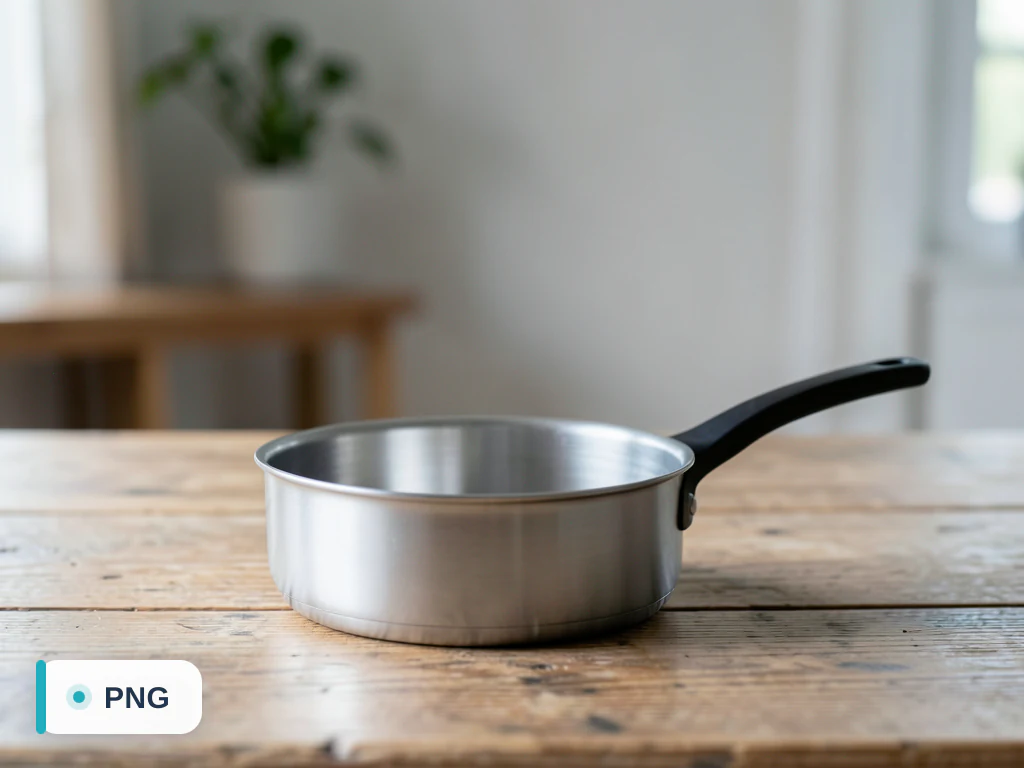
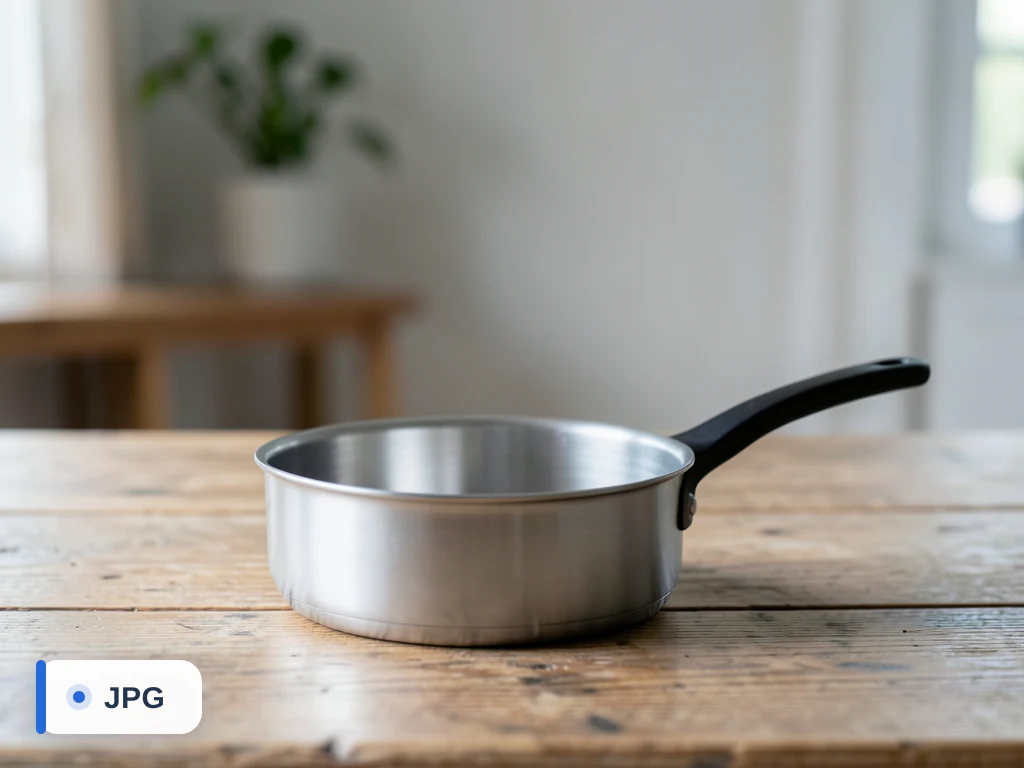
This page opens with PNG as the output. PNG is lossless, so there is no quality setting: every pixel of the JPG is written exactly as it is, including the blocky compression marks the JPG already carries. The result looks identical but is usually much heavier, often several times the JPG's size for a photo, which is the opposite of what page speed needs.
So convert for a reason the site cares about: a theme slot, form or plugin that accepts PNG only, or a graphic you will keep editing and saving without adding another round of JPG loss. Converting does not make anything transparent. A JPG has no transparent pixels to keep, so the PNG comes out fully opaque; for a cut-out logo or product, remove the background, which produces a transparent PNG.
If the image is a photograph and the site accepts modern formats, JPG to WebP gives a lighter file than either JPG or PNG. Whatever you upload, resize it to the display width first; a 12-megapixel phone photo is about 4000 pixels across, far wider than any content column.
Check after converting
- Compare the PNG size in Settings with the original JPG
- Confirm the site really requires PNG rather than accepting JPG
- Expect a solid background: conversion alone adds no transparency
Set up for Convert JPG to PNG for Web
Prepared settings
- Starting point
- JPG source image
- The upload accepts the source type for the jpg-to-png converter directly.
- Prepared workflow
- JPG → PNG for Web
- The destination format and use context are already identified; only the real file is still required.
- Output control
- PNG output
- Use quality or lossless controls when the destination format supports them.
- Review rule
- Open the PNG result before publishing
- Check transparency, color, and visible detail because formats represent those properties differently.
Best-fit uses
- Website and CMS uploads
- Faster-loading product and editorial images
- Browser-compatible image delivery
Frequently asked questions
- Why convert JPG to PNG for a website?
- PNG is broadly supported by browsers and site builders. Whether it is smaller than the JPG depends on the image, so compare the file size shown with the result and lower the quality where the format allows it if page weight matters.
- Will the PNG look the same on my site?
- For most images the difference is invisible at web sizes. Use the quality control to balance sharpness against file size.
- Is this JPG-to-PNG converter free?
- Yes — convert and download without creating an account. Your upload is auto-deleted after conversion.
- Can I adjust the PNG output quality?
- Yes. Review the converted PNG result and adjust quality when that format supports it. Keep a higher setting for detail, or lower it when file size matters more.
What you can do with JPG to PNG
Review the main capabilities before you begin.
- Convert JPG photos to lossless PNG
- Get clean files ready for editing and layering
- Avoid additional lossy compression with PNG output
- Prepare high-fidelity images for print
- Keep photos upright with correct orientation
- Batch-convert many JPGs in one go
Settings reference
5 settings
Available controls for JPG to PNG.
Settings
- Output formatDropdown
- Chooses the file type you download. The page opens on its own output format; switch to any other format before converting.Options: JPGPNGWebPAVIFGIFTIFFBMPICOPDF
- QualitySliderRange: 20–100 · Default: 90
- For JPG, WebP, AVIF and image-to-PDF output: higher keeps more detail but makes a bigger file; 60–80 suits most photos. Documents (Publisher, XPS, EPS…) become PDFs with every page and sharp text, with no quality setting.
- Lossless modeOn / Off
- For WebP and AVIF output: keeps every pixel exactly (best for logos, graphics and transparency) at the cost of a larger file.
- Background fillColor picker
- For JPG, BMP and image-to-PDF output, which can't store transparency: the color that fills transparent areas (white by default).
Mode
- Single file / BatchDropdown
- Process one file or a batch with shared settings. Batch results download as one ZIP.Options: Single fileBatch
Popular use cases
Related tools for Convert JPG to PNG for Web
Tools for common next steps after Convert JPG to PNG for Web.
Photo Editing & Utilities
Compress Image to KB
Compress JPG, PNG or WebP files toward a chosen size such as 20KB, 50KB or 100KB, then review the result.
Try it now
Photo Editing & Utilities
Resize Image
Resize an image to exact dimensions or by percentage. Preview and download the result.
Try it now
Photo Editing & Utilities
Image Compare Slider
Compare two images with a reveal slider and export a before-and-after PNG.
Try it nowHow JPG to PNG helps you get it done
Real problems it solves every day — for businesses, creators, and everyday tasks. Find the use case that fits you and start.
Layered Editing Without Recompression Loss
Convert a JPG source to PNG before opening it in Photoshop, GIMP or Affinity so every re-save during editing stays pixel-exact instead of re-introducing JPEG artifacts each time the file is saved.
Print-Ready Artwork for Print Shops
Many print and direct-to-garment services reject compressed JPGs for logos and text-heavy artwork — converting to PNG keeps solid colors and thin lines free of JPEG banding before you upload to the print vendor.
Batch-Convert a Whole Shoot for Client Delivery
Switch to Batch mode to convert a full folder of delivered JPGs to lossless PNG in one pass and download a single ZIP, instead of converting photographer or agency deliverables one file at a time.
Text & Caption Overlays That Stay Crisp
Convert a JPG to PNG before adding bold captions, watermarks or callout text in a meme generator, social template or slide deck, since PNG has no compression to blur or halo sharp text edges the way re-saving a JPG does on every edit.
Guides for this tool
Watch each transformation land
Every photo crosses the slash untouched and comes out the other side finished.























