
Fill PDF Forms Online — Free PDF Form Filler
Complete supported text, checkbox, dropdown, radio and list fields in a fillable PDF, with optional flattening.
Drop a fillable PDF here — get back a completed, ready-to-send form
PDF with fillable form fields (AcroForm)
How to fill in a PDF form online and flatten the finished copy
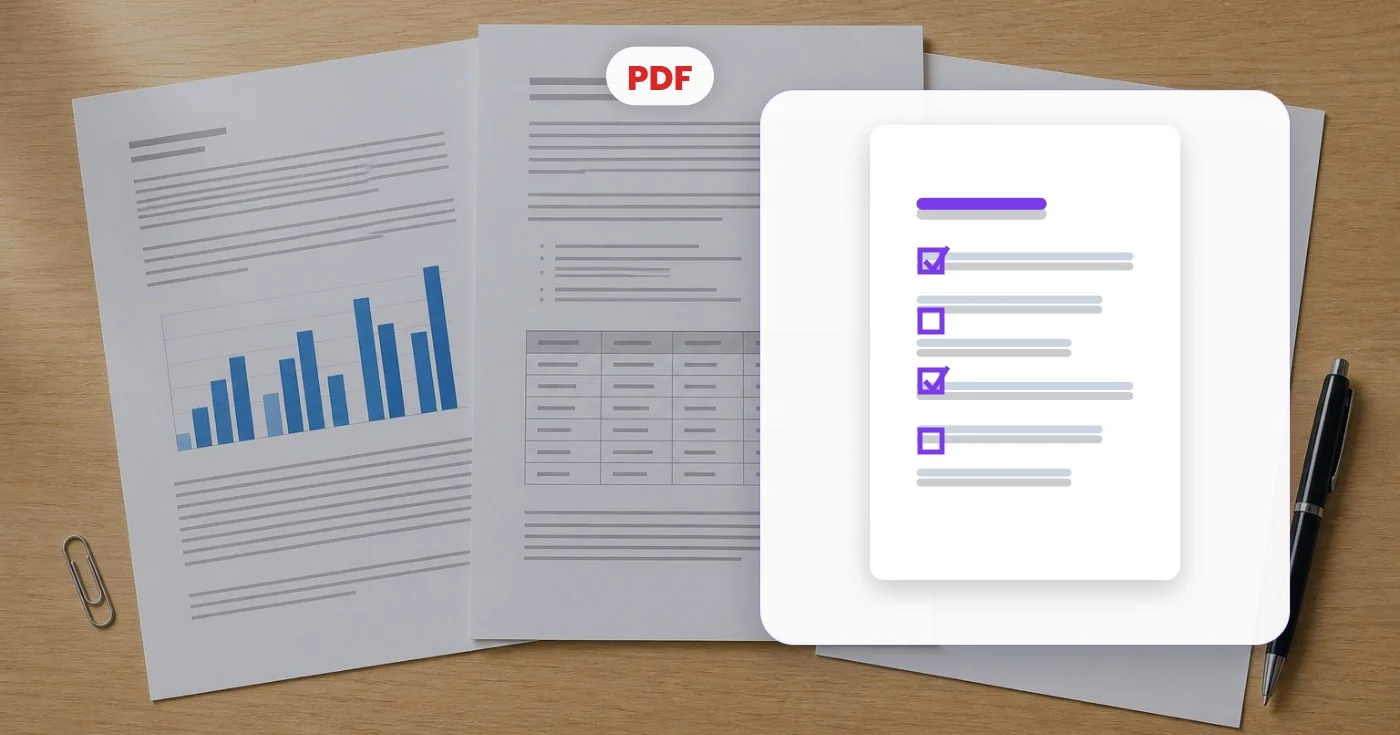
This PDF form filler detects the fillable fields in a PDF and lists them for you to complete: text boxes, checkboxes, dropdowns, radio buttons and lists. When you are done it returns a filled PDF with the original layout, and you can flatten it so the answers cannot be changed. It works in any browser, with nothing to print.
Fill out a PDF form online without printing it
Upload a PDF that has real form fields. The tool detects them and lists each one in the Fields tab under its own name and type, and a count shows how many were found. Type into text fields, tick checkboxes, choose from dropdowns and lists, and pick one option in each radio group.
- Upload the fillable PDF and wait for the fields to be detected.
- Complete each field in the Fields tab.
- Open Output to flatten the form or rename the file.
- Select Fill my form.
- Choose See result, then download the completed PDF.
Flatten a filled PDF form so it cannot be edited
In the Output tab, tick Flatten (make fields non-editable) to turn the answers into permanent page content. Without it, the filled PDF keeps live fields that anyone can still change. Flattening locks in every value as it stands, blanks included, so finish all fields first. If a form is already filled and only needs locking, flatten it as a separate step.
What to do when a PDF has no fillable fields
This tool completes fields that already exist in the file. It cannot add fields to a flat PDF or a scan, and it cannot turn an ordinary PDF into a fillable form. When a PDF has no fields, the tool says so and points you to Annotate PDF, where you can click anywhere on the page and type your answers. To change words already on the page, use the PDF editor.
Find the right field when names look technical
The Fields tab lists each field by the name stored in the PDF, together with its type. Those names are not always the labels printed on the form, so a field can carry a technical name. Fill it in, then open the result and check that every answer landed in the right box before you send the file.
Finish or correct a form someone else started
Values that are already stored in the PDF are loaded into the Fields tab, so you can complete a partly filled form or change an answer. Edit the value, leave Flatten unticked if more people still have to add theirs, and fill the form again to get a new copy.
Fill the same form for many people with a mail merge
Batch mail merge is a Premium feature. Upload one fillable PDF as the template, download the CSV template that has a column for each detected field, add one row per person and upload it. Each row becomes one filled PDF, delivered together as a ZIP. Column headers must match the field names exactly, and columns you leave out keep the values from the Fields tab.
Add your signature to a completed form
Signature fields in a PDF are shown as Unsupported field type and left as they are. Once the other answers are in, add a drawn, typed or uploaded signature to the finished PDF as a second step.
Before you fill a form
- Use a PDF that opens without a password; if yours is locked, remove a password you already know first.
- The output file name starts as the original name with -filled added, and you can change it in Output before you fill.
- Fill every required field before flattening, because flattened values cannot be edited again.
- Keep the blank original if you will need to fill the form again.
If the form has no fields, or still needs a signature
A flat PDF without fillable fields can still be completed: type on any part of the page in the PDF editor. After the answers are in, sign the completed form, and for a copy someone else already filled, lock its answers into the page.
What you can do with Fill PDF Forms
Review the main capabilities before you begin.
- Fill in interactive PDF forms online
- Complete text fields, checkboxes and dropdowns
- Select radio buttons and list options
- Flatten a filled form so it can't be edited
- Finish job applications and official paperwork
- Rename the completed file before downloading
Settings reference
4 settings
Available controls for Fill PDF Forms.
- Processing modePresets
- Process one input, or switch to Premium batch mode to process multiple inputs with shared settings. Available input types depend on the tool.Options: Single formBatch mail merge
- FieldsText input
- One input per form field detected in your PDF — text boxes, checkboxes, dropdowns, list boxes and radio groups — so you can type or pick the value each field should hold.
Output
- Flatten (make fields non-editable)On / Off
- Bakes your filled values into the page as permanent content so recipients cannot change them; leave it off if you plan to edit the form again later.
- Output filenameText input
- Name for the downloaded PDF, pre-filled as your file's name plus "-filled.pdf"; edit it to match any naming convention before downloading.
Related tools for Fill PDF Forms
Tools for common next steps after Fill PDF Forms.

Business Generators
Signature Generator
Draw or type a handwritten signature online and download a transparent PNG for PDFs, documents, and email.
Try it now
PDF & Documents
Sign PDF
Draw, type or upload a signature, place it on a PDF page and download the signed copy.
Try it nowPDF & Documents
Annotate PDF
Add positioned notes and highlights with adjustable color and size, then export the marked-up PDF.
Try it nowFrequently Asked Questions
How Fill PDF Forms helps you get it done
Real problems it solves every day — for businesses, creators, and everyday tasks. Find the use case that fits you and start.
Tax Form Filing (W-9, W-4, I-9, 1099)
Type values directly into IRS tax forms, W-9 contractor agreements, W-4 employee forms and I-9 verification PDFs without printing, hand-writing and re-scanning
Job Application & Onboarding Paperwork
Complete employment applications, NDA agreements, direct-deposit forms and benefits enrolment PDFs in the browser, then sign and return without a trip to the printer
Government & Visa Application Forms
Fill DS-160 visa applications, DMV forms, passport renewal paperwork and immigration documents online with typed text that stays legible, unlike hand-written submissions
Medical Intake & Insurance Claim Forms
Patients complete new-patient intake forms, HIPAA authorisations and insurance claim PDFs at home before the appointment, with fields filled in real text the clinic can OCR
School Enrolment & Permission Slips
Parents fill out school enrolment packets, field-trip permission slips and after-school activity registrations digitally, then return the signed PDF by email
Real Estate & Rental Lease Agreements
Tenants and landlords fill out lease agreements, rental applications and move-in checklists in the browser, then sign and return without DocuSign subscription fees
Vendor Contracts Locked Before Countersigning
Fill in a vendor agreement or purchase contract's text and checkbox fields, then turn on Flatten so the terms can't be edited after you send it back for a client or partner to countersign.
Scholarship & Grant Applications
Complete dropdown- and radio-heavy scholarship or grant application PDFs using the exact options the funder built into the form, then rename the Output filename to match their required naming convention before the deadline.
Reusable Business Form Templates
Keep one blank purchase-order or expense-report AcroForm template and fill a fresh copy every time you need one, giving each output a unique name via the Output filename field instead of retyping the template from scratch.
Self-Represented Court Filings
Fill out small-claims, name-change or other self-representation court forms with checkbox and radio sections completed precisely, then flatten the PDF so the clerk's office receives a locked, tamper-evident copy.
Guides for this tool
Watch each transformation land
Every photo crosses the slash untouched and comes out the other side finished.























