
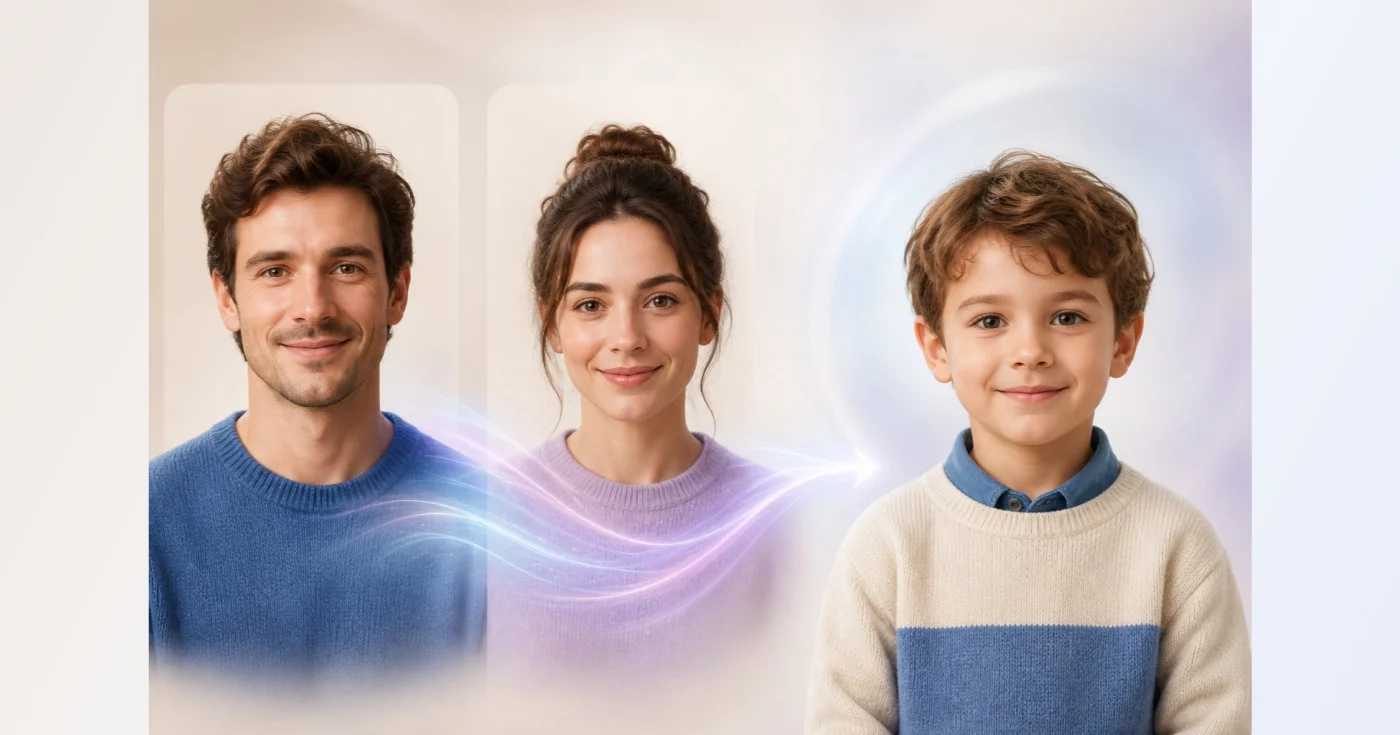
Future Child Generator — Create a Fictional AI Portrait
For entertainment only. The result is not a genetic or medical prediction.
Upload one clear portrait for each parent. Pixoate creates one fictional, family-friendly child portrait inspired by visible traits from both photos.
- Two separate parent-photo slots
- One child portrait—never a collage
- Generated output is screened before it is saved
Upload two adult portraits
Use separate, well-lit photos with one visible face in each. Parent 1 and Parent 2 can be uploaded in either order.
Parent 1
Parent 2
An imaginative blend—not a prediction
A child's real appearance depends on genetics and development that cannot be inferred from two photographs. Use this result as playful artwork, not as evidence about a present or future child.
How to create a fictional child portrait from 2 parent photos
This future child generator blends visible traits from 2 adult portraits into one fictional, family-friendly child portrait. You add a photo for Parent 1 and Parent 2, confirm that you may use both, and the tool creates one clothed child around age 5 on a simple background. It is made for entertainment: the picture is imaginative artwork and not a prediction of how a real child will look.
Make the portrait in 4 steps
The 2 slots work in either order, and each needs its own photo. On a phone each slot also offers Take a photo. The page shows both parent photos while you set up, then replaces them with the child portrait when it is ready.
- Add one clear adult portrait in the Parent 1 slot and another in Parent 2.
- Tick the box confirming you own both photos or have permission.
- Select Create future child portrait and wait for the picture.
- Review the portrait, then choose See result to save it or Generate again.
Choose 2 parent photos that blend well
Use one sharp, well-lit portrait of each adult, with an unobstructed face and a natural expression. Similar camera distance and lighting make the 2 faces easier to compare, while group photos, face coverings, extreme angles and heavy filters give the tool less to read. Upload only photos you own or have permission to use.
See what the child portrait shows
The result is one fictional child, shown at around age 5 so that visible traits can be rendered consistently, fully clothed, on a simple neutral background. The adults are references only and are not meant to appear in the picture, and the request asks for one picture, not a collage or a split screen. There is no setting for age, sex or number of children, and each run creates one portrait in a 4:5 frame.
Try again and compare the results
Generate again makes a new portrait from the same 2 photos, so you can compare a few versions and keep the one you like. Each version is a different imagined blend, not a more accurate one, which is why none of them says anything about a real child. To explore another idea, see one parent at a different age.
Share the portrait responsibly
Treat the picture as playful artwork. It is not evidence about genetics, health, sex or parentage, and generated output is screened before it is saved. Share it only with the agreement of the people in the photos. For a set of new looks of one adult, turn up to 5 photos into a portrait set.
Before you generate
- Check that you have permission from both people shown.
- Use adult portraits with one face per photo.
- Choose photos with a similar look and lighting.
- Treat the result as artwork, not as a prediction.
More family portrait ideas
To picture one parent at 60 or 70, age a single portrait forward; for a handful of new looks of one parent, turn up to five photos into a portrait set.
The parents and the child portrait can share one image when you build a side-by-side collage, and a vintage or sepia effect gives it an old-album feel.
What you can do with Future Child Generator
Review the main capabilities before you begin.
- Combine two permitted adult portraits as visual references
- Create one fictional child portrait around age five
- Keep the generated result fully clothed and family-friendly
- Review a playful concept without genetic prediction claims
- Generate one child rather than an adult-photo collage
Settings reference
3 settings
Available controls for Future Child Generator.
Parent references
- Parent 1File input
- Upload one clear adult portrait with a complete, unobstructed face as the first visual reference.
- Parent 2File input
- Upload a different clear adult portrait as the second visual reference; either parent can use either slot.
- I own both photos or have permission from both people shown.On / Off
- Confirm ownership or permission for both adult reference photos before creating the fictional portrait.
Related tools for Future Child Generator
Tools for common next steps after Future Child Generator.

AI Image Studio
AI Age Progression
Generate a portrait at a selected age from one photo. This is a visual interpretation, not a prediction.
Try it now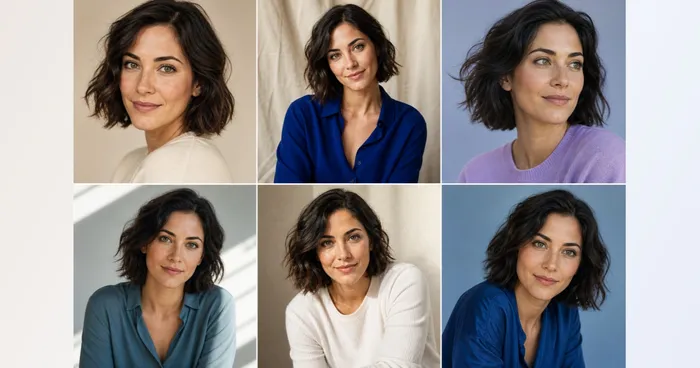
Creative & Design
AI Photo Variations
Upload one to five portraits of the same person to generate portrait variations. Review likeness and details.
Try it now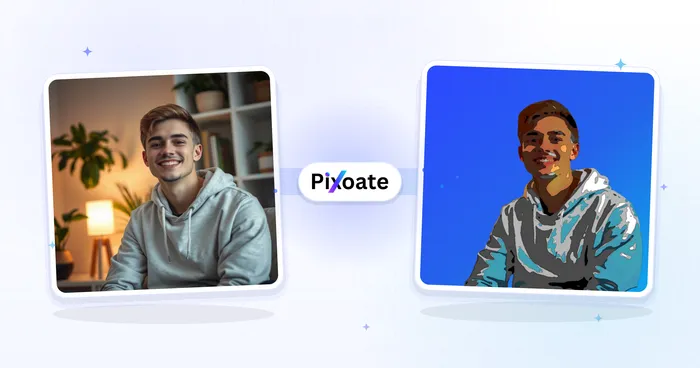
Portrait & Headshot Studio
Avatar Generator
Create corporate, gaming, social, or illustrated avatars from a portrait with editable AI style directions.
Try it nowFrequently Asked Questions
How Future Child Generator helps you get it done
Real problems it solves every day — for businesses, creators, and everyday tasks. Find the use case that fits you and start.
Playful Family Concept Art
Turn two permitted adult portraits into one clearly fictional child portrait for private entertainment, while keeping the result separate from genetic, medical, or pregnancy claims.
Fictional Family Story Characters
Use two adult character references to inspire a family-friendly child character for a story moodboard, then review clothing, anatomy, and facial coherence.
Keepsake-Style Imaginative Portrait
Create a polished fictional portrait to share as imaginative artwork, with explicit context that it does not depict or predict a real child.
Watch each transformation land
Every photo crosses the slash untouched and comes out the other side finished.























