
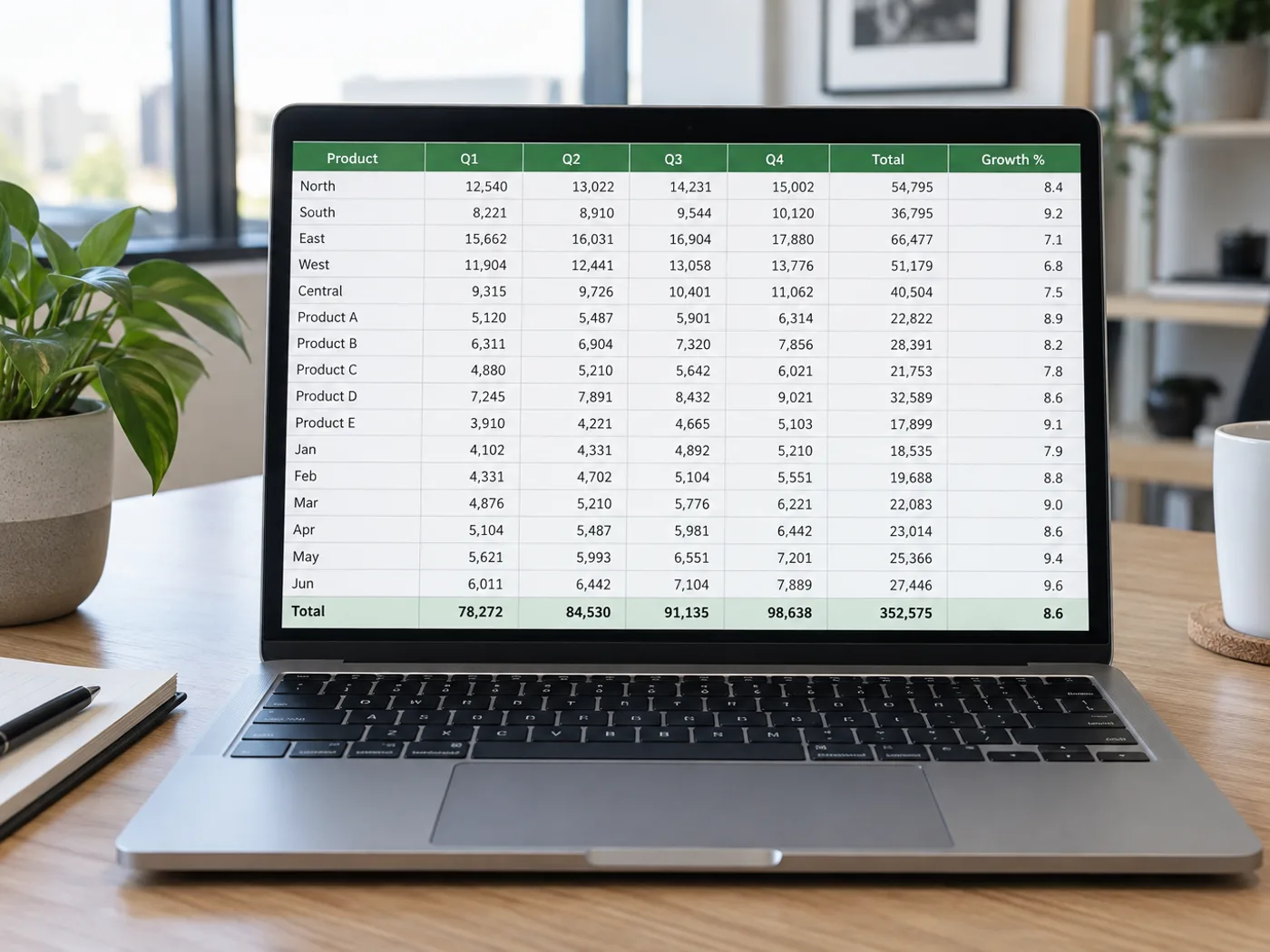
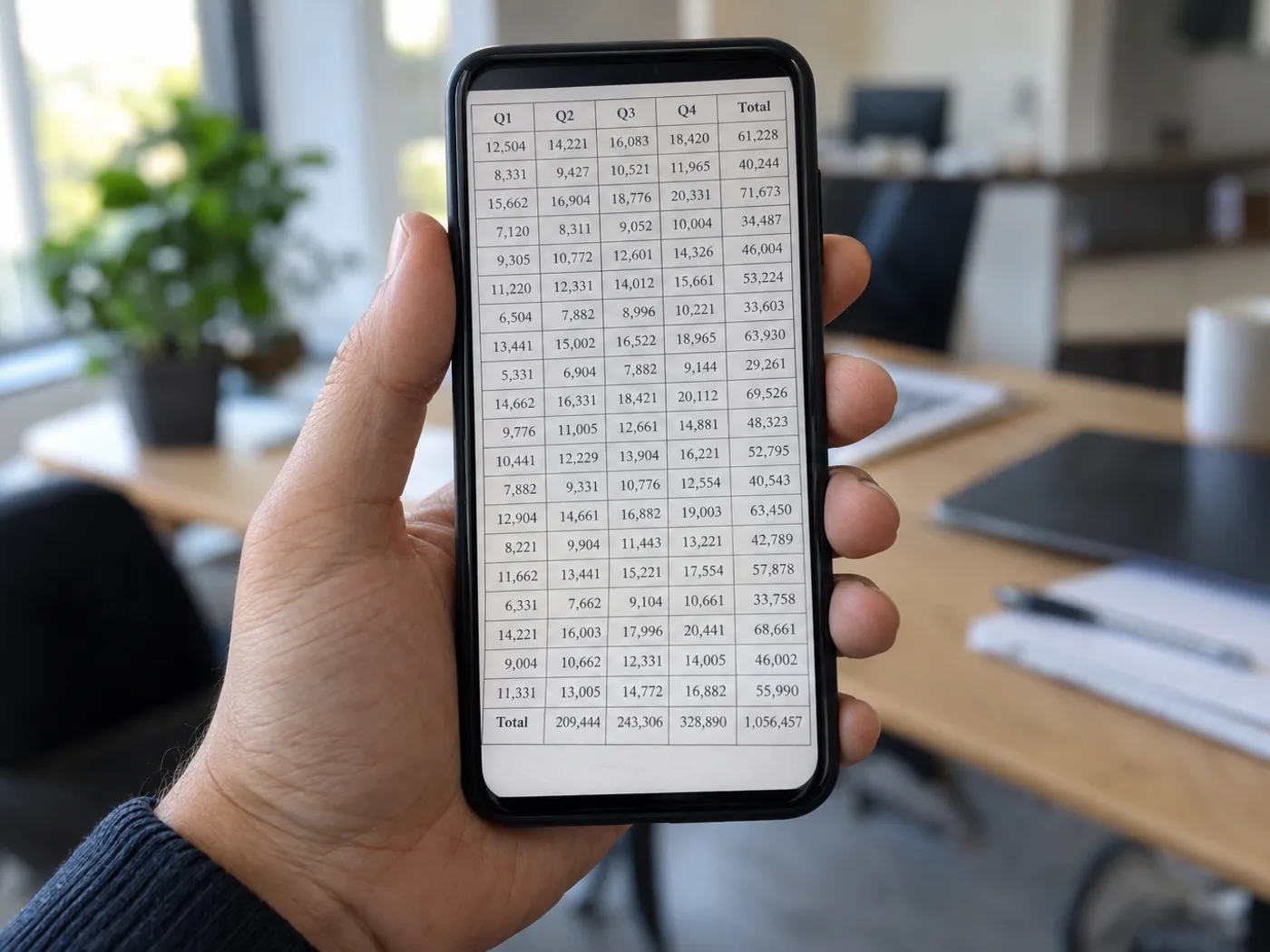
Stop retyping a table you already photographed
A phone photo captures the table, but Excel needs individual cells. Extract the printed rows from your JPG, compare the editable grid with the photograph, and correct any digits softened by compression before saving a workbook.
Supplier price lists photographed at a counter
Move product names and quoted prices into cells so you can compare suppliers after checking the photograph against the extracted amounts.
Printed experiment measurements
Recover a photographed results table for later analysis. Verify decimal points and units before adding your own calculations in Excel.
From camera photo to a checked Excel table
- Use the original camera file, with the table upright and filling the frame.
- Extract the table and compare column boundaries, decimal points and signs with the JPG.
- Correct the grid and download XLSX; add formulas after verifying the values.
Fixing blur, missing decimals and formula expectations
- Does JPG to Excel insert my photograph into a worksheet?
- It recognizes the table contents and writes editable cells. The aim is a spreadsheet you can work with, rather than a picture pasted into Excel.
- Can I upload a JPEG instead of a JPG?
- Yes. JPG and JPEG are file extensions for the same image format, so a separate conversion step is unnecessary.
- Why did a decimal disappear from my photographed table?
- Camera blur or JPEG compression can make punctuation indistinct. Correct the cell in the review grid, or take a sharper photograph if several values are affected.
- Will a photo recover the original Excel formulas?
- A photograph contains only the displayed values. Formula definitions, hidden sheets and workbook references cannot be recovered from its pixels.
- Does JPG to Excel make an XLS or an XLSX file?
- It makes an XLSX workbook. Excel and Google Sheets open XLSX directly, and there is no separate XLS export. If a legacy system needs XLS, open the workbook in Excel and save a copy in the older format.
- How should I photograph a table so the columns come out right?
- Hold the phone straight above the page, include the header row, and keep the whole table in one frame in even light. Rotate and crop before uploading. A sharp, upright photo helps the reader split the columns correctly, but still check the grid.
- Can I convert a photo of a handwritten table to Excel?
- Printed tables are the reliable case. Clear handwriting can be readable, but crossed-out or overlapping numbers need checking, so compare every cell with the photo. For handwritten notes rather than grids, Handwriting OCR returns the text instead.
- Why are some cells shaded amber in the grid?
- Amber marks cells the reader was less sure about, so check those against the photo first. Editing a cell clears its shading. Unshaded cells can still be wrong, so treat the shading as a hint rather than proof.
- Why does my result have empty cells or an empty row?
- Rows are padded to the widest row, so a short row gets empty cells at the end, and a blank row separates two tables found in one photo. Delete blank rows with the trash icon, and check whether a value in the wrong column explains an empty cell.


























