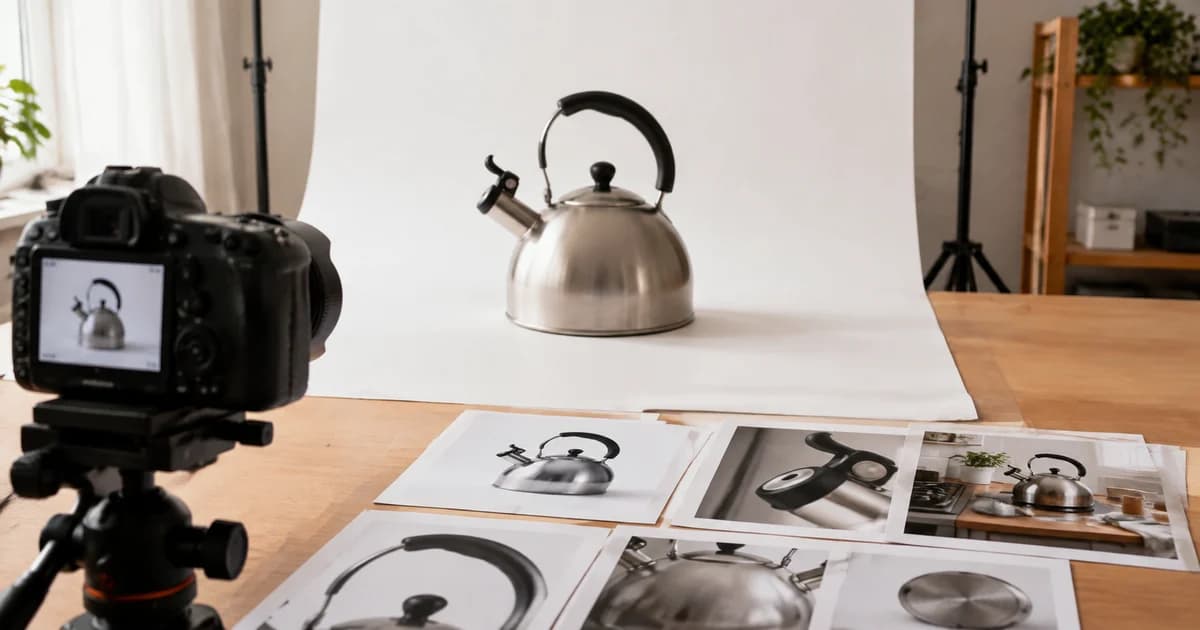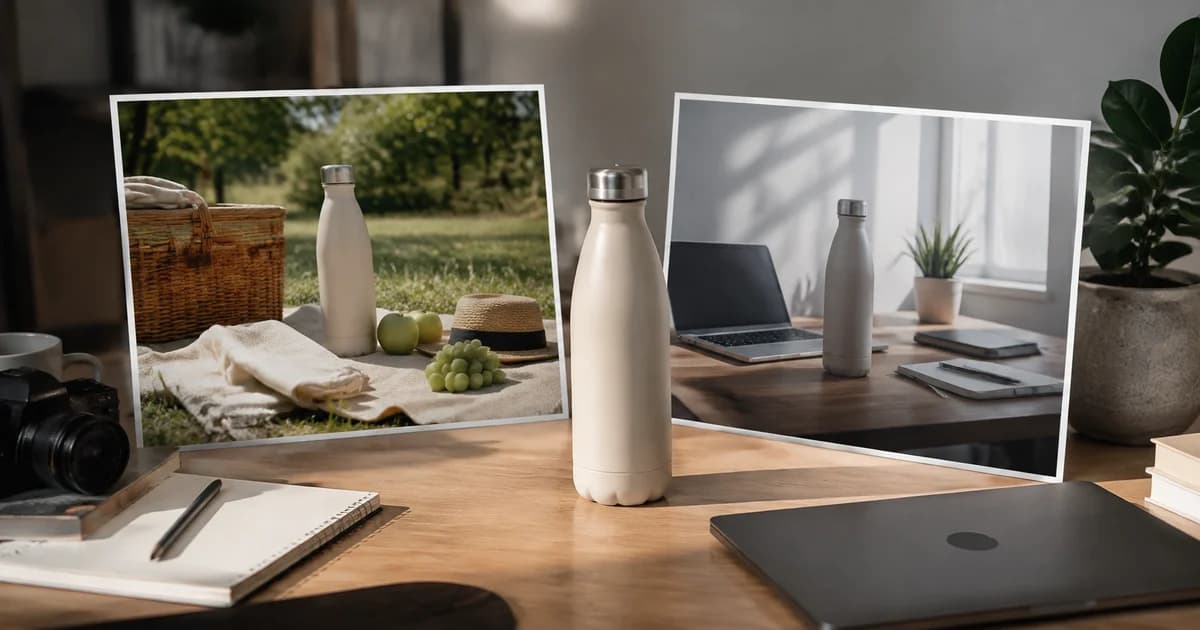
Same Product, Different Story: Where AI Lifestyle Photography Adds Value
One product can belong in several stories. Explore AI lifestyle photography with Pixoate and the review that keeps a generated scene true to the item.
A notebook on white shows its cover and shape. The same notebook beside a travel bag suggests a journey; beside a desk lamp, it suggests a working day. The setting changes the story around an unchanged product.
AI lifestyle photography can help explore those stories. Its value depends on whether the scene adds relevant context while keeping the product and the offer accurate.
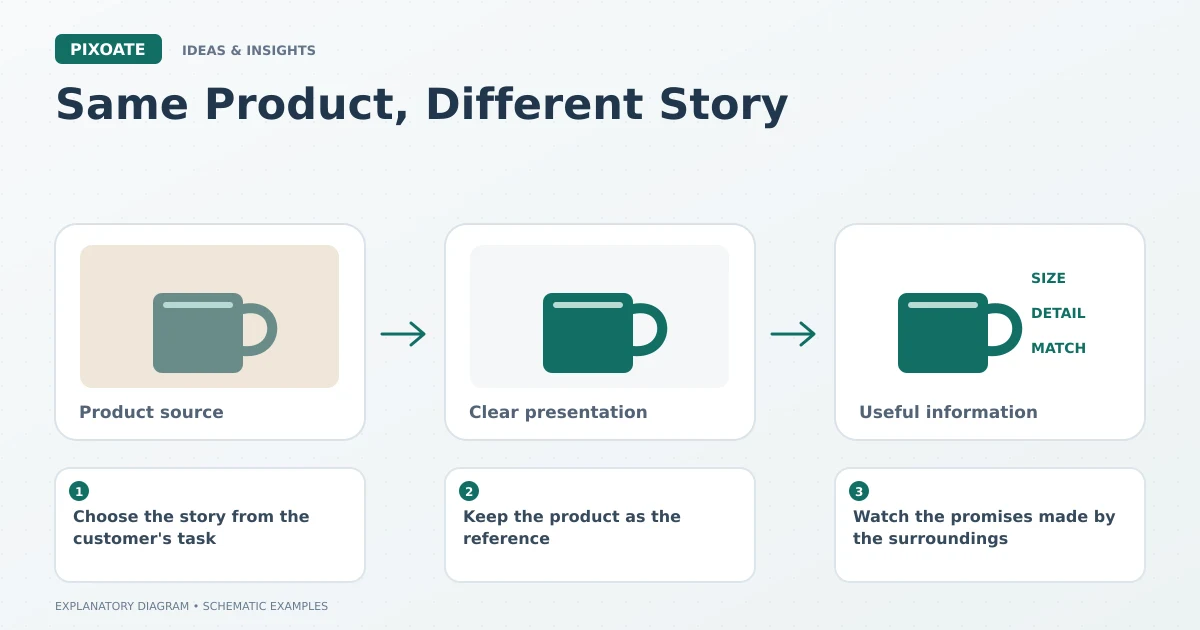
Original explanatory graphic. The scenes and sample records are schematic illustrations, not screenshots or measured tool results.
Choose the story from the customer's task
Begin with a plausible use. A planter belongs in a setting where its size and purpose make sense. A kitchen tool should not appear to perform a task the real item cannot handle.
Ask what the scene contributes beyond decoration. Does it suggest where the product belongs, show a compatible style or support a campaign theme? If it contributes only visual noise, a simpler image may be more useful.
Keep the product as the reference
Pixoate AI Product Photos generates contextual imagery around an uploaded source. Use a clear original and a focused direction, then inspect the result rather than relying on preservation instructions alone.
Compare branding, lettering, colour, shape, quantity and material. A scene can look coherent while a small packaging detail has changed.
Use Image Compare to examine the original and candidate. Keep straightforward real product photographs available for factual inspection.
Watch the promises made by the surroundings
A prop can suggest that an accessory is included. A hand can suggest a size. A particular environment can imply suitability for a use that has not been established.
Review those implications along with the visual quality. A generated room is not measurement evidence, and an attractive scene does not establish a product performance claim.
Give each scene a placement and purpose
Keep main listing requirements, supporting-gallery rules and advertising placements separate. The same creative asset may not be appropriate everywhere.
Compare a small number of purposeful variations. One might emphasise a home setting, another a professional workspace. Record what each version is intended to communicate and assess the actual audience response with appropriate context.
There is no need to turn every product into a dramatic fantasy. Often the useful scene is the one that makes an ordinary use easier to imagine.
Explore that direction with Pixoate AI Product Photos, keeping the real product as the standard and the surrounding story as a carefully reviewed creative choice.